44 Using Your Dell™ Streak
3 Type the extension.
4 Touch to make a call.
To make an international call
1 Touch and hold the number 0 key on the dialpad until "+" appears.
2 Enter the country code, area code, and phone number.
3 Touch to make a call.
To listen to your voicemail
Touch
or touch and hold the number 1 key on the dialpad to call
your voicemail box.
NOTE: If no voicemail number is stored on your SIM card, you will be
prompted to enter a number. Touch Add number to enter and save your
voicemail number.
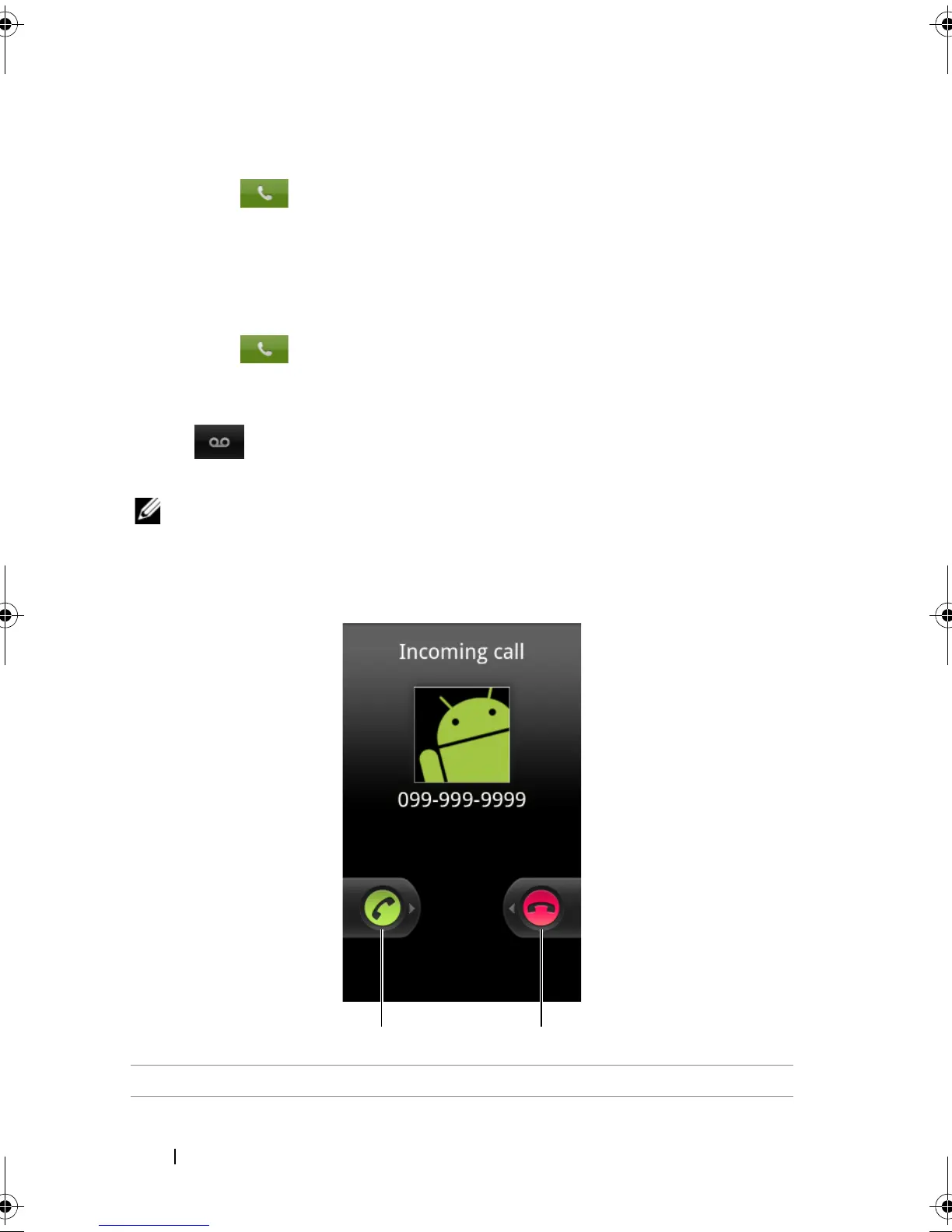
To answer or reject an incoming call
1 Drag right to answer an incoming call.
bk0.book Page 44 Friday, November 19, 2010 12:24 PM














 To Next Page