52 │ Setting up the monitor
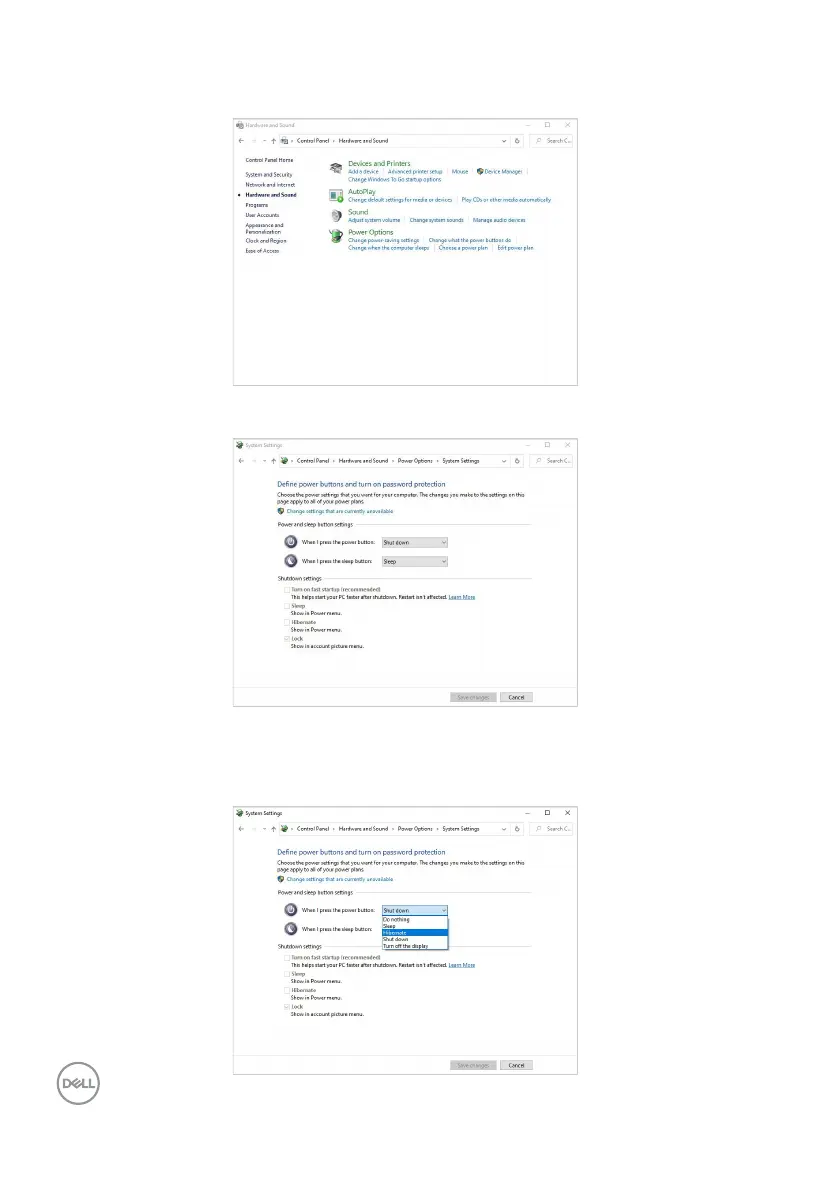
2. Select Hardware and Sound, followed by Power Options.
3. Go to System Settings.
4. In the drop-down menu of When I press the power button, there are a few
options for selection, namely Do nothing/Sleep/Hibernate/Shut down.
You can select Sleep/Hibernate/Shut down.












 To Next Page