Setting up the monitor │ 53
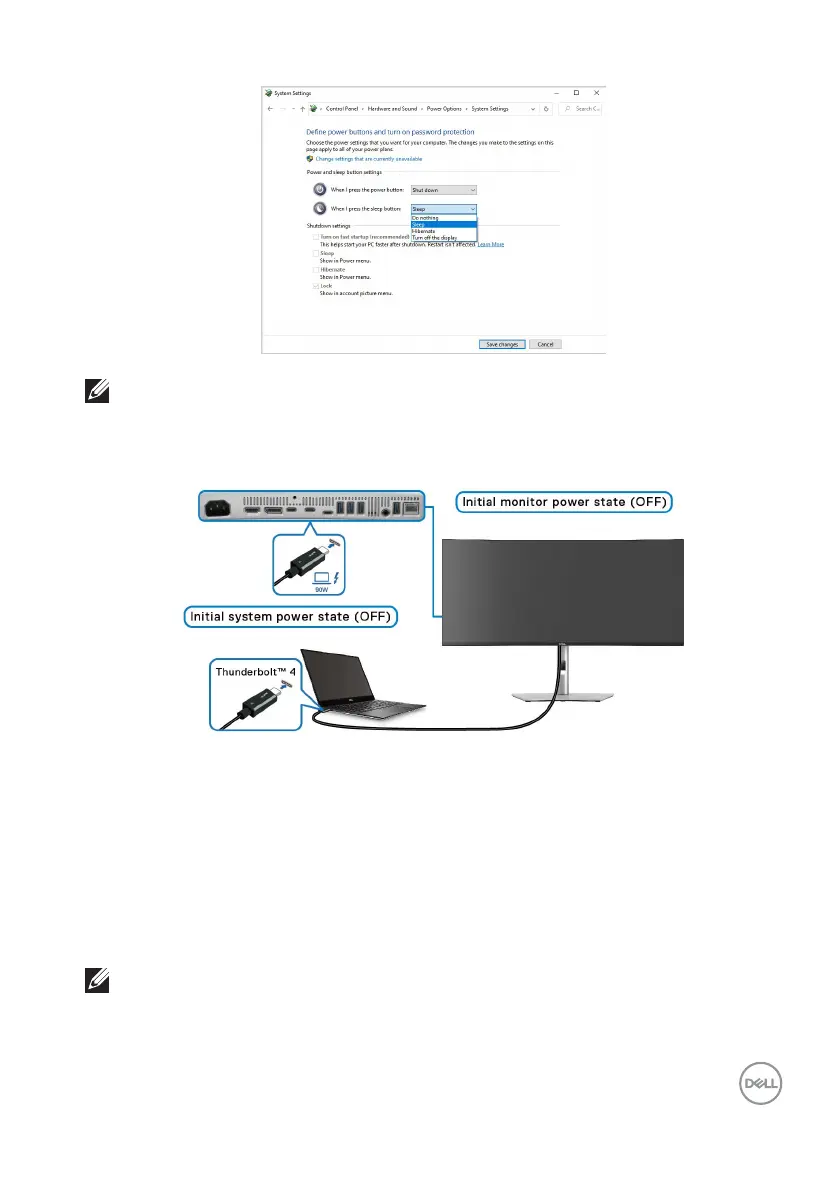
NOTE: Do not select “Do nothing”, otherwise the monitor power button
will not be able to sync with PC system power state.
Connecting the monitor for DPBS for the first time
For the first time setting up the DPBS function:
1. Mak
e sure both the PC and the monitor are OFF.
2. Pr
ess the monitor power button to turn ON the monitor.
3. Connec
t the Thunderbolt™ 4 passive cable (shipped with your monitor) from
the PC to the monitor.
4. Bo
th the monitor and PC will turn ON normally. If not, press the power button
either on the monitor or the PC to boot up the system.
NOTE: Ensure that Dell Power Button Sync is set to On. See Dell Power
Button Sync.












 To Next Page