Dell XC Core XC660 overview
The XC660 system is a 1U server that supports:
● Up to two fourth-generation Intel Xeon scalable processors with up to 52 cores
● Thirty-two DIMM slots
● Two redundant AC or DC power supply units
● Up to 10 x 2.5-inch SAS, SATA, or NVMe (hard drive or SSD) drives
NOTE: For information about how to hot swap an NVMe PCIe SSD U.2 device, see the Dell Express Flash NVMe PCIe SSD
User's Guide at https://www.dell.com/support.
NOTE: In this document, the use of drives refers to all instances of SAS and SATA drives unless specified otherwise.
CAUTION: Do not install GPUs, network cards, or other PCIe devices on your system that Dell Technologies has
not tested or validated. The use of unauthorized or unapproved hardware can damage your system and invalidate
the system warranty.
Topics:
• Front view of the system
• Rear view of the system
• Inside the system
• Locate Express Service Code and Service Tag
• System information labels
• Rail sizing and rack compatibility matrix
Front view of the system
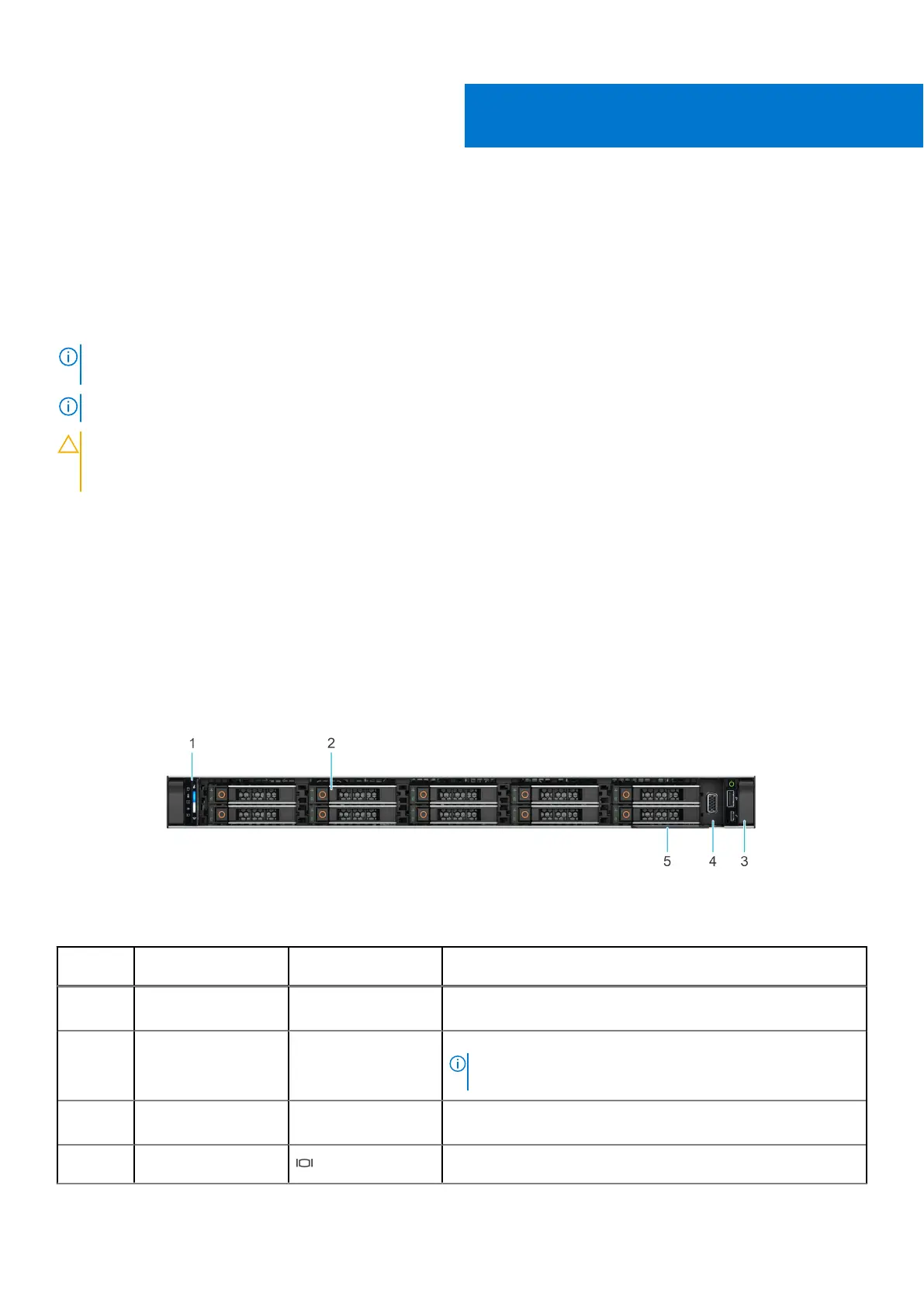
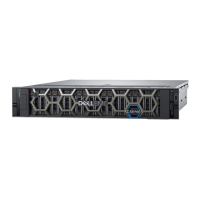
Figure 1. Front view of 10 x 2.5-inch drive system
Table 1. Features available on the front of the system
Item Ports, panels, and
slots
Icon Description
1 Left control panel N/A Contains the system health, system ID, and the status LED
indicator.
2 Drive N/A Allows you to install drives that are supported on the system.
NOTE: For drive slot numbers, see the System information
labels section.
3 Right control panel N/A Contains the power button, VGA port, USB port, iDRAC Direct
(Micro-AB USB) port, and the iDRAC Direct status LED.
4 VGA port Enables you to connect a display device to the system.
2
8 Dell XC Core XC660 overview



 To Next Page