12
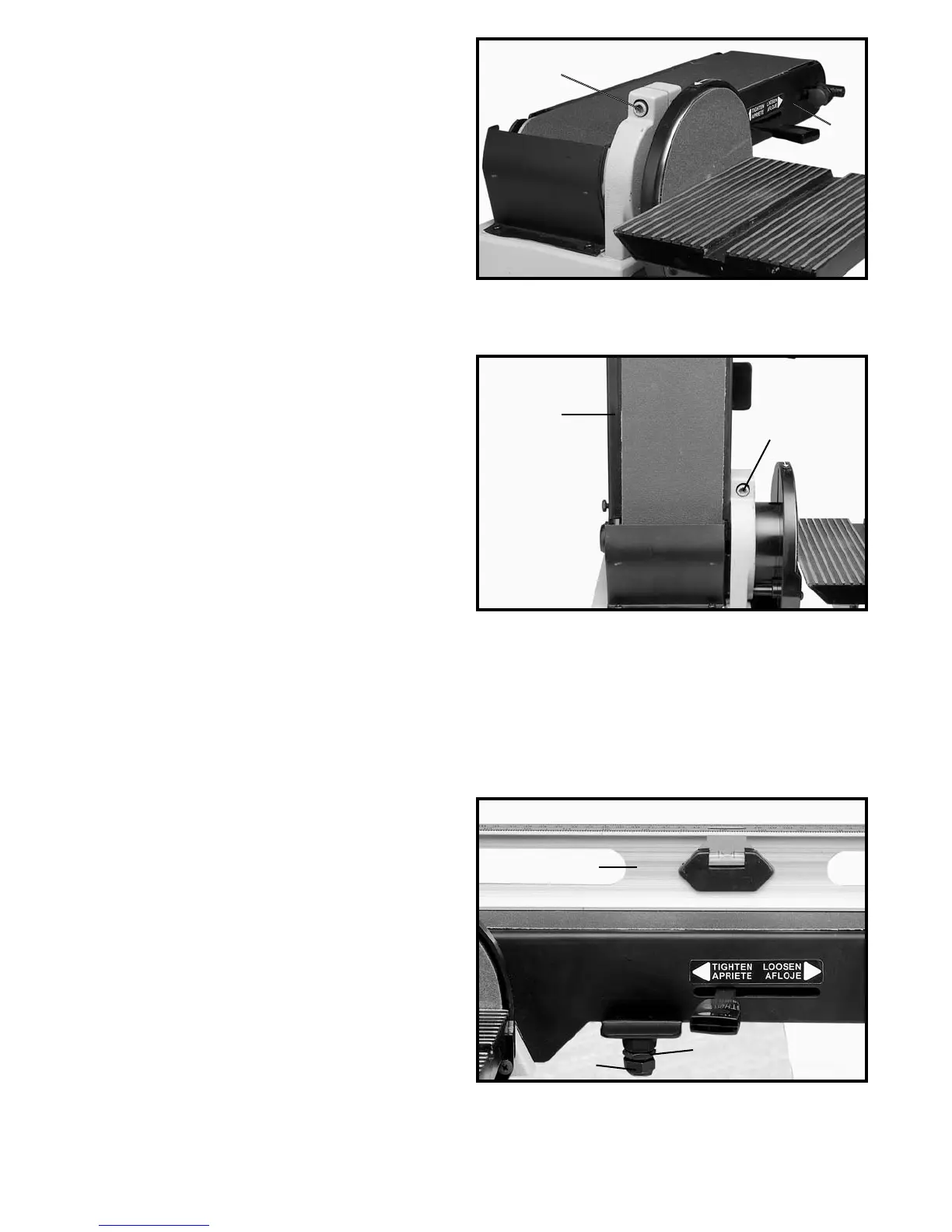
Fig. 25
CHANGING POSITION
OF SANDING ARM
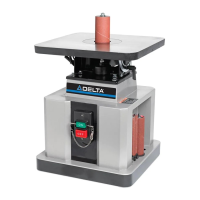
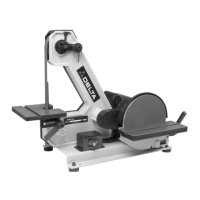
1. The sanding arm (A) can be used in the horizontal
position, as shown in Fig. 25; vertical position, as shown
in Fig. 26; or any angle in between by loosening screw
(B), positioning the arm (A) to the desired angle and
tightening screw (B).
Fig. 26
Fig. 27
ADJUSTING
SANDING ARM STOP
A positive stop is provided to position the sanding arm
level with the workbench when the arm is in the
horizontal position.
1. Place the sanding arm as far as possible in the hor-
izontal position.
2. Place a level (A) on the sanding belt and check to
see if the arm is level, as shown in Fig. 27.
3. If an adjustment is necessary, loosen lock nut (B)
Fig. 27, and turn sanding arm stop (C) in or out until the
sanding arm is level. Then tighten lock nut (B).
A
B
A
B
B
C
A



 To Next Page