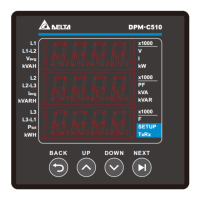
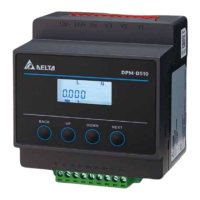
Delta Din- rail Power Meter DPM- D510 User Manual
2- 4
2.3 Operating the Display
DPM-D510
:
Home page display:
Parameter
Description
V
Average voltage L-L: 1PH3W, 3PH3W
Average voltage L-N: 1PH2W, 3PH4W
I Average current value
P Total real power
Button overview:
Button Basic Mode Setting Mode
BACK Key
Go to Menu or return to the
previous screen
Return to the previous screen without saving the
current setting
UP Key Select item or page Decrement / Increment the number*
DOWN Key Select item or page Decrement / Increment the number*
NEXT Key Go to setting mode Go to setting mode and go to the next setting


 To Next Page