Delta Din-rail Power Meter DPM- D510 User Manual
4- 8
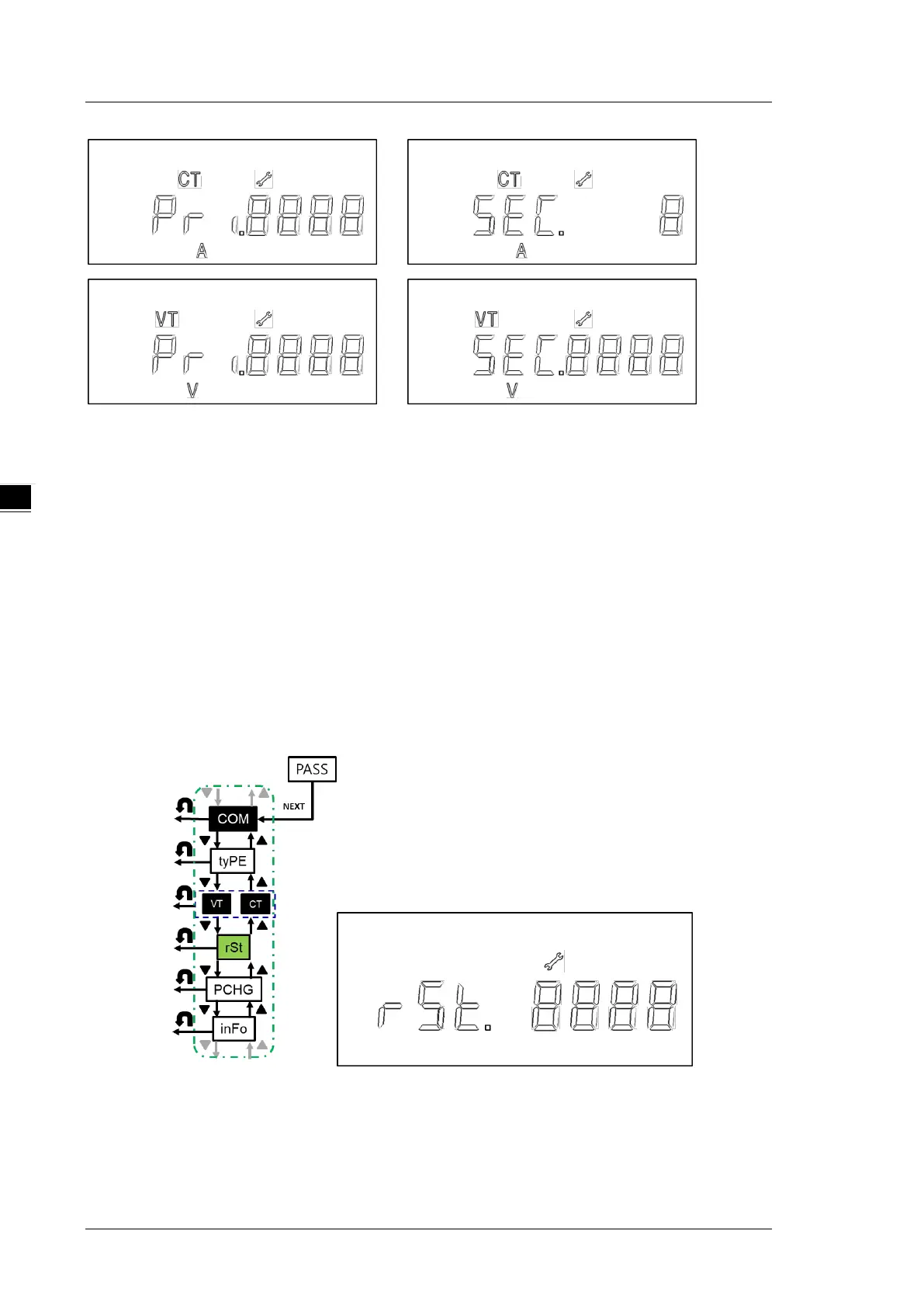
4.2.5 Reset (rSt)
No action (nonE): do not reset.
Restore to defaults (dEF): restore the power meter parameters to default settings.
Reset the energy value: Reset the accumulated value of electric energy (PH) on the meter to zero.
Steps:
1. Press NEXT key till the option starts blinking.
2. Use UP and DOWN keys to select the reset options.
3. Press NEXT key to confirm the setting.
Note: You can go back to the previous setting item by pressing BACK key anytime, whether you have
completed or canceled the setting.


 To Next Page