Chapter 3 Installation
3- 7
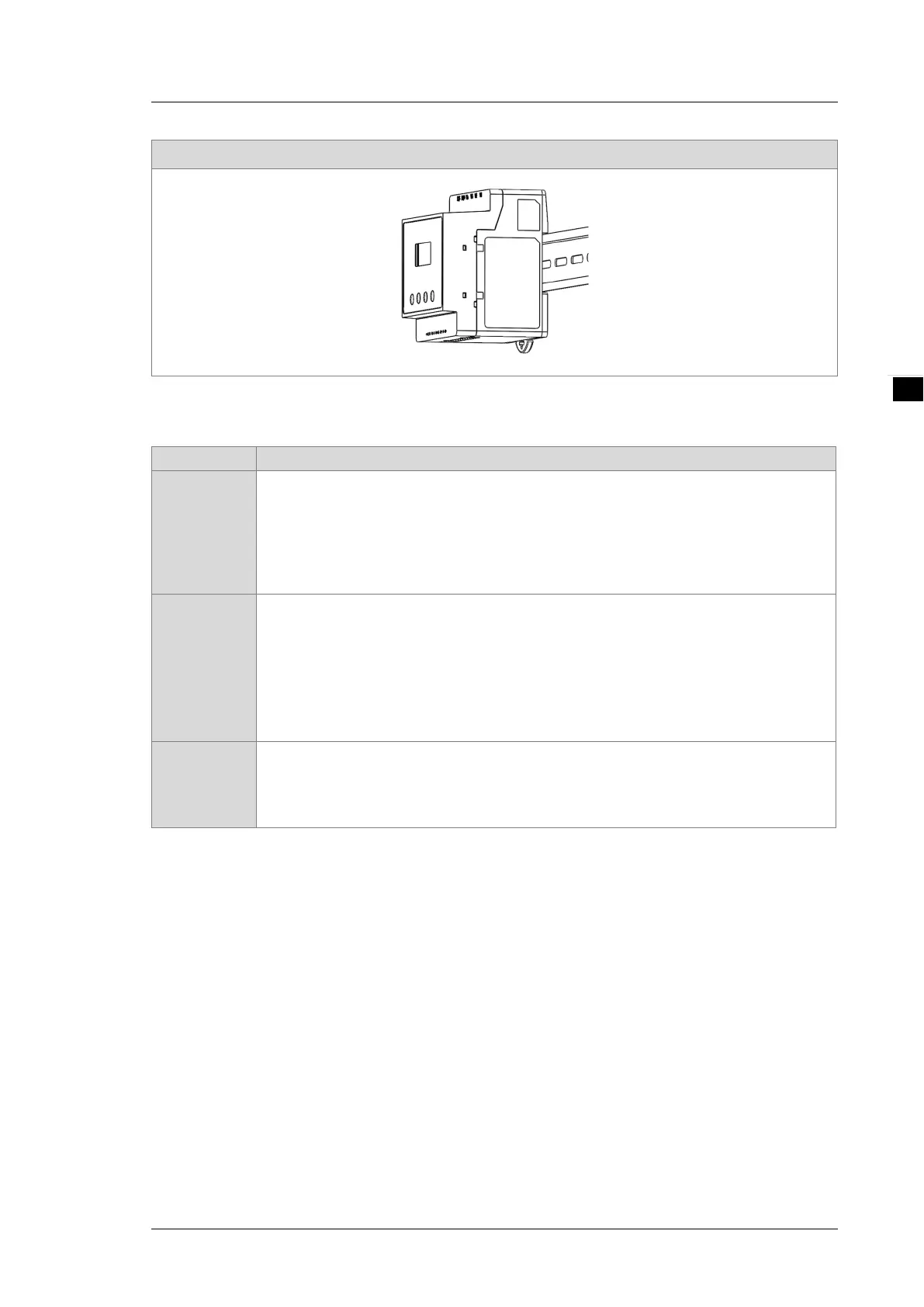
Step 3: Press to lock the plastic plate.
3.2 Basic Checks
Items Contents
General Check
Regularly check for mounting looseness where the power meter and device are
connected.
Prevent foreign objects, such as oil, water, or metal powder entering the device through
the ventilation holes. Prevent drill shavings or other debris entering the power meter.
If the power meter is installed at a location with harmful gas or dust, prevent those
materials from entering the power meter.
Pre-operation
Check
(not supplied
with power)
Insulate the connections at the wiring terminals.
Communications wiring should be done properly to prevent abnormal operations.
Check for the presence of conducive and flammable objects, such as screws or metal
pieces in the power meter.
If electronic devices near to the power meter experience electromagnetic interference,
take steps to reduce the electromagnetic interference.
Check for the correct voltage level for the power supplied to the power meter.
Pre-running
Check
power)
Check if the power indicator light is lit.
Check if communication between every device is normal.
If there is any abnormal response from the power meter, contact your distributor or our
customer service center.


 To Next Page