Chapter 4 Operation
4- 3
4.2 Setups
4.2.1 Password Setup (PASS)
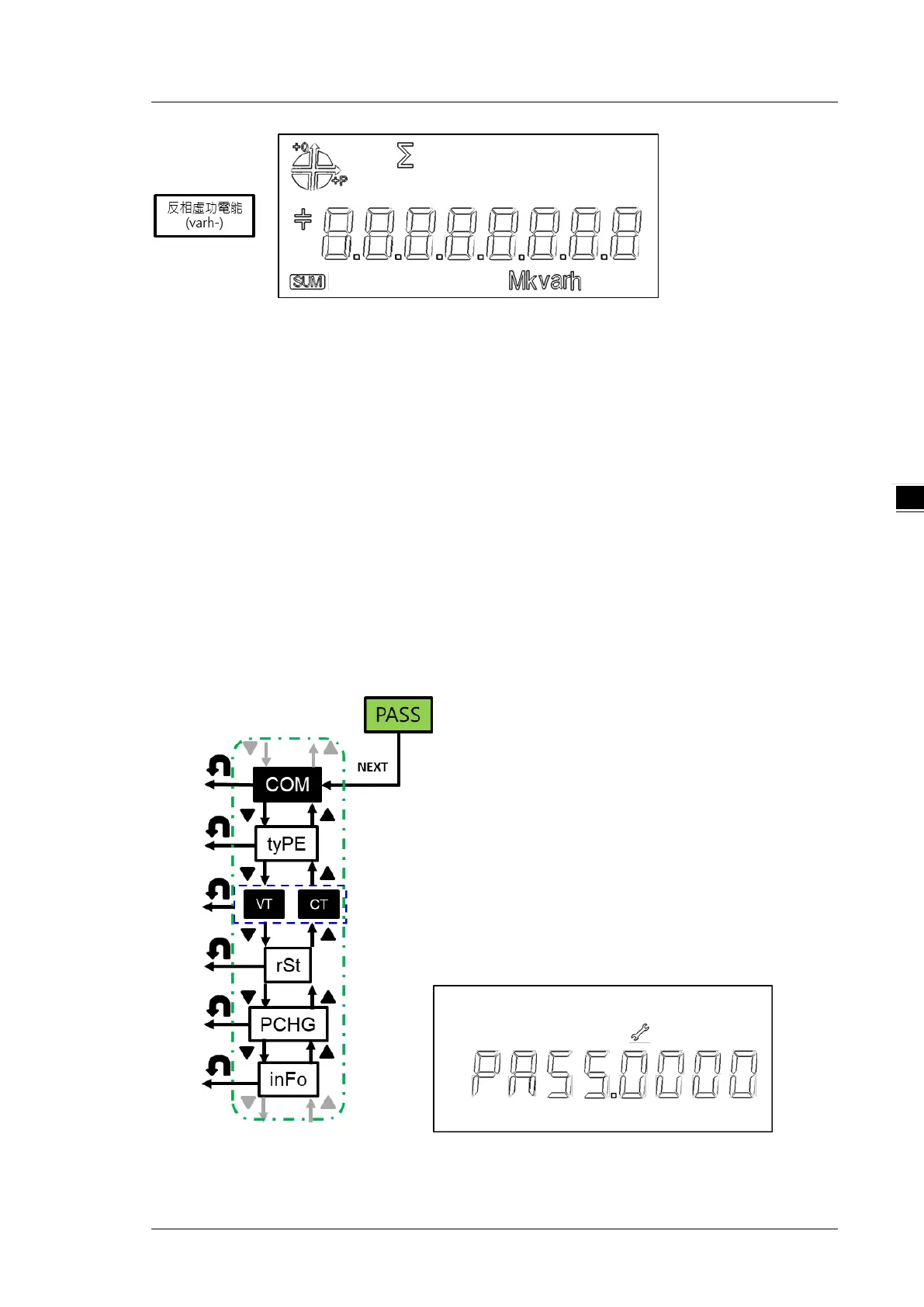
Password: before using power meter, you need to enter the password (default 0000)
Steps:
1. Press NEXT key till the first digit starts blinking
2. Use UP and DOWN keys to select the first digit of the password
3. Press NEXT key to confirm the selected digit and you can start to set the next digit
4. Repeat steps 2-3 till you complete the setting of the 4 digit password.
5. After you complete the setting of the 4 digit password, press NEXT key to go to the parameter
setting page.
*Note 1: if you need to edit the setting you just set, you can press BACK key and the digit will stop
blinking. Press NEXT key to reset a new password.


 To Next Page