Chapter 12 Description of Parameter Settings|CFP2000 Series
12.1-09-1
09 Communication Parameters The parameter can be set during the operation.
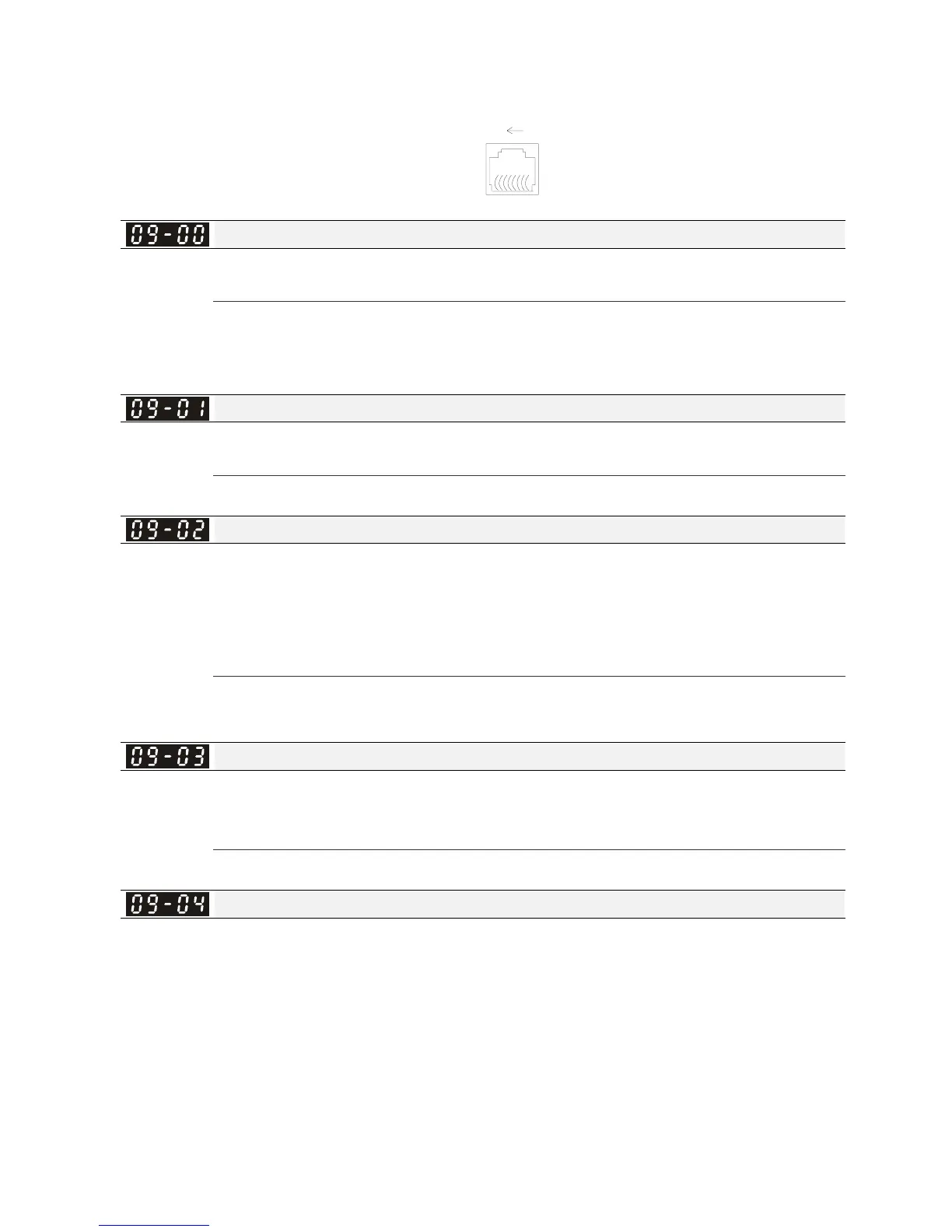
Pin 1~2,7,8: Reserved
Pin 3, 6: GND
Pin 4: SG-
Pin 5: SG+
RS-485
8
1
Modbus RS-485
When using communication devices,
connects AC drive with PC by using
Delta IFD6530 or IFD6500.
COM1 Communication Address
Factory Setting: 1
Settings 1~254
If the AC motor drive is controlled by RS-485 serial communication, the communication address
for this drive must be set via this parameter and each AC motor drive’s communication address
must be different.
COM1 Transmission Speed
Factory Setting: 9.6
Settings 4.8~115.2Kbits/s
This parameter is for set up the RS485 communication transmission speed.
COM1 Transmission Fault Treatment
Factory Setting: 3
Settings
0: Warn and keep operation
1: Warn and ramp to stop
2: Warn and coast to stop
3: No warning and continue operation
This parameter is to set the reaction of MODBUS transmission errors with the host. Detection
time can be set in Pr09-03.
COM1 Time-out Detection
Factory Setting: 0.0
Settings 0.0~100.0 sec
0.0: Disable
It is used to set the communication transmission time-out.
COM1 Communication Protocol
Factory Setting: 1
Settings 1: 7, N, 2 for ASCII
2: 7, E, 1 for ASCII
3: 7, O, 1 for ASCII
4: 7, E, 2 for ASCII
5: 7, O, 2 for ASCII
6: 8, N, 1 for ASCII
7: 8, N, 2 for ASCII
8: 8, E, 1 for ASCII




 To Next Page