34 - User's Manual
Confi guring Crowd Control Solution
7
Camera 01
Camera 02
Camera 03
Camera 04
Camera 06
Camera 05
Camera 07
Camera 08
Camera 09
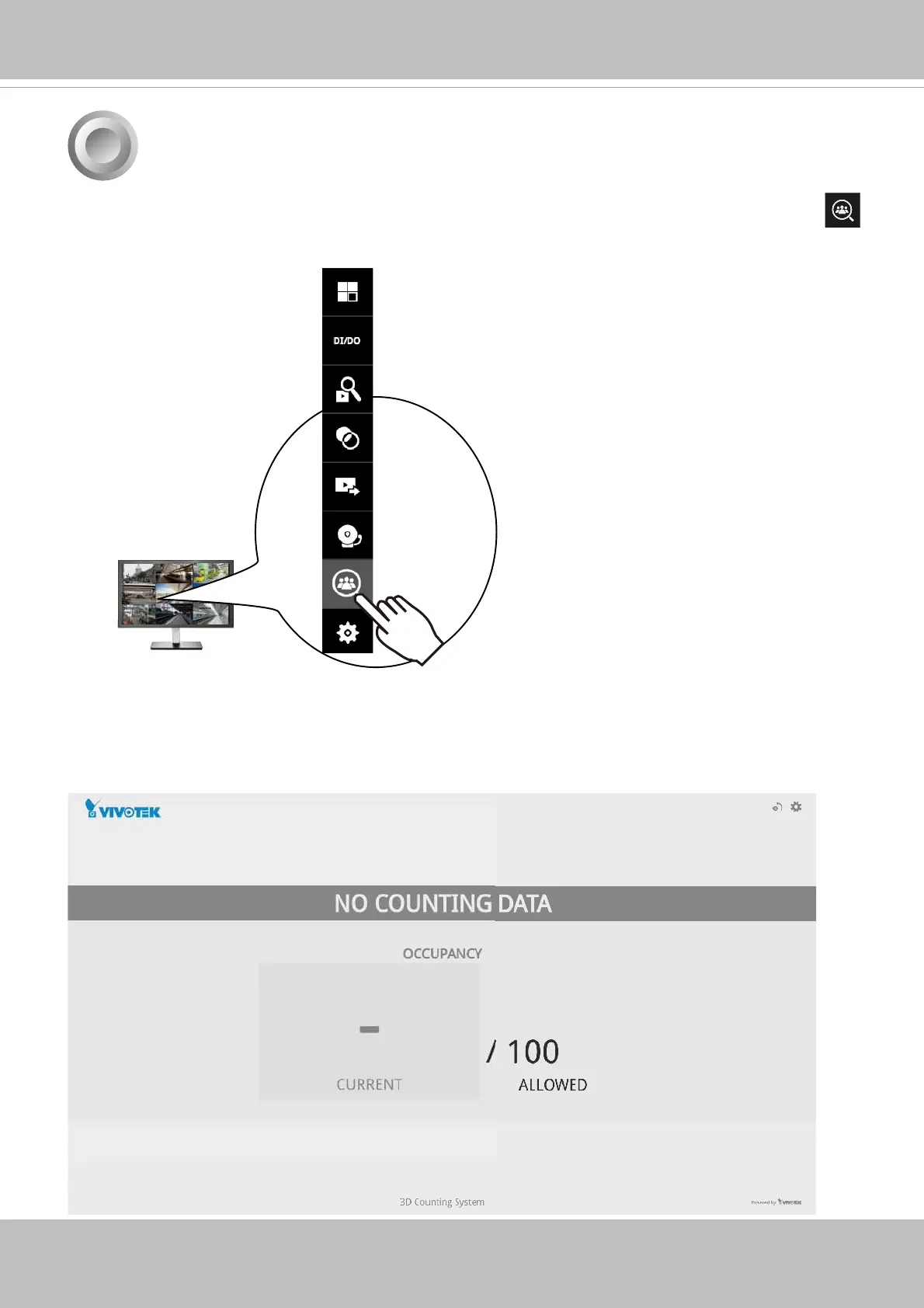
2. If no human traffi c has occurred, the NVR will return NO COUNTING DATA.
If there are people crossing the counting area and no counting data is shown, you should
examine your confi guration and the camera connection in your NVR.
1. On the desktop, move your mouse to reveal the main portal. Click on the Crowd Control
button at the bottom.



 To Next Page