Fig. 34
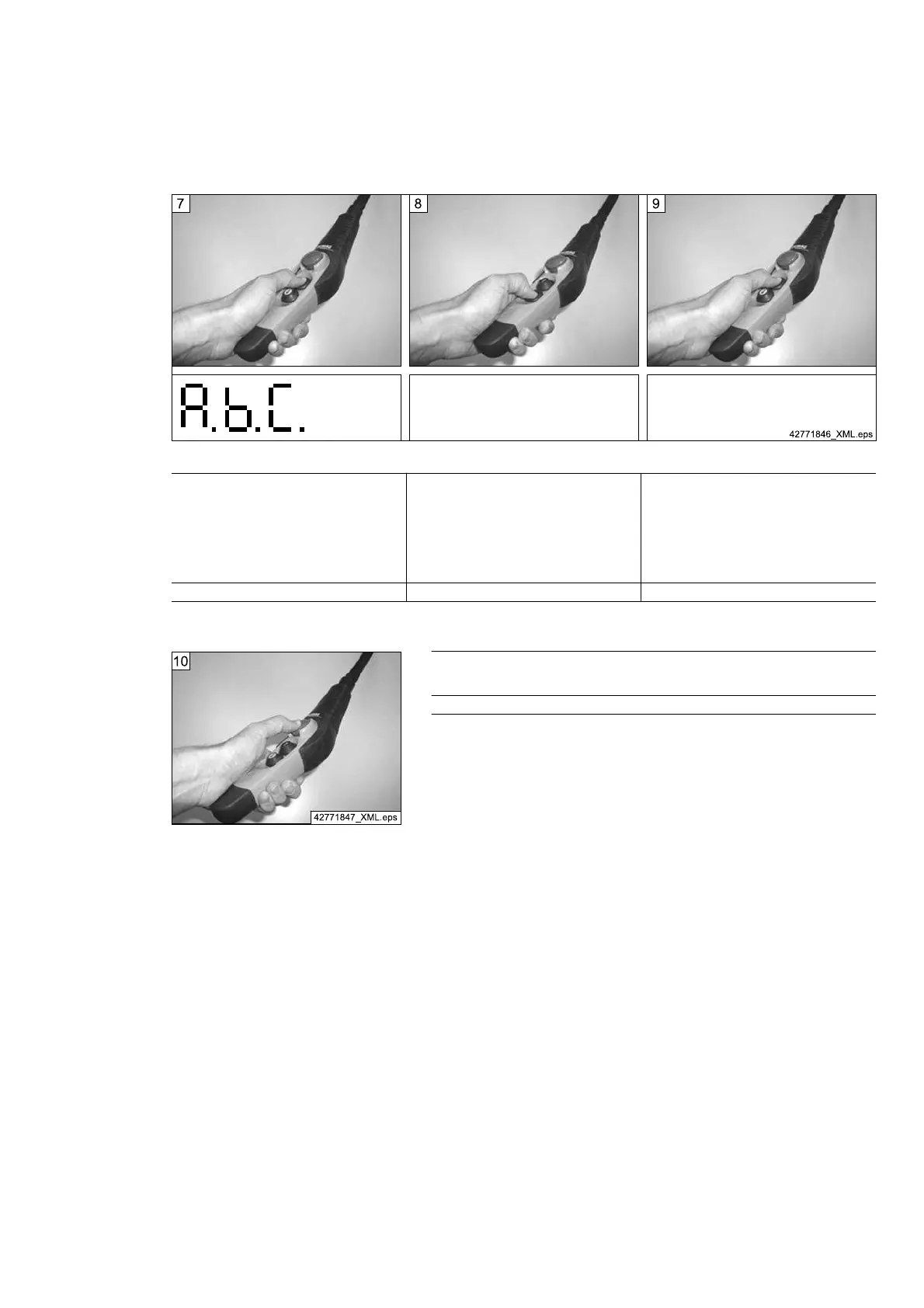
7th step:
Actuate the “Lift” key to select the currently dis‐
played parameter. At the same time, the value
selection menu of the parameter is opened. The
currently set values are symbolically displayed
with the characters “A.”, “b”., “C.”, etc.
For the meaning of the characters, see
⇒ "Meaning of parameters", Page 55.
8th step:
To set a different value, actuate the “Lower” key
until the required value is shown in the display.
9th step:
The value is selected by means of the “Lift” key,
the system then also returns to parameter se‐
lection mode.
7-segment display: A. b. C. 7-segment display: 7-segment display:
Tab. 38
Fig. 35
10th step:
When the “Emergency stop” key has been actuated, the unit switches back to normal oper‐
ation. All changes are first saved.
7-segment display:
Tab. 39
21480244/181209
57



 To Next Page