5.10 Setting parameters with the control pendant
5.10.1 General
It is possible to set parameters in order to adapt the chain hoist to specific applications. The parameters are set by
means of the control pendant in connection with the 7-segment display on the bottom side of the chain hoist.
5.10.2 Meaning of keys
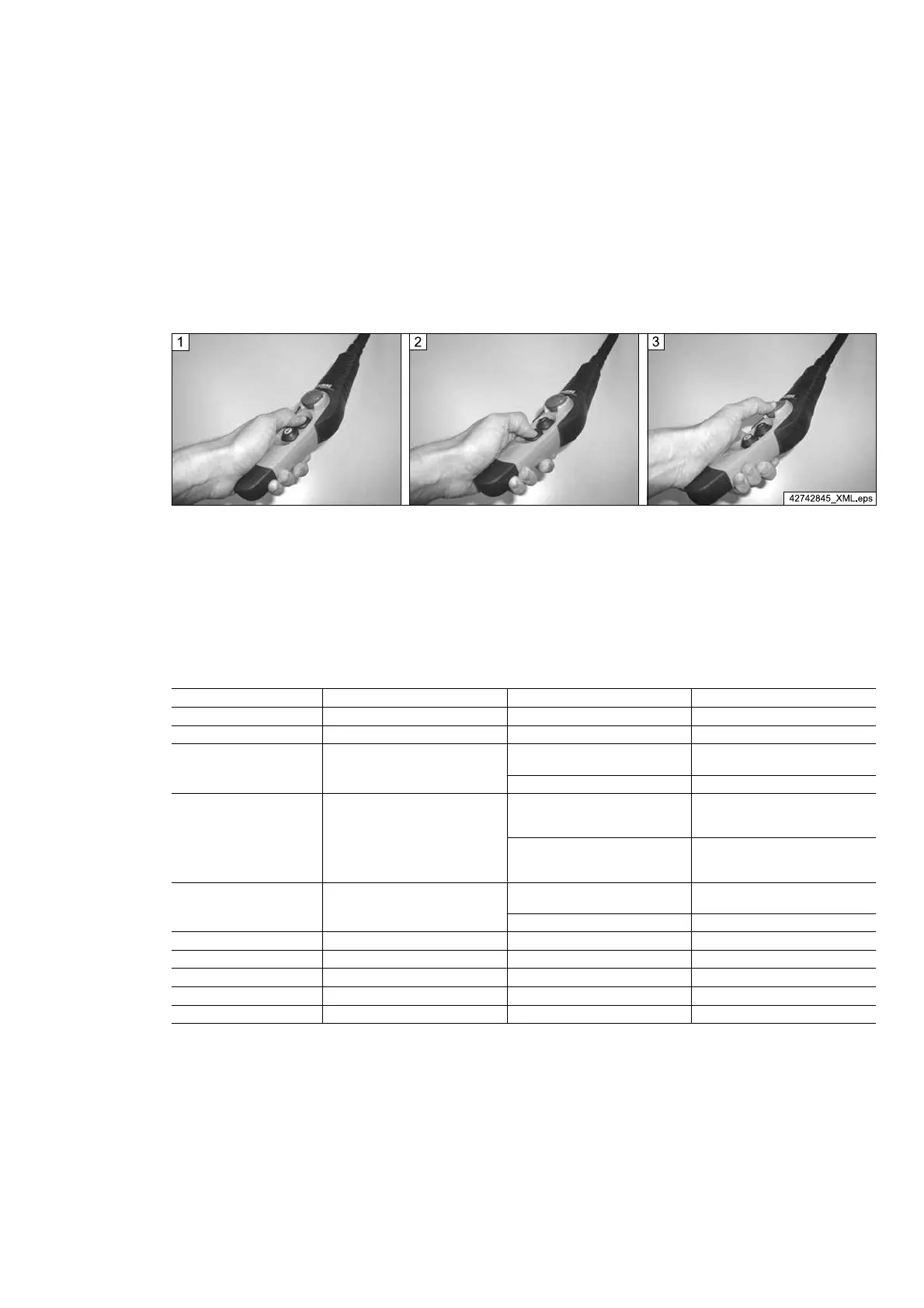
Fig. 31
1 “Lift” – Accept selection 2 “Lower” – Move to next parameter or selection
value
3 “Emergency stop” – End parameter programming
(changes are saved)
5.10.3 Meaning of parameters
From software version SW 2.10, the following parameters can be programmed:
Display of parameter no. Parameter name Display of parameter value Remarks
0 -
1 -
2 Hoist only V2 speed
n.
Factory setting
V1/V2
Y. V2
3 Interlocking of the control pendant
n.
Factory setting
Control pendant is interlocked when
several pushbuttons are actuated.
Y.
If “Lifting” and “Lowering” are actu‐
ated together, the pushbutton actu‐
ated first has priority.
4
Time-controlled start-up
(e.g. for tandem operation)
n.
Factory setting
Speed-dependent start-up
Y. Time-controlled start-up
5 -
6 -
7 -
8 -
9 -
Tab. 35
21480244/181209
55



 To Next Page