47
6.1.2.1
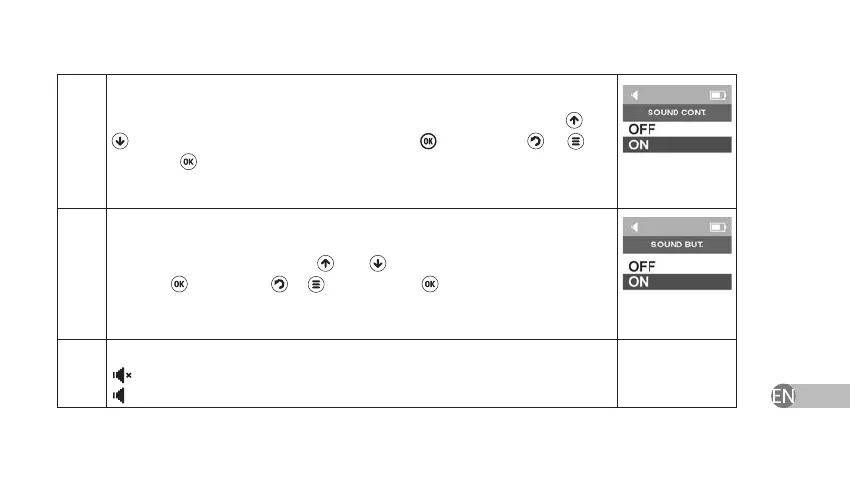
The contact of electrodes with the skin can be conrmed with a sound signal
under the relevant settings. Enable or disable this function by using and
keys and conrm your choice by pressing . If you press
or key
instead of key or if you power o the device, Sound settings will return to
earlier saved settings.
6.1.3.1
Navigation around the Menu can be accompanied with sounds. Enable or
disable this function by using and keys and conrm your choice by
pressing . If you press
or key instead of key or if you power o the
device, Sound settings will return to earlier saved settings.
6.1.3.2
Indication of volume level
— Mute, level 0;
— Volume on, level 1 or 2.


 To Next Page