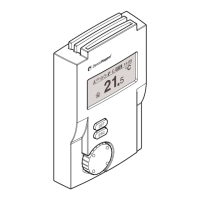
MATRIX control panel Operating MATRIX control panel
PR-2011-0110-GB • Subject to modifications • R9-03-2016 29
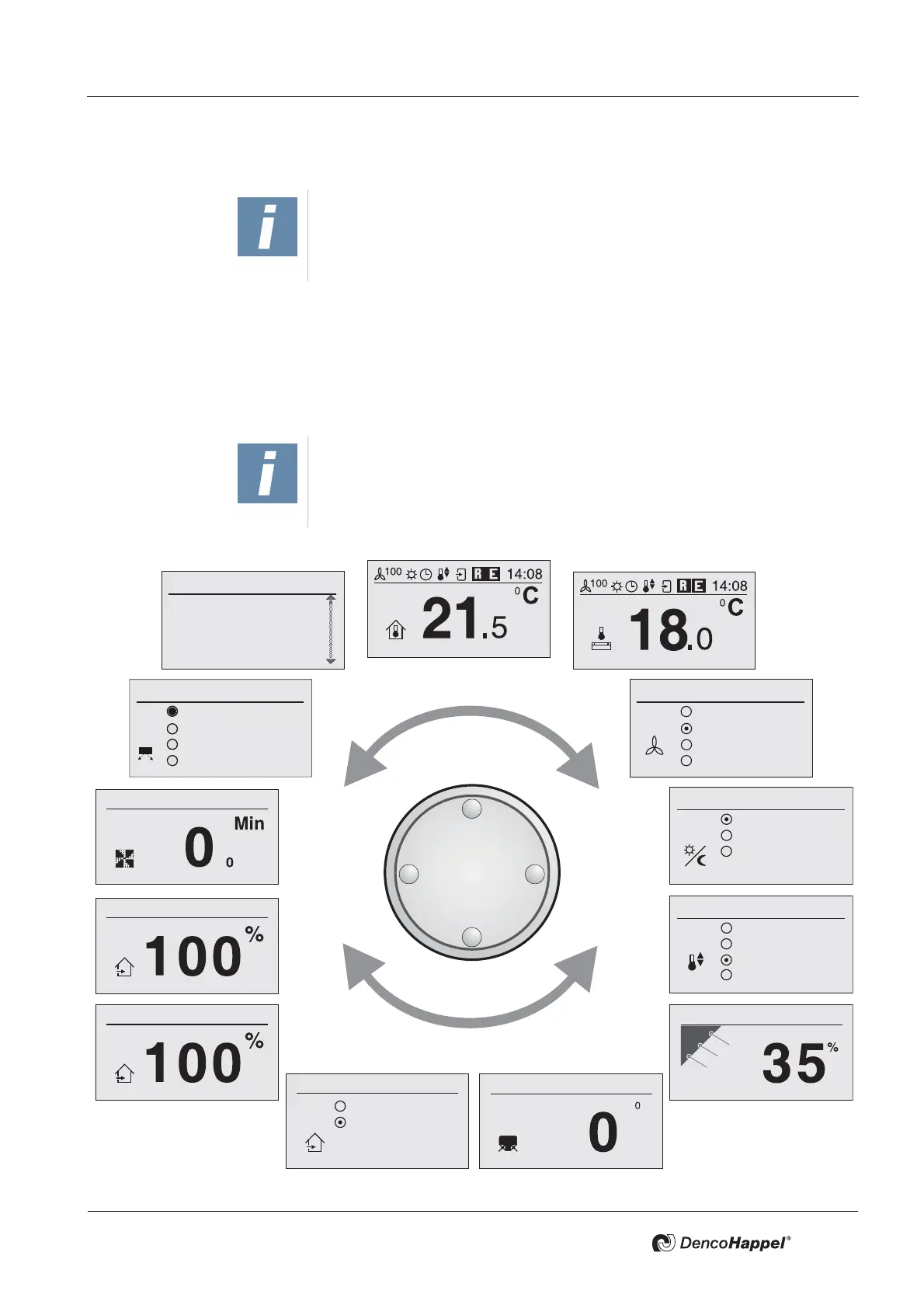
7.2 The menus in overview
7.2.1 Menu selection
In stand-by mode, the MATRIX control panel with display shows the home
screen. You can “scroll” from this or any other menu by turning the navigator and
step by step from one menu to the next.
You can rotate the navigator freely right and left.
NOTICE!
The selectable menus depend on the version. The menus and their structure
can differ depending on the configuration of HVAC equipment and possibly
other connected units.
NOTICE!
The display of the MATRIX control panel automatically reverts to the home
screen if you have not pressed any buttons or turned the navigator within 90
seconds.
Other menus
Clock timer
Actual values
System
Settings
Fan mode
Off
Automatic
Automatic mute
Stage
Operating mode
Normal mode
Economy mode
Clock timer
Heating only
Cooling only
Automatic
Free cooling
Recirculating air
Mixed air
Controller mode
Outside air automatic
Louvre angle offset
Outdoor-air volume flow
Fast ventilation
Basic menu
Secondary-air louvre
Home screen (alternative)
Mixing-air damper position
Room air flow
Automatic
Manual
Turbo
Breath


 To Next Page