Operating MATRIX control panel MATRIX control panel
46 PR-2011-0110-GB • Subject to modifications • R9-03-2016
7.14 Menu setting "MA damper position"
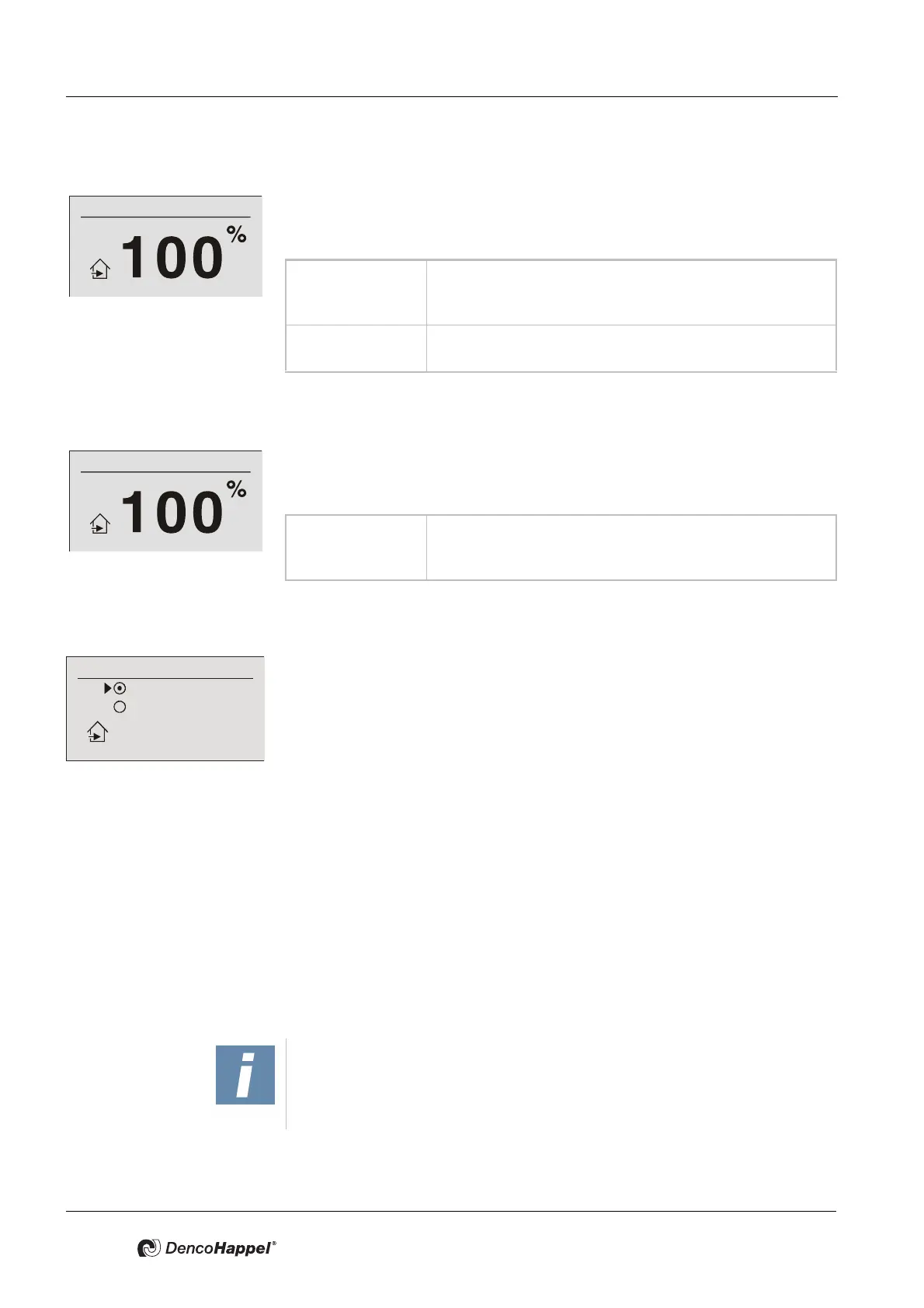
The percentage position of the mixing-air dampers can be set in the menu "MA
damper position". This menu option appears if the “controlled“ function has been
configured on the controller.
7.15 Menu setting "Outside-air volume flow"
The percentage share of the volume flow of the outside air can be set in the menu
"Outside-air volume flow". This menu entry is available only if the „controlled out
-
side air volume flow“function has been set on the controller.
7.16 “Outside air automatic” menu setting
Recirculating air or mixed-air operation can be set in the menu "OA Automatic".
This menu option appears if the “controlled temperature” or "controlled energy
saving" function has been configured on the controller.
Factory setting: mixed air
In the "Parameterize" submenu, a minimum fresh air rate for mixed-air operation
can be additionally specified (see
"Minimum outside-air rate submenu" on
page 68). In recirculating-air mode, the minimum fresh-air rate has no impact,
therefore the mixed-air dampers are compulsorily closed. The only exception is
the passive cooling function (see
"“Controller mode” menu setting" on page 44).
7.17 “FOS Test” menu setting
This menu option appears only if the entire system is operated via a LON module
(MATRIX.LON) in connection with LONWORKS. For a more detailed description
refer to the MATRIX.LON operation manual.
7.18 “Fast ventilation” menu setting
Mixing-air damper position
Value range: 0 ...100 % (for continuous dampers)
Possible intervals: 5 %
Factory setting: 100 %
Variant 0 or 100% (for open/close dampers)
Factory setting: 100%
Value range: 0 ...100% (for continuous dampers)
Possible intervals: 5%
Factory setting: 100%
Outside air automatic
Recirculating air
Mixed air
NOTICE!
The submenu "Fast ventilation" does not appear when using the central or low-
profile air-handling unit control MATRIX 4700.



 To Next Page