MATRIX control panel Operating MATRIX control panel
PR-2011-0110-GB • Subject to modifications • R9-03-2016 47
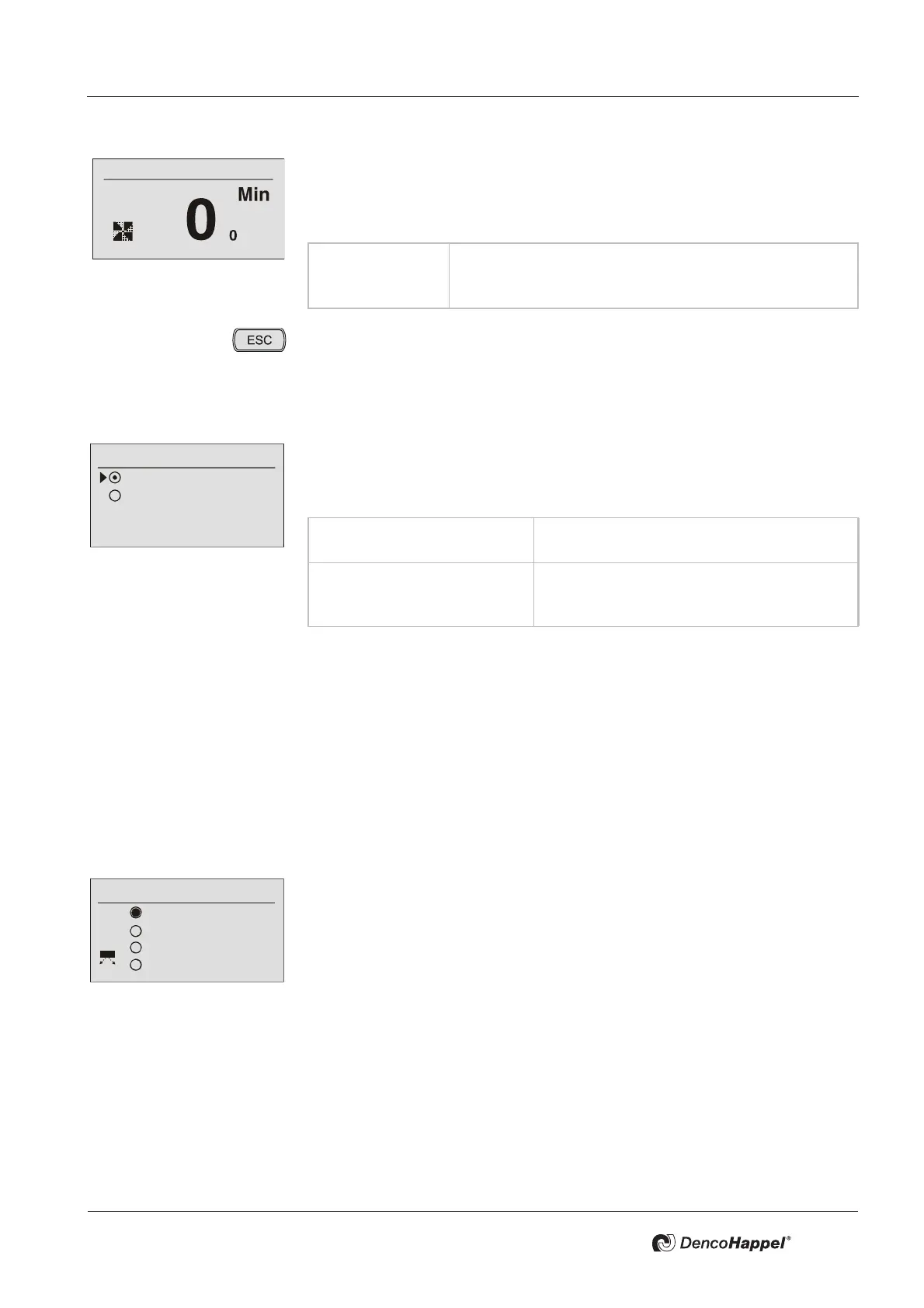
The function of fast ventilation for the entered time can be started in the menu
"Fast ventilation". In this case:
– the outside-air damper is opened 100% and
– the fan is switched to maximum speed.
Pressing the ESC button will terminate the fast ventilation function earlier, and
the display will change back to the basic view.
7.19 Menu values "Basic ventilation"
The menu item "Basic ventilation" appears only in air handling units in connection
with an outside-air/exhaust-air damper. In this menu, it can be determined
whether after being switched on (see chapter
7.7 Settings for fan speed) , the unit
should start up in order to continuously ensure basic ventilation .
Prerequisite for basic ventilation: fan minimum speed is deactivated (see "Sub-
menu: minimum fan speed" on page 68)
7.20 Menu room air flow (SWIRL-function)
The menu "room air flow" is only displayed, when at least one air handling unit of
the group is equipped with the SWIRL-function. It shows the four possible opera
-
tion modes "Automatic", "Manual", "Turbo" and "Breath".
7.20.1 Operation mode „Automatic“
The behavior of the SWIRL outlet in operation mode "automatic" differs in the
cooling case and heating case. The HVAC mode heating has a fixed assignment
between the air flow and the setting of the SWIRL-outlet (ramp function) to adjust
and ensure the air throw and the direction of discharge for a consistently tempera
-
ture distribution.
In the HVAC mode cooling, the supply-air temperature, the room temperature and
the air flow take an additional effect on the setting of the SWIRL outlet The cold
air throw is regulated on the basis of a previous setting of a specified operation
point by the user (see calibration in
"Submenu:Setting for room air flow (SWIRL)"
on page 69). The control principle consists of keeping the air-throw depth con-
stant and to optimize the direction of discharge caused by changing air volume
and temperature conditions, to reduce the risk of draughts.
Value range: 0 ...60 min
Possible intervals: 1 min
Factory setting: 10 min
Basic ventilation
ON
Automatic
Basic ventilation "ON“ The unit starts after being switched on in or-
der to guarantee basic ventilation.
Basic ventilation "automatic" The unit only starts after being switched on if
either a temperature request or an air-quality
request is pending.
Room air flow
Automatic
Manual
Turbo
Breath



 To Next Page