Operating MATRIX control panel MATRIX control panel
48 PR-2011-0110-GB • Subject to modifications • R9-03-2016
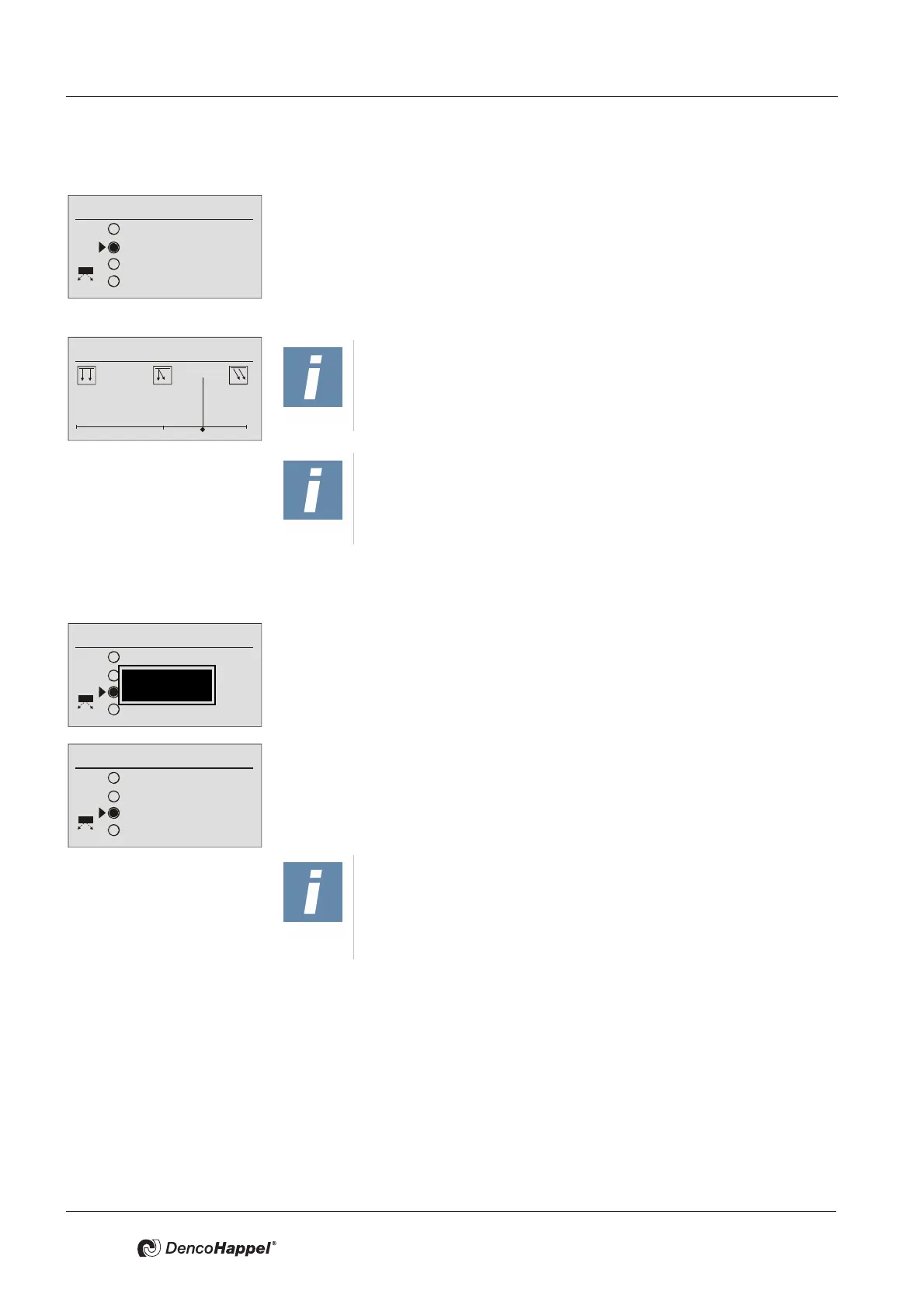
7.20.2 Operation mode "Manual“
In "Manual" mode the user can change the direction of discharge of cold or warm
air independently of the HVAC-mode (heating or cooling). The air passes parallel
to the ceiling on the right side of the scale and on the left side of the scale, the air
is discharged vertically downwards.
7.20.3 Operation mode "Turbo“
The operanting mode "Turbo" is only available in normal operation for a limited
time.
To enable a fast temperature change in the room, the air is blown deep into the
room during operating mode "Turbo" (which causes a comfort-loss). Therefore
the fan speed is set on maximum speed regardless of the fan speed setting.
The duration is adjustable by user between 1 and 60 minutes.
When using the first time the operation mode "Turbo" the factory setting showing
10 minutes is displayed. For each further use, the last set time is specified. The
remaining time is shown on the home screen in hours and minutes (format
hh:mm).
When the predetermined time passed, the last operating mode settings are
restored.
Room air flow
Automatic
Manual
Turbo
Breath
NOTICE!
The graphically setting (see Fig.) shows the setpoint of the direction
of discharge but not the current direction of discharge of the SWIRL-
outlet.
NOTICE!
The air throw direction of discharge has an influence on the units
acoustic. In middle position the units operates in low-noise.
Room air flow
Automatic
Manual
Turbo
Breath
60 min
Room air flow
Automatic
Manual
Turbo
Breath
00:09
NOTICE!
The operating mode "Turbo" is used to change the temperature
requirements of a room as fast as possible to a chosen setpoint tem-
perature. A conference room, for example, can be set within a short
time to a comfortable temperature before a meeting.



 To Next Page