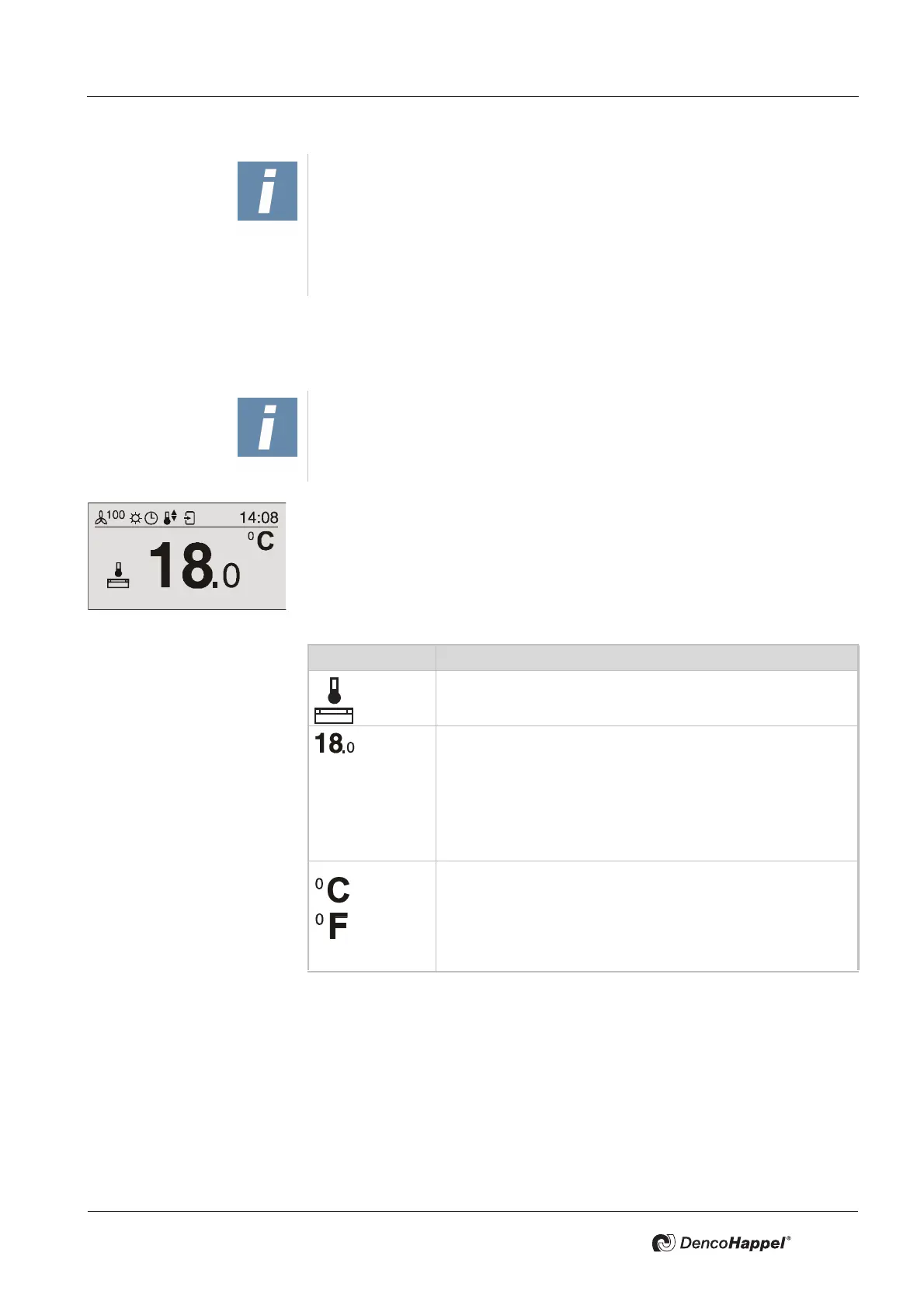
MATRIX control panel Operating MATRIX control panel
PR-2011-0110-GB • Subject to modifications • R9-03-2016 39
7.6 “Setpoint supply-air temperature” menu (basic display 2 – alternative to basic
display 1)
You can change the setpoint setting for the supply-air temperature in the “Set-
point supply-air temperature” menu.
Depending on the setting, the supply-air temperature setpoint is displayed (see
"Submenu temperature unit" on page 56), in
– degrees Celsius (°C) with an interval of 0.5 degrees or
– degrees Fahrenheit (°F) with an interval of 1 degree
You can change the supply-air temperature setpoint in this menu for the current
operating mode:
• Change the supply-air temperature setpoint as described in "Changing
values" on page 34.
NOTICE!
Using the MATRIX.PC service tool control panel, you can select between the
setting of an absolute and a relative target value (e.g. +/–3°C) for the room tem-
perature. To set a relative target value, an additional base reference value (e.g.
with OP71) is required. A relative setpoint is only valid for normal operation,
economy mode makes use of an absolute setpoint that is saved for economy
mode.
NOTICE!
The menus "Setpoint room temperature" and "Setpoint supply-air temperature"
are displayed depending on the configuration of the connected controller. The
selection is made automatically.
Icon Explanation
Icon for the “Setpoint supply-air temperature”
Value range
Factory setting
Set supply-air temperature setpoint in degrees Celsius or
degrees Fahrenheit.
10 °C to 60 °C
Normal operation: 25 °C
Economy operation: 20 °C
Factory setting
Set temperature unit in
degrees Celsius
or
degrees Fahrenheit
°C



 To Next Page