Operating MATRIX control panel MATRIX control panel
56 PR-2011-0110-GB • Subject to modifications • R9-03-2016
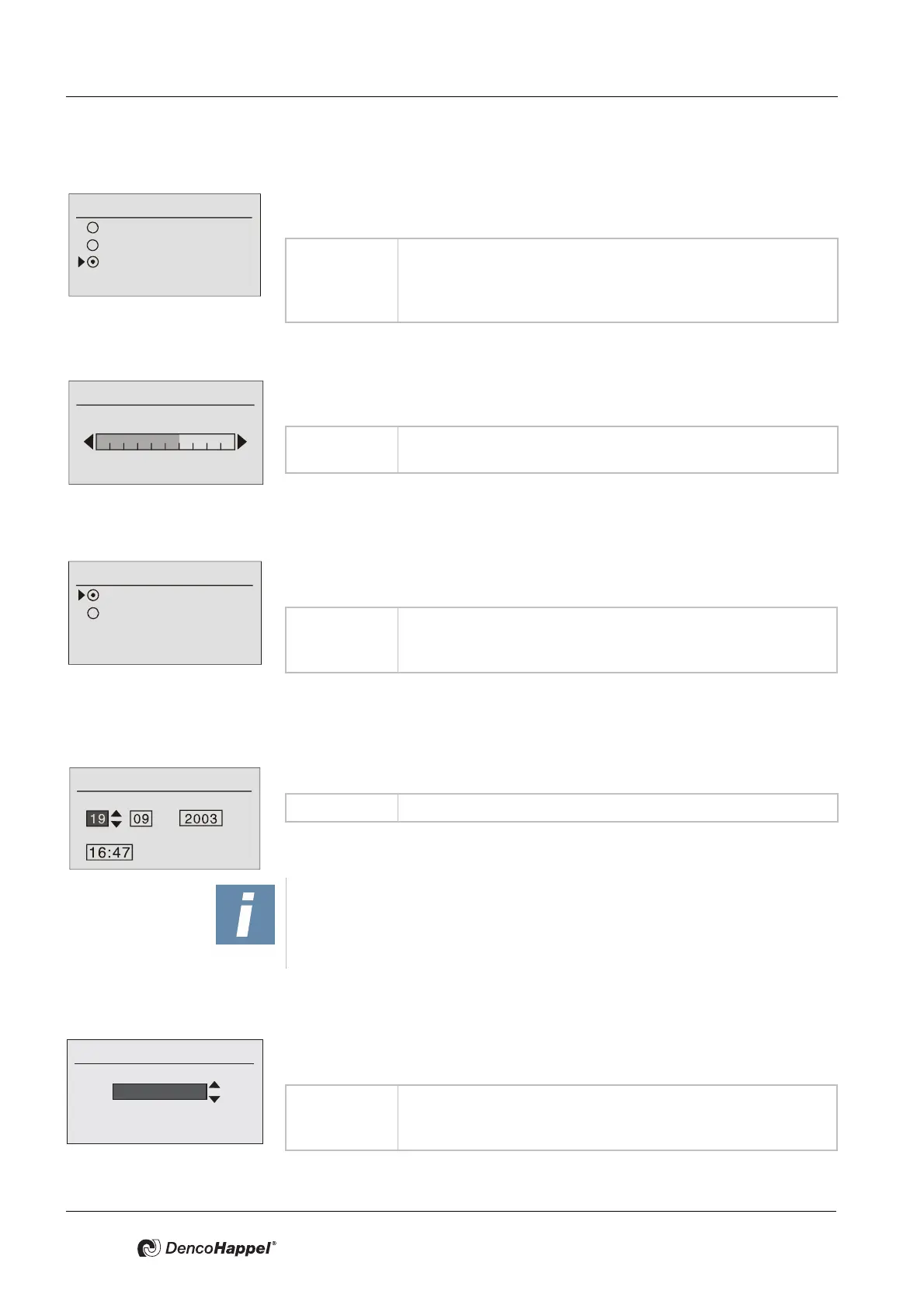
Configure ➜ Lighting
In the “Configure" menu item, you can change the LCD display backlighting as fol-
lows.
Lighting ➜ Modify brightness
You can change the brightness of the backlighting of the LCD display in the menu
item "Modify brightness".
Submenu temperature unit
You can set the units for the temperature displays in degrees centigrade or Fahr-
enheit in the submenu "Temperature unit".
Date/time submenu
You can enter the current date and time in the “Date/Time” submenu.
Select language submenu
You can enter the language of the interactive menus in the “Select language” sub-
menu.
Configure
Off
Permanent on
Time controlled
Value range: Backlighting “off”, “permanent on”or “time controlled”; with
“time controlled” the backlighting is switched off after the last el-
ement is operated with a time delay (20 seconds).
Factory setting: “Time controlled”
Value range: Bar display: 0 ...10 scale range possible
Factory setting: scale range of 6 is set
Temperature Unit
Temperature in °C
Temperature in °F
Value range: Temperature unit in degrees Celsius (°C)
or in degrees Fahrenheit (°F).
Factory setting: degrees Celsius (°C)
Date/time
Day / Month / Year
Time
Value range: Day, month, year and time
NOTICE!
Observe the national shift of daylight saving time and if necessary the time shift
due to enabling the “automatic summer time” (see "Automatic summer time
submenu" on page 57).
Value range: Currently the languages German, English (UK), Français, Ned-
erlands, Polski, Cesky, Magyar, Svenska, Romaneste
Factory setting: German



 To Next Page