MATRIX control panel Operating MATRIX control panel
PR-2011-0110-GB • Subject to modifications • R9-03-2016 55
* These values are only shown for central air handling- and flat units.
7.21.4 System submenu
Entries are made in the “System” submenu:
–to set contrast
–to set backlighting
– to select the displayed temperature unit
– for the current date and the time
– to select the language of the user interface
– as well as the time format and the
– as well as the time format and the
Backlighting submenu
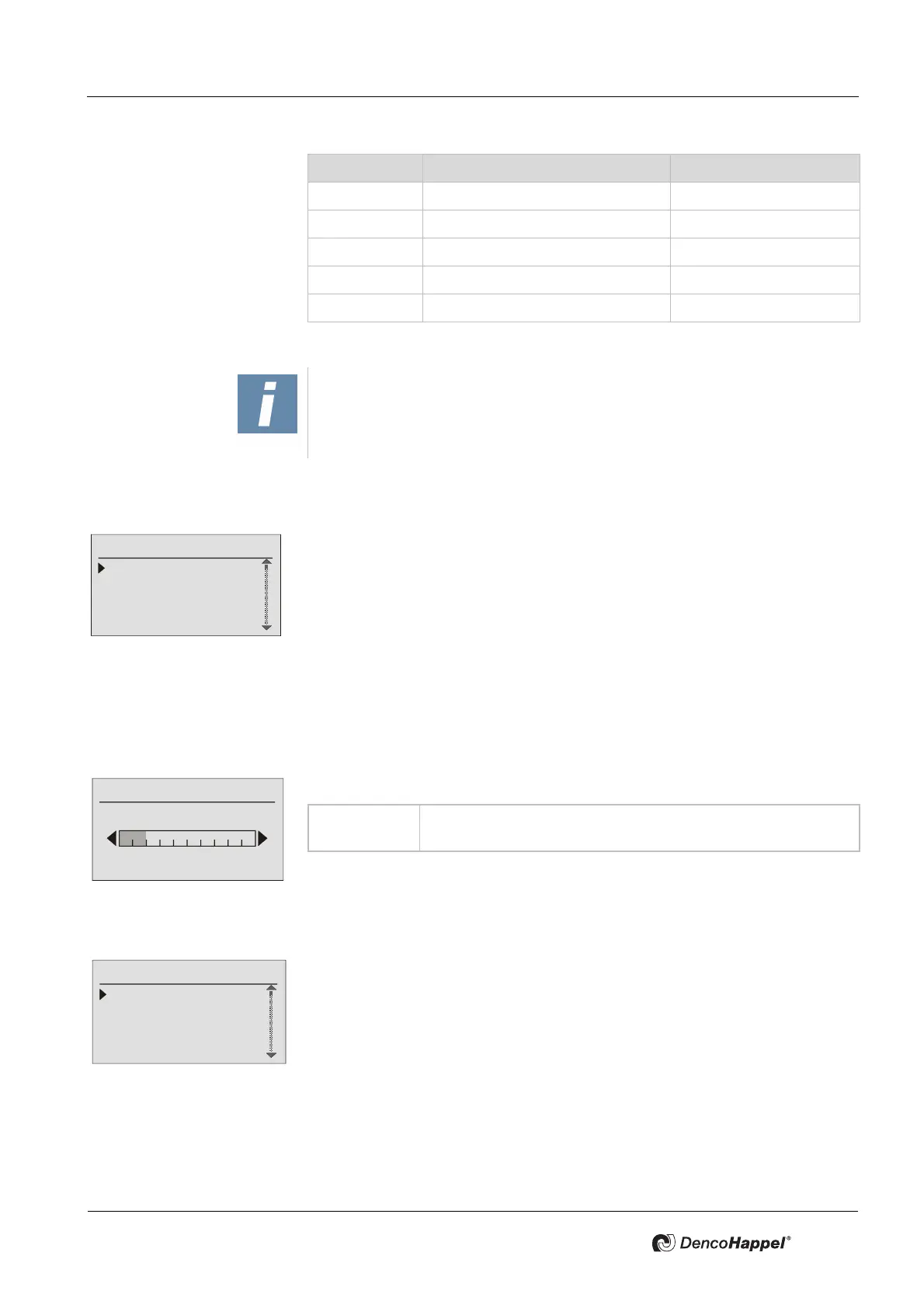
In the “Adjust contrast” submenu you can change the contrast of the LCD display.
Backlighting submenu
In the “Backlighting” submenu you can adjust
– whether the backlighting is permanently on, off, or time-controlled
– and set the desired brightness of the backlighting.
Mlk-Pos
* Position of the mixing-air damper in %
SupPress
* Current supply-air duct pressure in Pa
ExtPress
* Current extract-air duct pressure in Pa
SupVolum
* Supply-air volume flow in m³/h
ExtVolum
* Extract-air volume flow in m³/h
Display Meaning Unit
NOTICE!
The temperatures are displayed only if the associated sensors are available
and connected.
System
Adjust contrast
Backlight
Temperature units
Date/time
Value range: Bar display: 0 ...10 interval divisions possible
Factory setting: 2 interval divisions are set
Lighting
Configure lighting
Modify brightness



 To Next Page