Operating MATRIX control panel MATRIX control panel
68 PR-2011-0110-GB • Subject to modifications • R9-03-2016
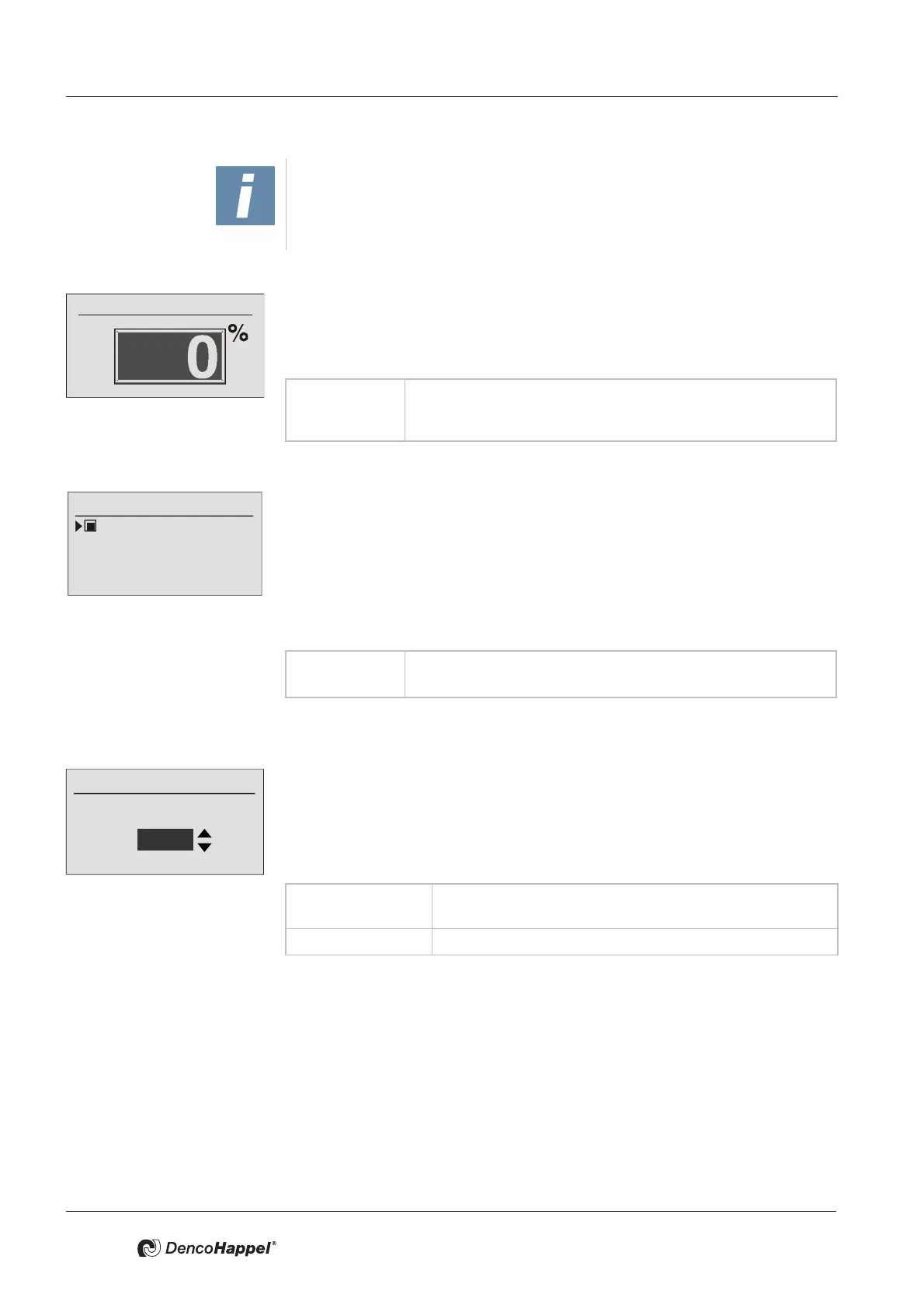
Minimum outside-air rate submenu
You can determine the minimum permissible outside-air rate in the menu item
"Minimum outside-air rate". This value is not undershot, independent of the set
-
tings from other sources (e.g. control panel or building management system).
Prerequisite for this is a valid outside temperature value.
Submenu: minimum fan speed
You can activate or deactivate minimum speed for the fans In the menu item "Min-
imum fan speed". On achieving the setpoint for the room temperature, the fan
either switches off or remains at the minimum speed. For decentralized devices
like fan-coil units or unit heaters, the minimum fan speed is set to 1. The minimum
fan speed for the supply-air and/or extract-air fan results from the minimum fan
speed for the MATRIX 4700 compact controls for central devices. These are set
at the factory to 10% and can be changed with the help of the MATRIX.PC service
software.
Submenu: low-noise operation speed
In the menu item "Low-noise fan speed", you can determine the maximum speed
of a continuously variable fan in the fan mode "Automatic (quiet)".
In this fan mode, the controller will not exceed the set speed.
The function of the speed limitation has no effect if the value ---% is set. This value
deactivates the speed limitation and the fan behaves as in fan mode "Auto".
Submenu Calibration of air throw
The air outlet (Geko-DRIVE) is set in the "Calibration of air-throw depth" menu.
By changing the leaving-air cross-section it is possible to adjust the air throw of
the air jet leaving the unit in cooling mode.
This submenu is only shown if at least one unit has a Geko-DRIVE.
As preparation for the configuration of a Geko-DRIVE, the units must be switched
to cooling mode and the fan speed set to the maximum
fan speed. Attention should also be given to the fact that maximum possible cool-
ing duty in cooling mode is reached.
NOTICE!
If less that 1°C or more that 49°C value range is defined, the initiation of active
operating mode will be prevented.
Value range: 0 – 100%
Adjustable steps: 5%
Factory setting: 20%
Value range: Enabled, disabled;
Factory setting: unit-dependent
Maximum speed
Low-noise fan speed
75 %
Value range: 10 - 95%
Adjustable steps: 5%
Factory setting: 80 %



 To Next Page