10
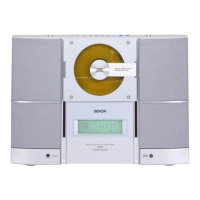
D-A03
1. CD test
Outline: Readout of the set value after automatic adjustment (for judging difference from initial value)
Forced operation of pickup (Inner/Outer circumference feed)
During the PLAY mode, the number of errors accumulated for 10 seconds (750 frames) is displayed.
Basic CD operation by CD-PLAY button
During the TEST mode, the display is turned on and the following buttons become effective.
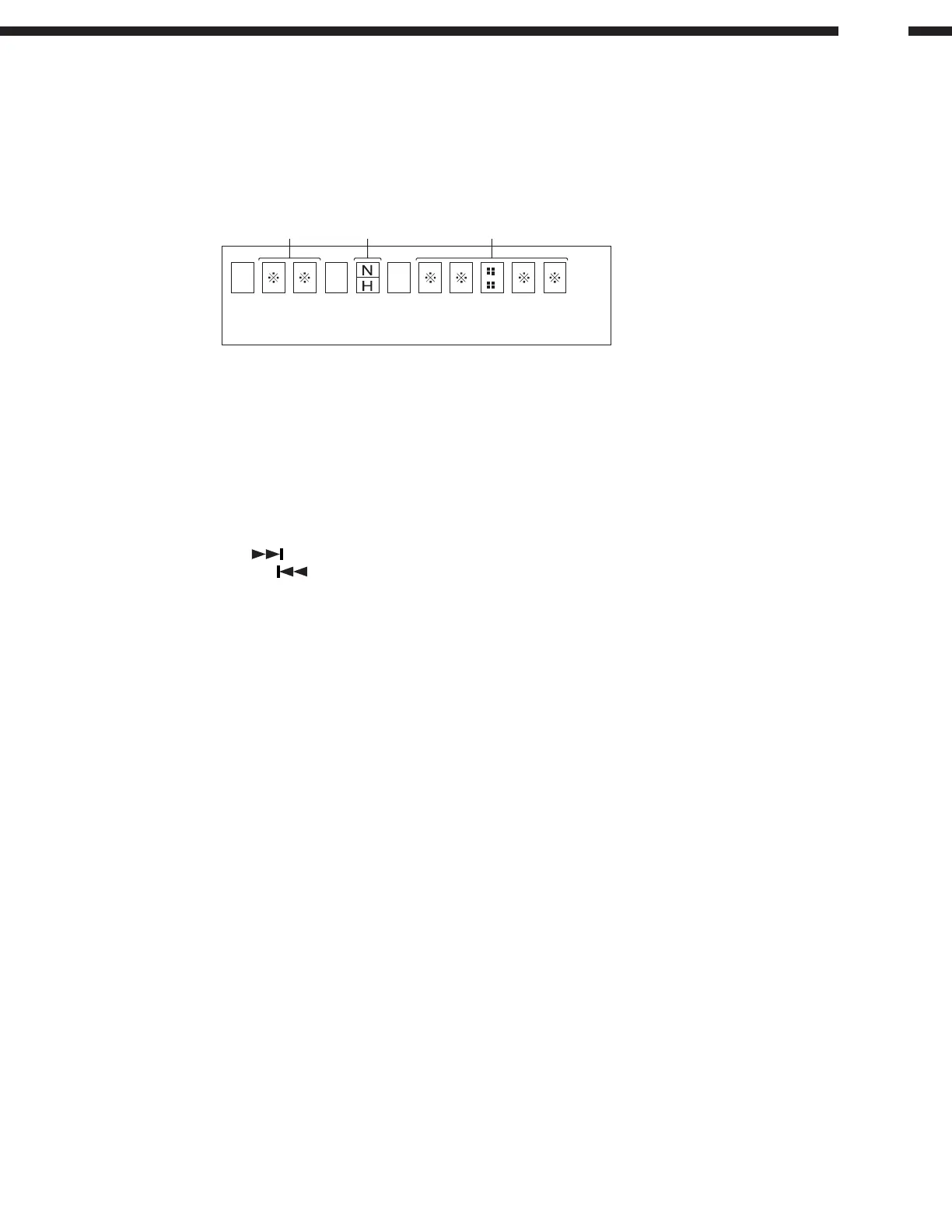
TNO Display
N: Normal speed
H: Double speed Time Display
Operation
1. CD-PLAY: CD operation according to steps
STEP 1: LD ON by pressing CD PLAY button in the stop mode
STEP 2: Focus On by pressing CD PLAY button in STEP 1
STEP 3: CLV servo ON by pressing CD PLAY button in STEP 2
STEP 4: Tracking servo ON by pressing CD PLAY button in STEP 3
STEP 5: Sub-code readout/display by pressing CD PLAY button in STEP 4
* Keep pressing the CD PLAY button for more than 1 second to shift to STEP 5 directly.
2. CD STOP : To stop the playback operation (shifting from each step to the stop
mode) / To reset display (during display of coefficient)
3. CD SKIP-UP (
) : Forcible shift in the pickup FWD direction
4. CD SKIP-DOWN ( ) : Forcible shift in the pickup REV direction
Sliding is stopped when the PU_IN switch is turned on.
5. TUNER : Automatic adjustment (at the present pickup position)
6. POWER : Canceling the test mode
7. VOLUME UP/DOWN : To read the coefficient register while the CD operation is stopped/
To display the error number during CD playback
8. CD OPEN/CLOSE : Normal open/close operation
Readout of the adjusted value
Press the VOL.UP/DOWN button during the stop mode to read the following items.
Press the CD-STOP button to return to the normal display.
Item Display Max Type Min
Focus balance _ _ F B : x x 7 F 0 0 8 0
Focus gain _ _ F G : x x 1 F 0 0 E 0
Tracking balance _ _ T B : x x 7 F 0 0 8 0
Tracking gain _ _ T G : x x 1 F 0 0 E 0
Foucus offset F O F F : x x 7 F 0 0 8 0
Tracking offset T O F F : x x 7 F 0 0 8 0
RFRP R F R P : x x 7 F 0 0 8 0
Even if the CD-PLAY button is pressed initially, automatic adjustment is not obtained. Press the TUNER button in
the stop mode to gain CD-PLAY for automatic adjustment. Thereafter press the CD-STOP button to stop automatic
adjustment.
Press the VOL. UP/DOWN button to display automatically adjusted values.
Readout of error numbers
Press the VOL.UP/DOWN button during playback to display the number of errors accumulated for 10 seconds
(750 frames).
Press the CD-STOP button during ERR display to return to the normal TEST mode display.


 To Next Page