12
MP3 and WMA formats
CD-R and CD-RW discs created in the format described below can
be played.
n Writing software format
ISO9660 level 1
When written in other formats, it may not be possible to play the
disc properly.
n Maximum number of playable files and folders
Total number of folders and files : 512
Number of folders : 256
n File format
MPEG-1 Audio Layer-3
WMA (Windows Media Audio)
n Tag data
ID3-Tag (Ver. 1.x and 2.x )
META-Tag
(Compatible with title, artist and album names)
Playable MP3/WMA file
File format
Sampling
frequency
Bit rate Extension
MP3 32, 44.1, 48 kHz 32 ~ 320 kbps .mp3
WMA 32, 44.1, 48 kHz 64 ~ 192 kbps .wma
•Be sure to give files the extension “.MP3” or “.WMA”. Files with
any other extensions or with no extensions cannot be played.
•Recordings you have made should only be used for your personal
enjoyment, and as per copyright laws may not be used in other ways
without permission of the copyright holder.
Playing MP3 and WMA files
1
Load a CD-R or CD-RW disc
containing music les in the MP3
or WMA format into the disc
tray (vpage 20).
2
Press MODE and select “Folder
Mode” or “Disc Mode”.
Folder Mode Disc Mode
GAbout the displayH
•When “Folder Mode” is selected:
“FLD” indicator lights.
•When “Disc Mode” is selected:
“FLD” indicator turns off.
Folder Mode
All the files in the selected folder are played.
Disc Mode
After the selected folder and files are played, all
the files in all the folders are played.
3
Use ui to select the folder to be played.
4
Use 8, 9 or o p to select the le to be played.
5
Press 1/3.
Playing MP3 and WMA files
There are many music distribution sites on the Internet allowing you
to download music files in MP3 or WMA (Windows Media
®
Audio)
format. The music (files) downloaded from such sites can be stored
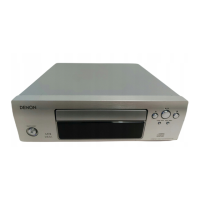
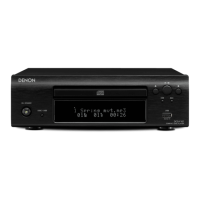
on CD-R or CD-RW discs and played on the DCD-F109.
“Windows Media” and “Windows” are registered trademarks or
trademarks in the United States and other countries of Microsoft
Corporation of the United States.



 To Next Page
 Loading...