35
ENGLISH
3
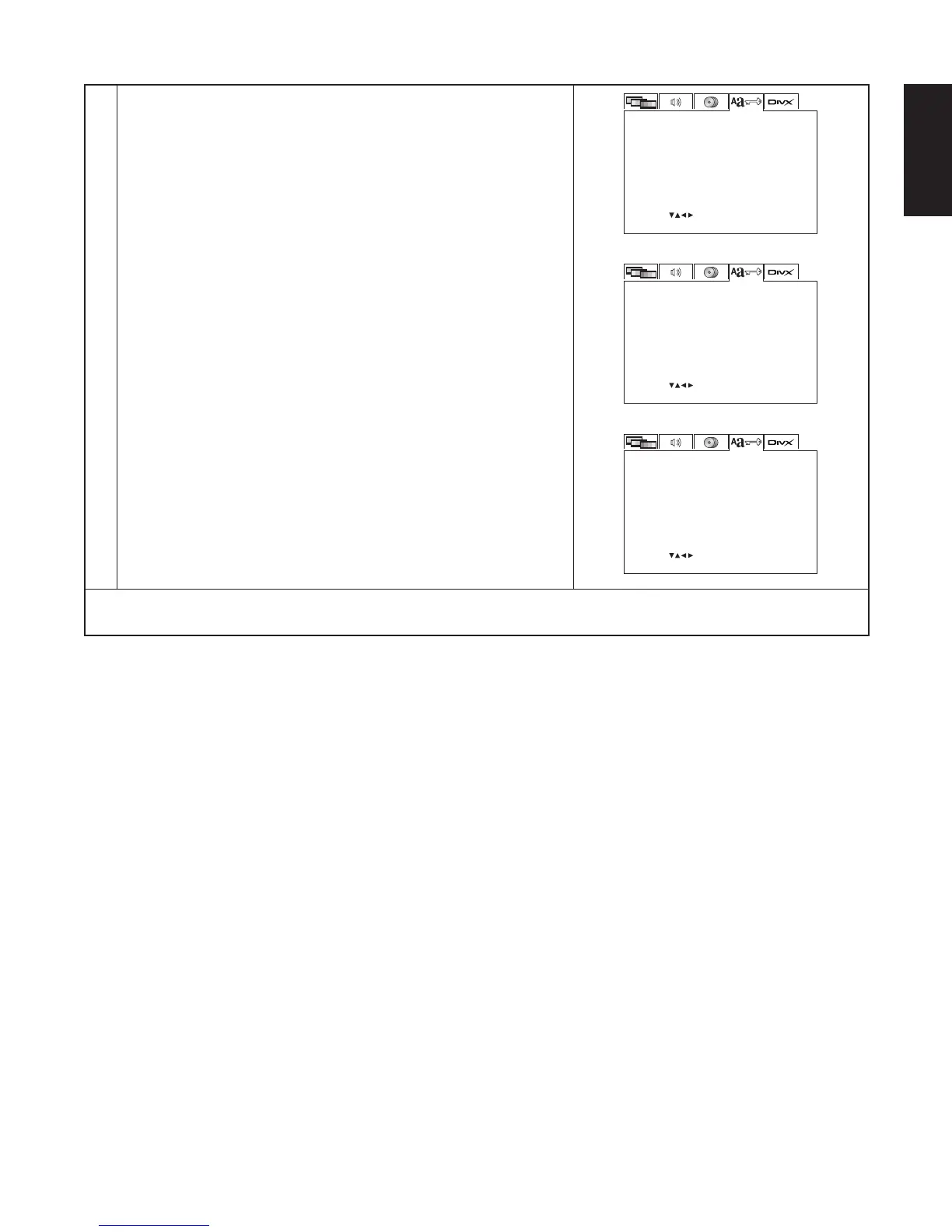
t When “DEFAULTS” is selected:
1. Press the ENTER button.
2. Use the number buttons to input the “8888”, then press the
ENTER button. The settings that have been changed at “INITIAL
SETTINGS” are restored to their initial (default) values.
y When “SETUP MENU MODE” is selected:
Use the 5 and ∞ cursor buttons to select the setup mode, press
the ENTER button to decide.
BASIC (Factory default)
EXPERT
The number of setting items for the various settings can be
increased.
u When “PARENTAL CONTROL” is selected:
1. Press the ENTER button.
2. Use the number buttons to input the password (a 4-digit
number), then press the ENTER button.
• The password is initially set to “5555”.
3. Use the 5 and ∞ cursor buttons to select parental control “ON
or OFF”, press the ENTER button to decide.
t
OSD LANGUAGE ENGLISH
BLACK
8
SET: ENTER BUTTON
WALL PAPER
SET DEFAULT
SELECT:
RATING LEVEL
CHANGEPASSWORD
RESETDEFAULT
EXPERTSETUP MENU MODE
ONPARENTAL CONTROL
SYSTEM SETUP
y
OSD LANGUAGE ENGLISH
BLACK
8
SET: ENTER BUTTON
WALL PAPER
SETUP MENU MODE
SELECT:
RATING LEVEL
CHANGEPASSWORD
RESETDEFAULT
EXPERTSETUP MENU MODE
ONPARENTAL CONTROL
SYSTEM SETUP
u
OSD LANGUAGE ENGLISH
BLACK
8
SET: ENTER BUTTON
WALL PAPER
SET PARENTAL CONTROL
SELECT:
RATING LEVEL
CHANGEPASSWORD
RESETDEFAULT
EXPERTSETUP MENU MODE
ONPARENTAL CONTROL
SYSTEM SETUP
✽ To exit the setup mode
Press the SETUP button.



 To Next Page