42
ENGLISH
⁄0 PLAYING REPEATEDLY
■ Use this function to play your favorite audio or video sections repeatedly.
Playing Repeatedly (Repeat Playback)
RC-963
123
456
789
0 +10
A-B REPEAT
REPEAT
AUDIO
SUBTITLE
CALL
RANDOM
CLEAR
PROG /
DIRECT
1
1
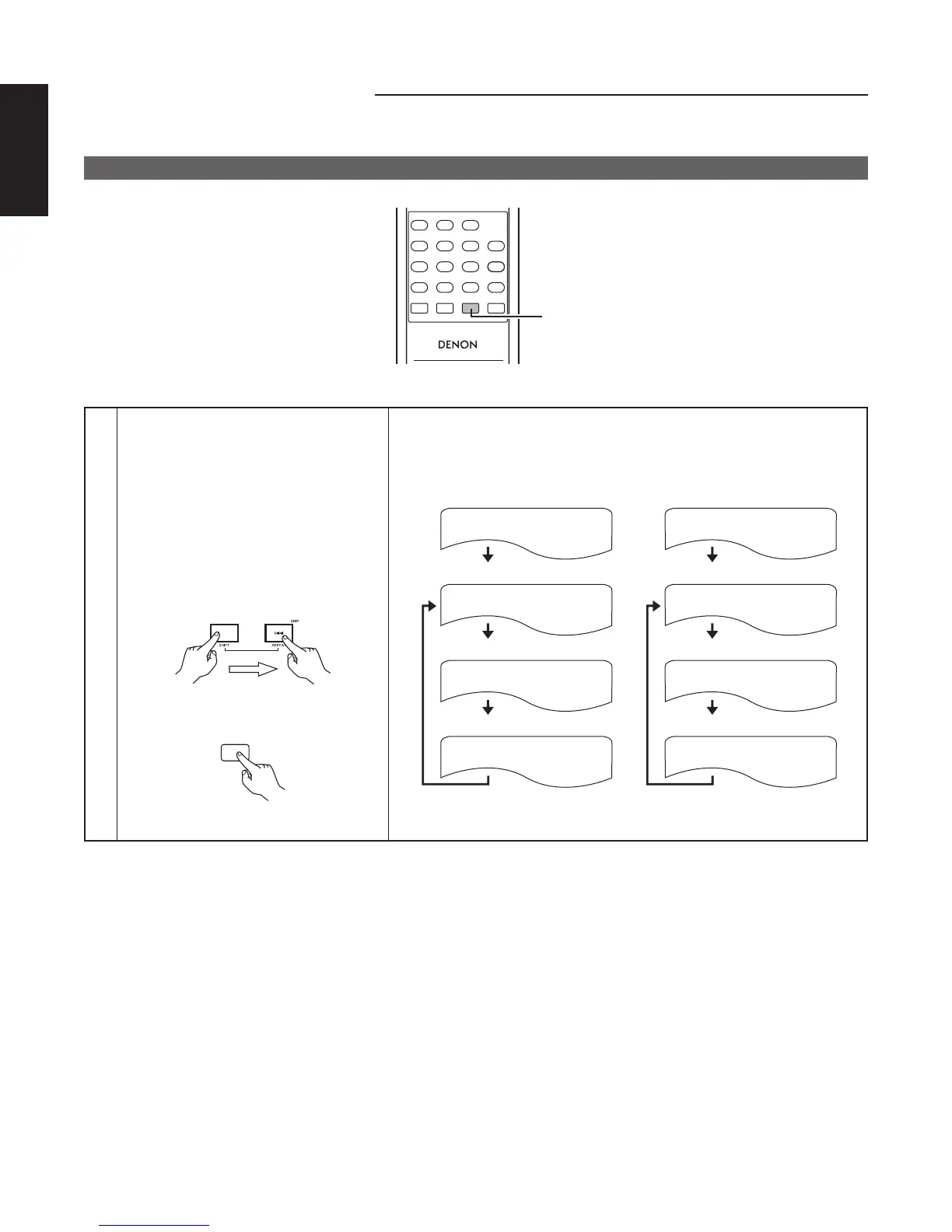
In the play mode,
• Main unit :
Press the SHIFT and 4 buttons
simultaneously for 3 seconds.
• Remote control unit :
Press the REPEAT button.
• The display on the TV screen
switches each time the button
is pressed, and the corresponding
repeat play or stop mode is set.
Remote control unit
REPEAT
Main unit
q For DVD video discs w For video CD
CHAPTER REPEAT
TITLE REPEAT
REPEAT OFF
• Normal playback
• Chapter repeated
• Repeat playback cancelled
• Title repeated
TRACK REPEAT
DISC REPEAT
REPEAT OFF
• Normal playback
• Track repeated
• Repeat playback cancelled
• Entire disc repeated



 To Next Page