56
ENGLISH
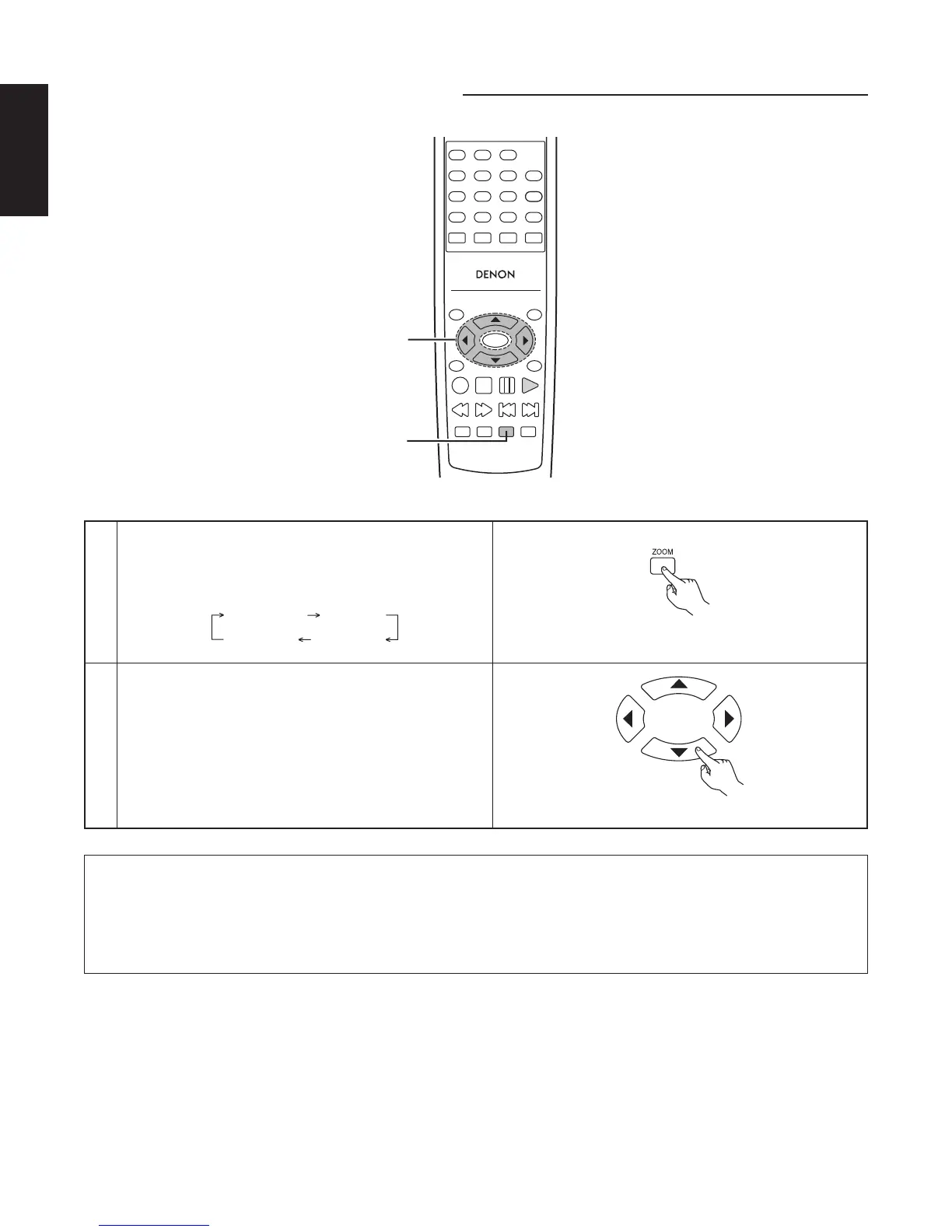
⁄6 PLAYING IN THE ZOOM MODE
TOP MENU
/PBC
MENU
RETURN
ANGLE
DISPLAY
STOP
STILL/PAUSE
PLAY
RC-963
123
456
789
0 +10
A-B REPEAT
REPEAT
AUDIO
SUBTITLE
ENTER
SETUP NTSC/PAL
ZOOM SLIDE SHOW
SLOW/SEARCH SKIP
CALL
RANDOM
CLEAR
PROG /
DIRECT
1
2
1
In the play or pause mode, press the ZOOM button.
• The zoom rate increases each time the ZOOM button
is pressed.
For DVD Video CD, JPEG and DivX:
ZOOM OFF ZOOM 1
ZOOM 3 ZOOM 2
Remote control unit
2
Use the cursor buttons (∞, 5, 2 and 3) to move the
zoomed picture.
Remote control unit
NOTES:
• Zooming is not possible with some discs.
• The zoom function may not work properly at some scenes.
• Zooming is not possible at the top menu or the menu screen.
• Zooming is not possible during playback when “HD JPEG MODE” is set to ON.



 To Next Page