50
ENGLISH
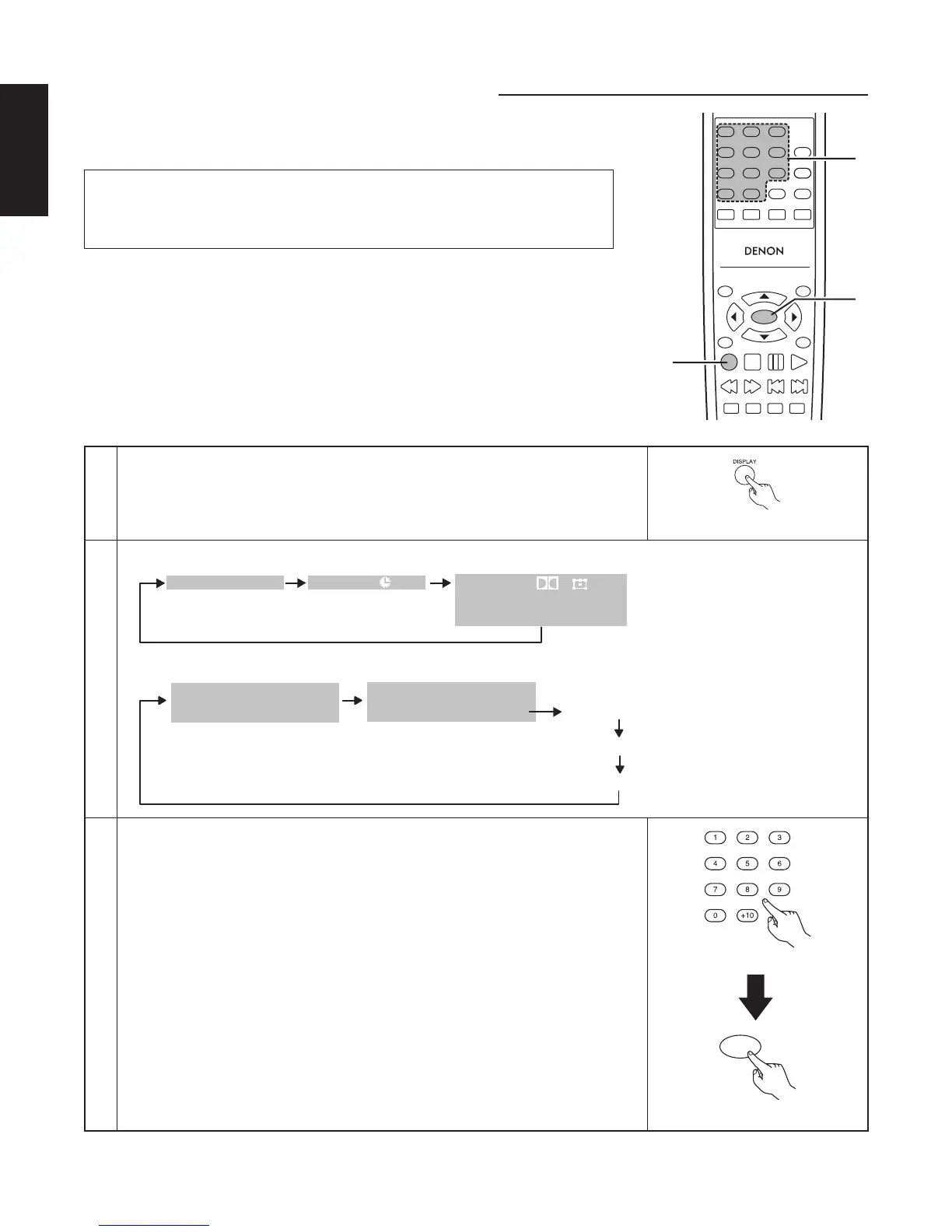
⁄3 USING THE ON-SCREEN DISPLAY
■ Use this function to display and change information on the disc (titles, chapters,
time, etc.)
TOP MENU
/PBC
MENU
RETURN
ANGLE
DISPLAY
STOP
STILL/PAUSE
PLAY
RC-963
123
456
789
0 +10
A-B REPEAT
REPEAT
AUDIO
SUBTITLE
ENTER
SETUP NTSC/PAL
ZOOM SLIDE SHOW
SLOW/SEARCH SKIP
CALL
RANDOM
CLEAR
PROG /
DIRECT
1,2
3
3
NOTE:
• The on-screen display function does not work when PBC is turned on with
video CDs. Press the TOP MENU button to turn PBC off.
1
In the play mode, press the DISPLAY button.
• The On-Screen Display appears.
• The picture on the TV screen switches each time the button is pressed.
• The items displayed differ from disc to disc.
Remote control unit
2
TRACK
0:26:11
01/10
SINGLE ELAPSED
0:03:17
0:06:15
0:32:05
SINGLE REMAIN
TOTAL ELAPSED
TOTAL REMAIN
Example: For video and music CDs
Example: For DVD video discs
0:00:01
01/10
01/10
C
T
AUDIO
ENG
ENG
D
1/2
SUBTITLE
2/4
3
Input using the number buttons, then press the ENTER button.
q Changing the elapsed time
Use the 2 and 3 cursor buttons to select the elapsed time. The selected item
is displayed with a blue frame.
• For DVDs
Example : For 1 Hour 32 minute 47 seconds / “13247”
: For 1 minute 26 seconds / “00126”
• For video and music CDs
Example : For 1 minute 26 seconds / “0126”
w Changing the title, track or chapter
• For DVDs
Use the 2 and 3 cursor buttons to select the track.
Input using the number buttons, then press the ENTER button.
• For video and music CDs
Use the 5 and ∞ cursor buttons to select the track. The selected item is
displayed with a blue frame.
Input using the number buttons. Playback starts from that track.
ENTER
Remote control unit
Remote control unit



 To Next Page