67
ENGLISH
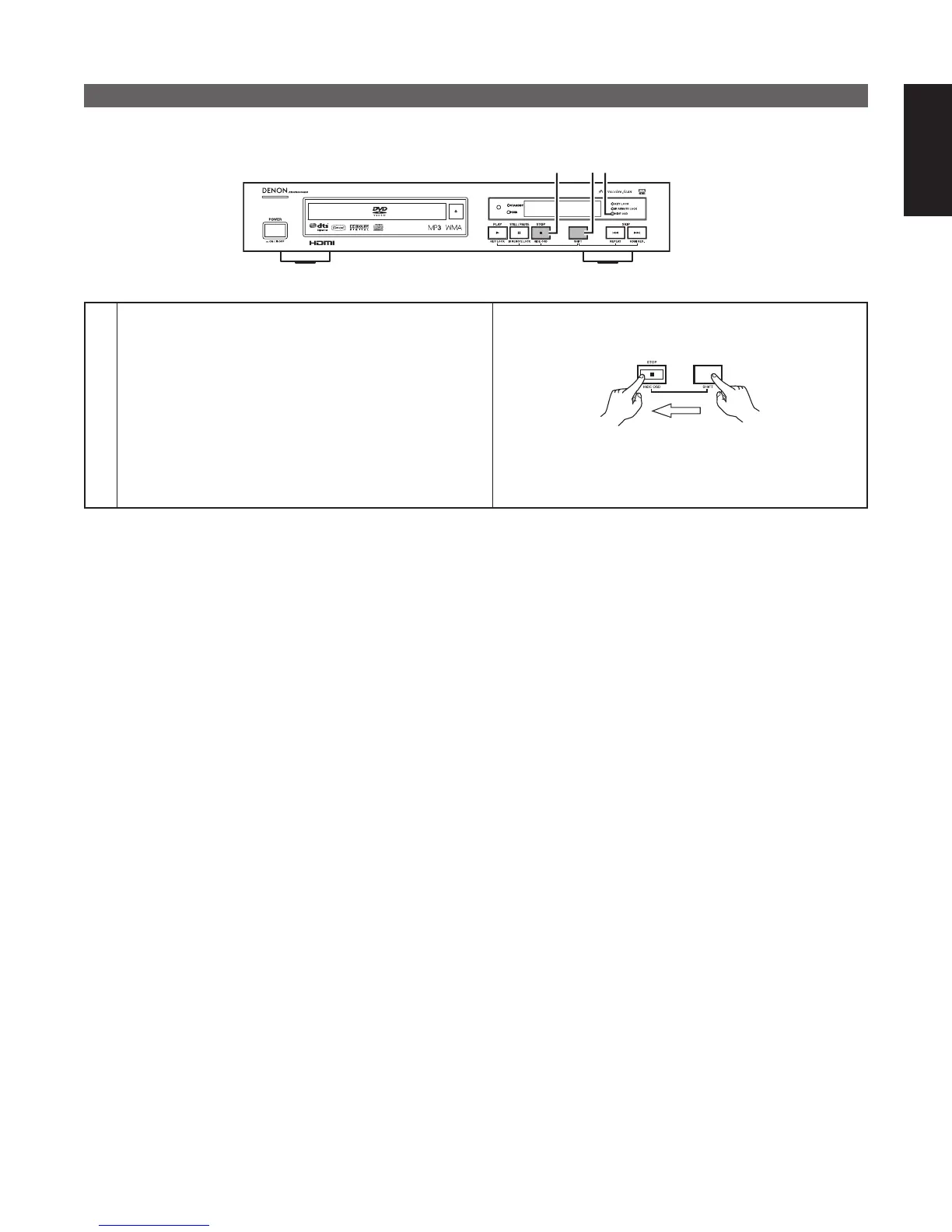
HIDE OSD
■ Switch the OSD and the display of the icons that appear on the screen on and off.
1
1
HIDE OSD indicator
1
Press the SHIFT and STOP buttons simultaneously for 3
seconds.
The HIDE OSD indicator lights (green), the HIDE OSD
mode is turned on, and the OSD as well as the letters
and icons displayed when buttons are operated are not
displayed.
• To turn the HIDE OSD mode off, press the SHIFT and
STOP buttons again simultaneously for 3 seconds.
✽ Operating the SETUP menu is not possible when HIDE
OSD is set to ON.
Main unit



 To Next Page