19
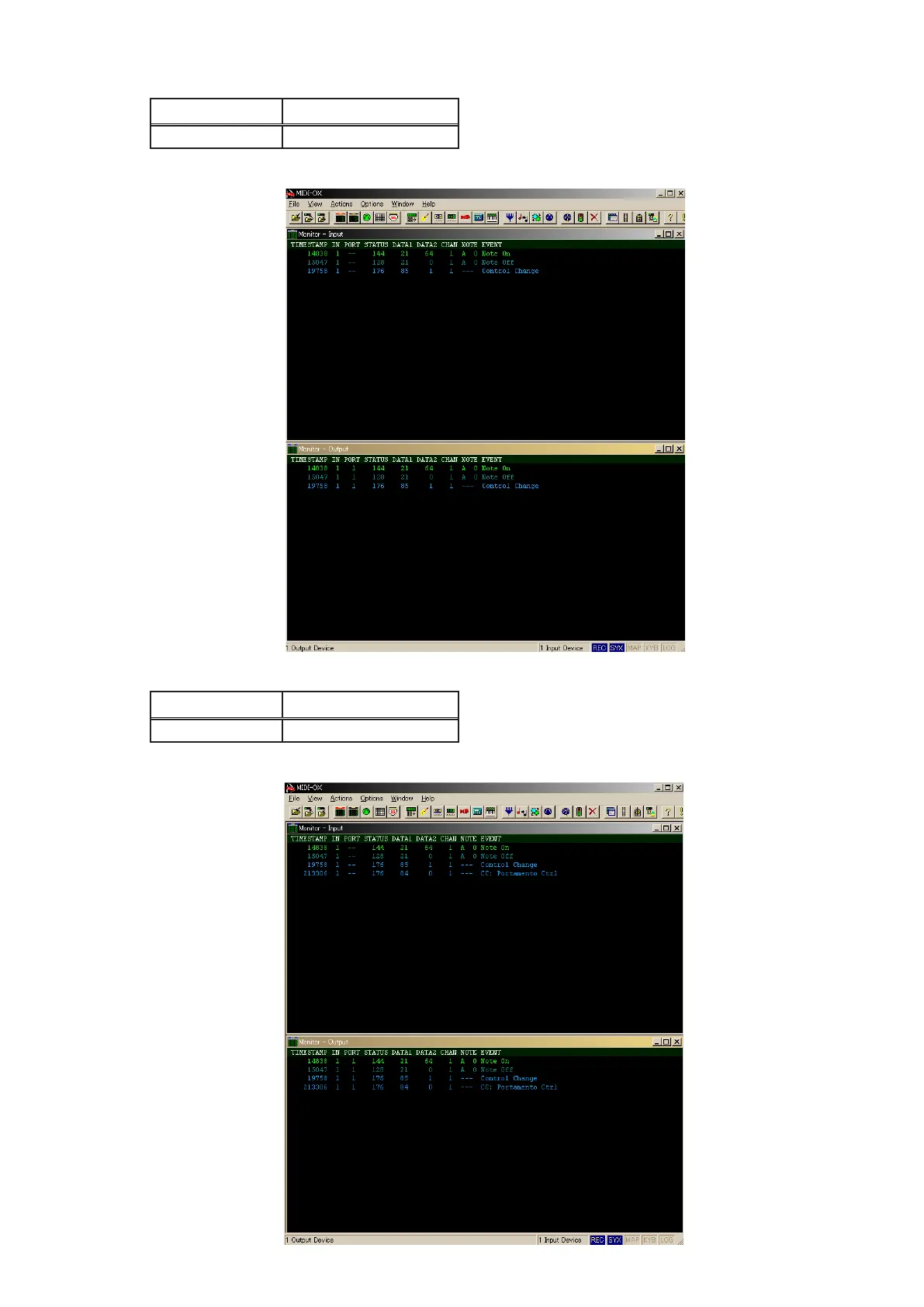
(4) Next, this is the screen display when the EFX.1 knob is moved either to the left or right.
Operated knob DATA1 column display
EFX.1 85
For details on the correspondence between operation on this unit and the contents of the screen display, see the
"MIDI command list" in the instruction manual.
(5) Next, this is the screen display when the TRACK SELECT knob on the unit is moved
1
click to the right.
Operated knob DATA1 column display
TRACK SELECT 84
For details on the correspondence between operation on this unit and the contents of the screen display, see the
"MIDI command list" in the instruction manual.



 To Next Page
 Loading...

