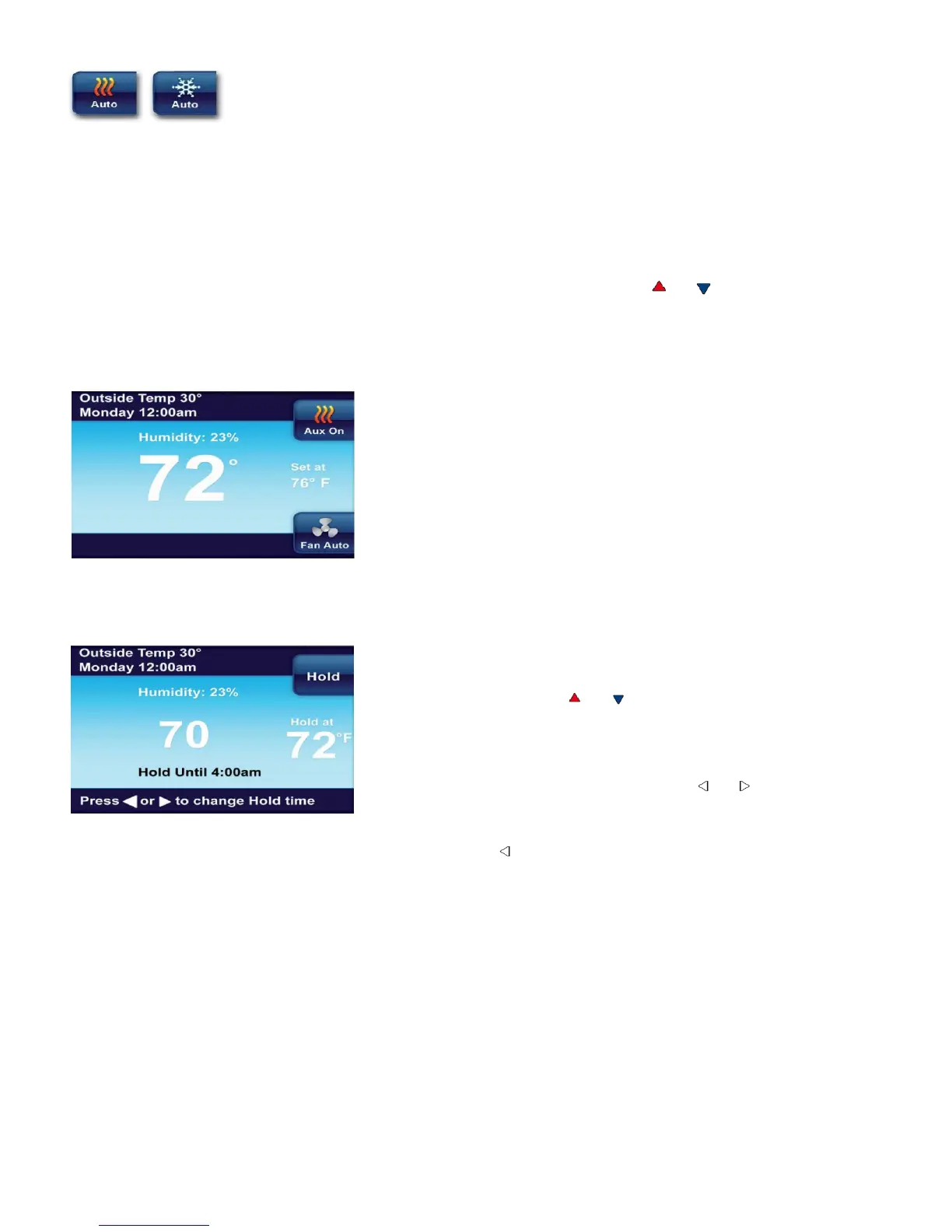
Auto Changeover is used where both heating and cooling may be required during
the same day. AUTO allows the thermostat to automatically select heating or cooling depending on
the indoor temperature and the selected heat and cool temperatures. This thermostat will not allow
you to program a conflict between Heating and Cooling setpoints.
For example: In the morning heating is required. During the day, the temperature gets warmer and
you want the air conditioner to run. The thermostat will automatically change the system mode from
heating to cooling.
The temperature you desire in your home can be changed by pressing or .
3.3 Auxiliary Heating (Heat pumps only)
If you have a heat pump, your system will automatically
activate Auxiliary Heating when the outside temperature is
too cold for the heat pump to efficiently heat your home.
When Auxiliary Heating is called for, the display will show
“Aux” with the Heat icon
3.4 Temporary Temperature Hold
You can temporarily adjust the temperature in your home
at any time while your thermostat is running a program by
pressing either the or . Your thermostat will maintain
this desired temperature for four hours (default). The
display will show “Hold at” by the desired temperature, and
“Hold Until” with the time the temporary hold will end. The
display will also briefly show “Press or to set the Hold
Time”. While this message is displayed, you can change
the time that you wish to have the Hold end.
Press the button to cancel a temporary hold. The
desired temperature will display the current program
setting.
11


 To Next Page