1.2 Navigating through the menus
Your thermostat features a simplified easy to understand menu structure. Navigating through any
menu in your thermostat uses the same approach.
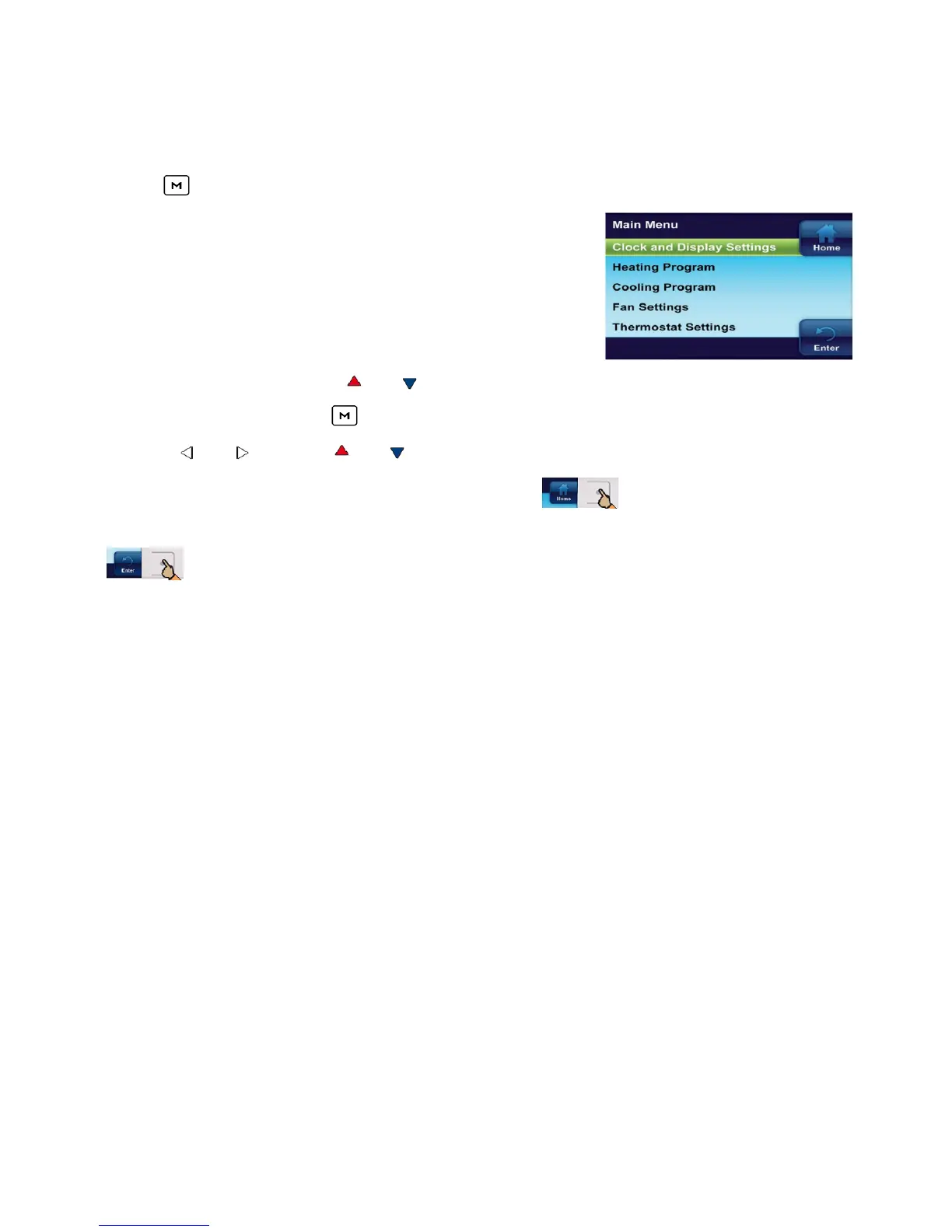
• Press to enter the Main Menu
The Main Menu lists the menus that access and set
thermostat operating options and programming.
• Highlight a menu item using or
• Enter the item by pressing
• Use the or and the or to change menu items and settings
• Press the Home button to display the Home Screen
• Press the Enter button to save any changes you have made and display the previous menu
• If no button is pressed for two minutes, you will return to the home screen without saving
changes
5


 To Next Page