4 Programming the thermostat
Note: It is recommended to disable the programming feature (section 3.5), or to program the same
temperature for every hour of every day to optimize the comfort and efficiency of the system.
4.1 Energy Saving Factory Pre-Program
The thermostat is programmed from the factory with the energy saving settings shown below for
every day of the week. If this program meets your needs, simply select either Cool, Heat or Auto
using the System button and press to begin program operation.
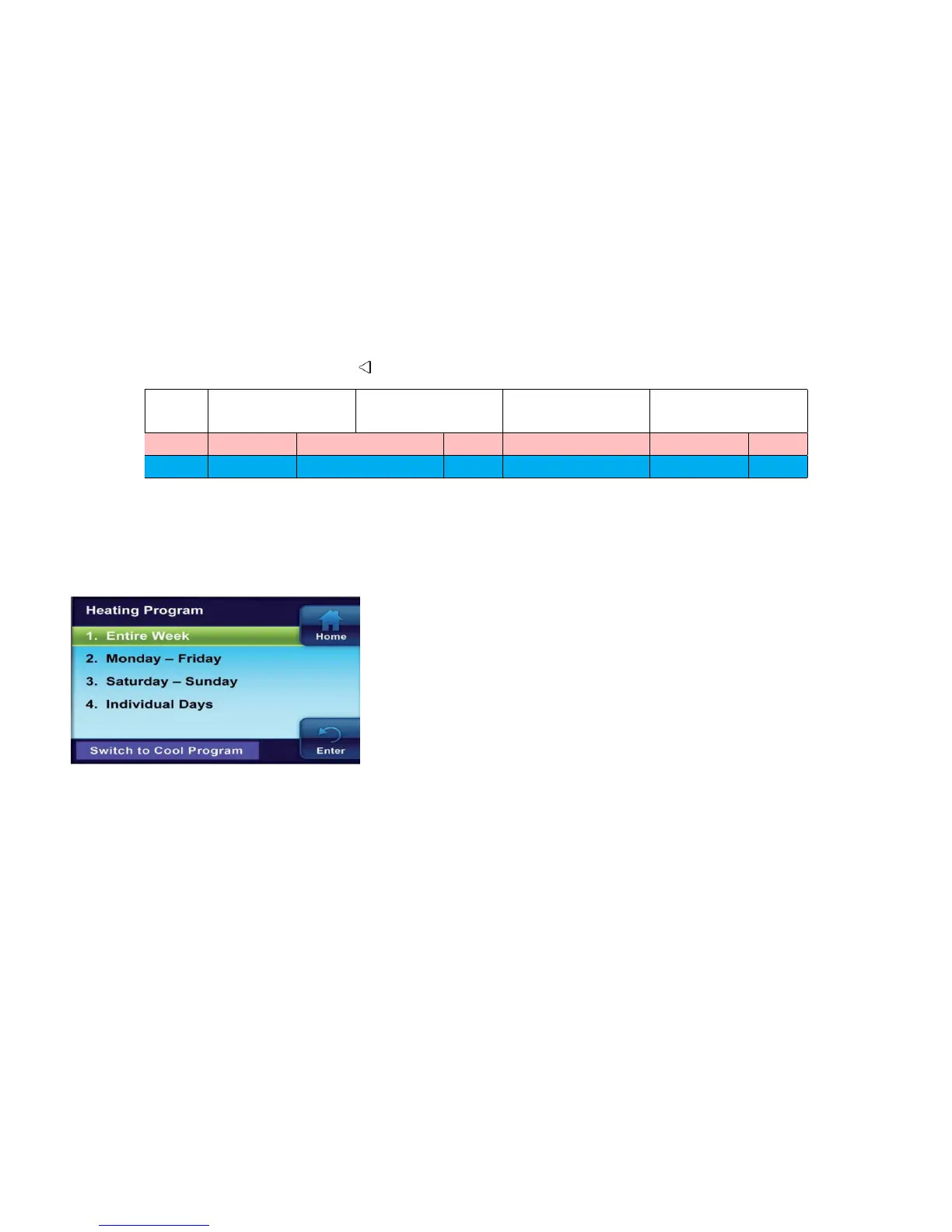
Wake Up Work Return Go to bed
( Morning ) ( Day ) ( Evening ) ( Night )
Heat 6:00 AM 70°F 8:00 AM 62°F 5:00 PM 70°F 10:00 PM 62°F
Cool 6:00 AM 75°F 8:00 AM 83°F 5:00 PM 75°F 10:00 PM 78°F
4.2 Planning your Program
Your thermostat can be programmed in different profiles.
• Entire Week (Every day will have the same program)
• Monday-Friday (Monday-Friday will have the same
program)
• Saturday-Sunday (Saturday-Sunday will have the
same program)
• Individual Days (Each day will have a separate
program)
Each day, or group of days, has four different time periods: Morning, Day, Evening and Night. Both
the Heating and Cooling Programs are programmed the same way.
Keep the following guidelines in mind when planning your program:
• In Heating, lower temperatures will save energy.
• In Cooling, higher temperatures will save energy.
• If you plan on using auto-changeover, do not program your heating temperatures higher than
your cooling temperatures.
18


 To Next Page