28 Network configuration
devolo dLAN 550+ WiFi
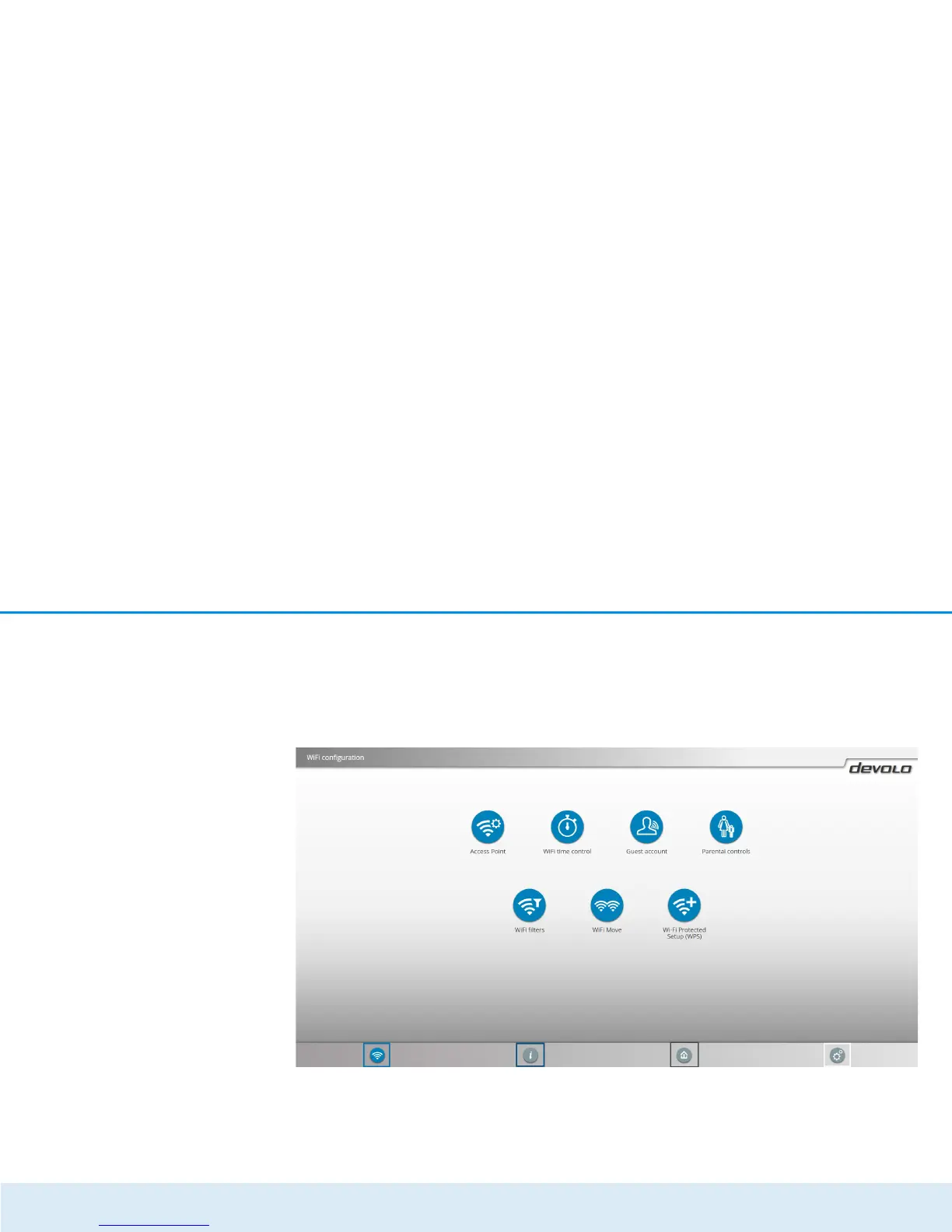
4.2 Menu description
All menu functions are described in the corresponding
interface as well as in the associated chapter in the ma-
nual. The sequence of the description in the manual
follows the structure of the menu.
The four central areas of the configuration interface are
displayed on the bottom edge of the screen. Click the
button of an area to move directly into it.













 To Next Page