Dexcom G4 User’s Guide | 17
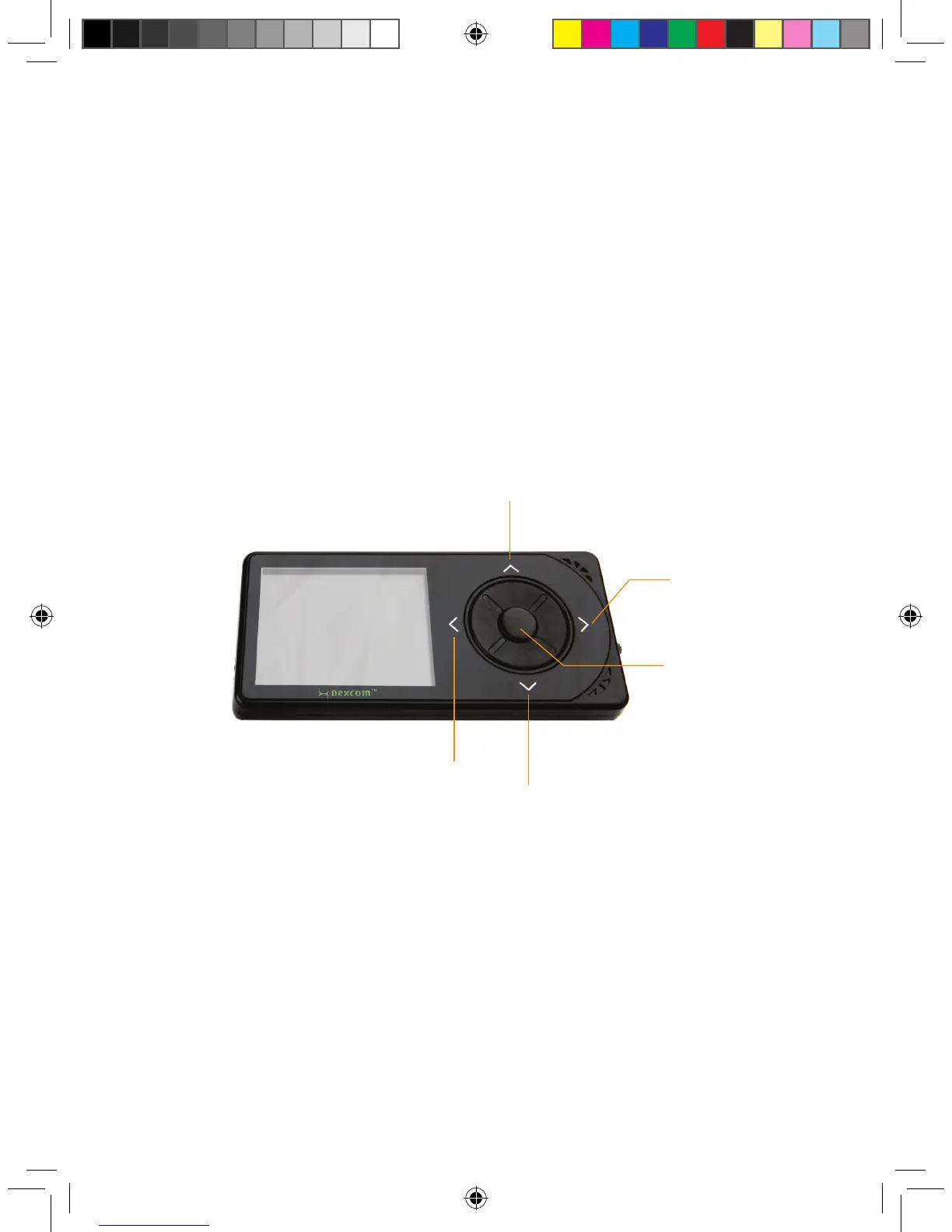
There are ve receiver buttons to move you through the display screens that
control setup and operation and allow you to change your receiver settings. The
screens display sensor glucose readings, trend graphs and trend arrows.
Your receiver and transmitter are wirelessly paired together to communicate
securely and only with each other.
You will need a commercially available blood glucose meter to use with your
system.
UP button
DOWN
button
SELECT button
RIGHT
button
LEFT
button



 To Next Page