Dexcom G4 User’s Guide | 73
6.2 ADVANCED ALERTS
In addition to your high and low alerts and alarm, the high and low snooze, rise
and fall rate and out of range alerts may be set. For any of these advanced
alerts follow the steps below.
1. Turn the receiver on by pressing the SELECT button.
2. Press the SELECT button to enter the main menu.
3. Press the UP or DOWN button to highlight “Alerts” and press the SELECT
button.
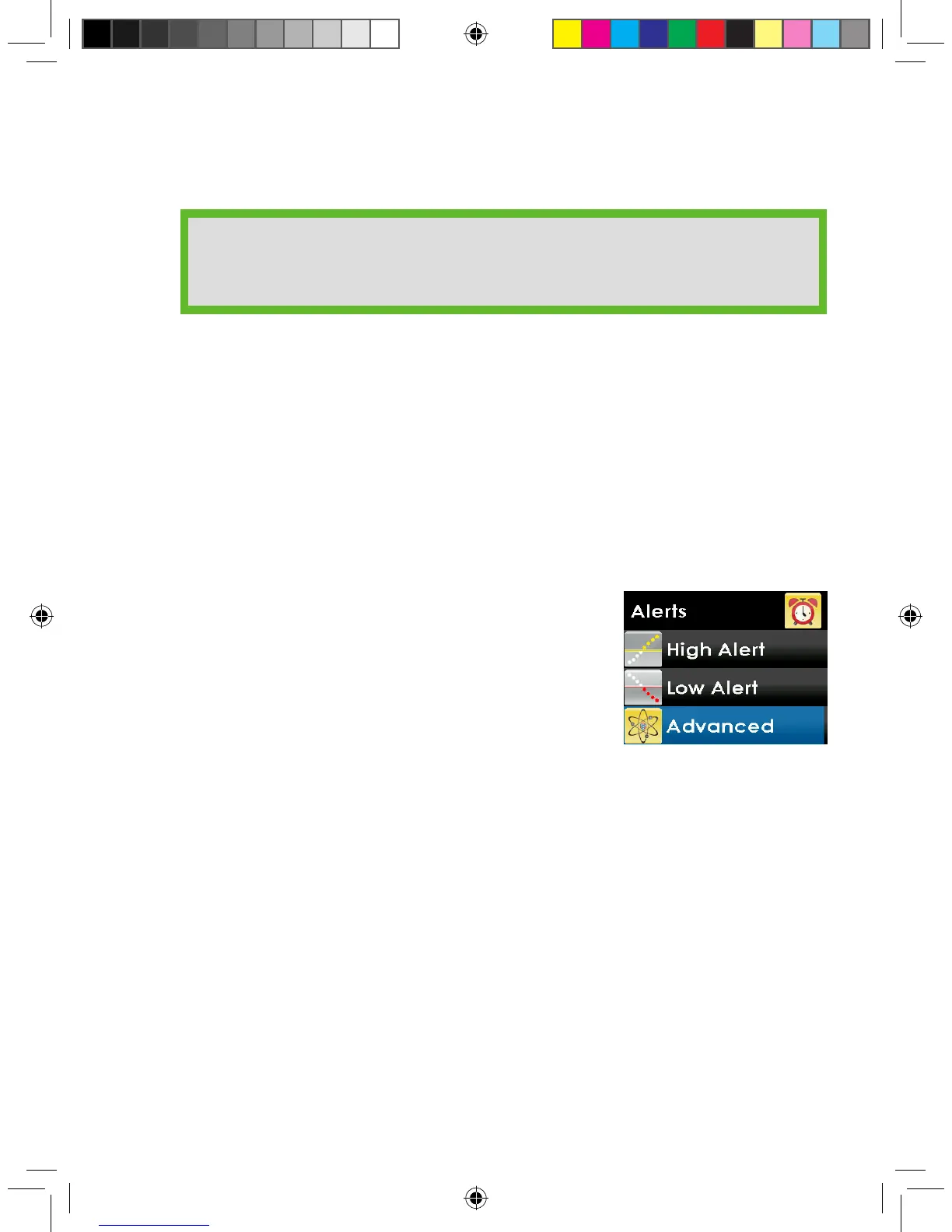
4. From the alerts menu, press the UP or DOWN
button to select “Advanced” and press the SELECT
button.
HELPFUL HINT:
• Alerts must be acknowledged by pressing the SELECT button on the
receiver.



 To Next Page