20 | Dexcom G4 Continuous Glucose Monitoring System
1
1.4.2 CHARGING YOUR RECEIVER BATTERY FROM A
WINDOWS COMPATIBLE COMPUTER
The Dexcom Studio software must be installed to charge your receiver
from a computer.
1. Plug the included USB cable into your computer.
2. Plug other end of the USB cable into the receiver.
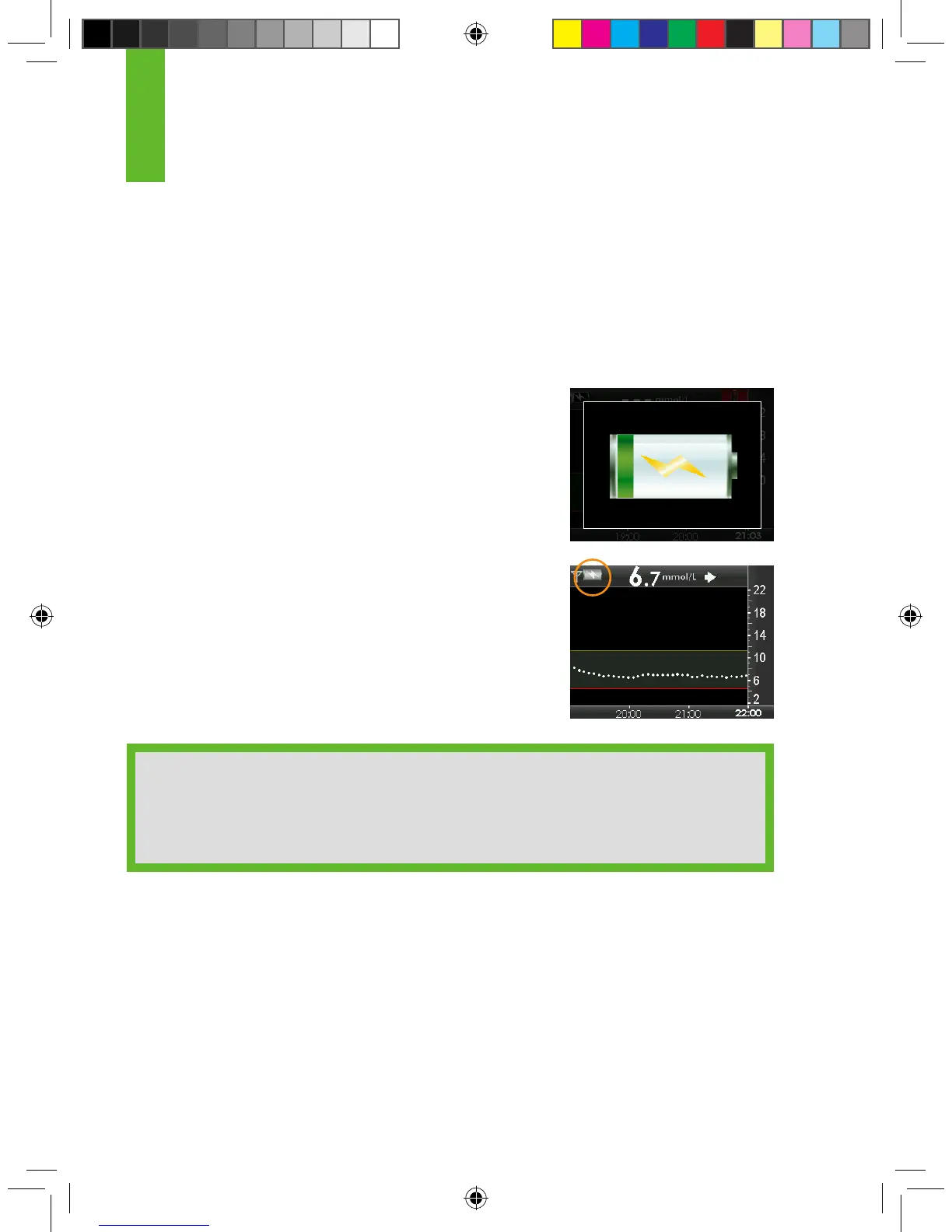
3. The battery charging screen will appear on the
receiver.
4. After a few seconds the trend graph will reappear
with the battery charging symbol shown in the
upper left corner.
HELPFUL HINT:
• Charge only from a USB port on your computer or the AC power
adapter. Do not use an external USB hub. An external USB hub may not
provide enough power to charge the receiver.



 To Next Page