74 | Dexcom G4 Continuous Glucose Monitoring System
6
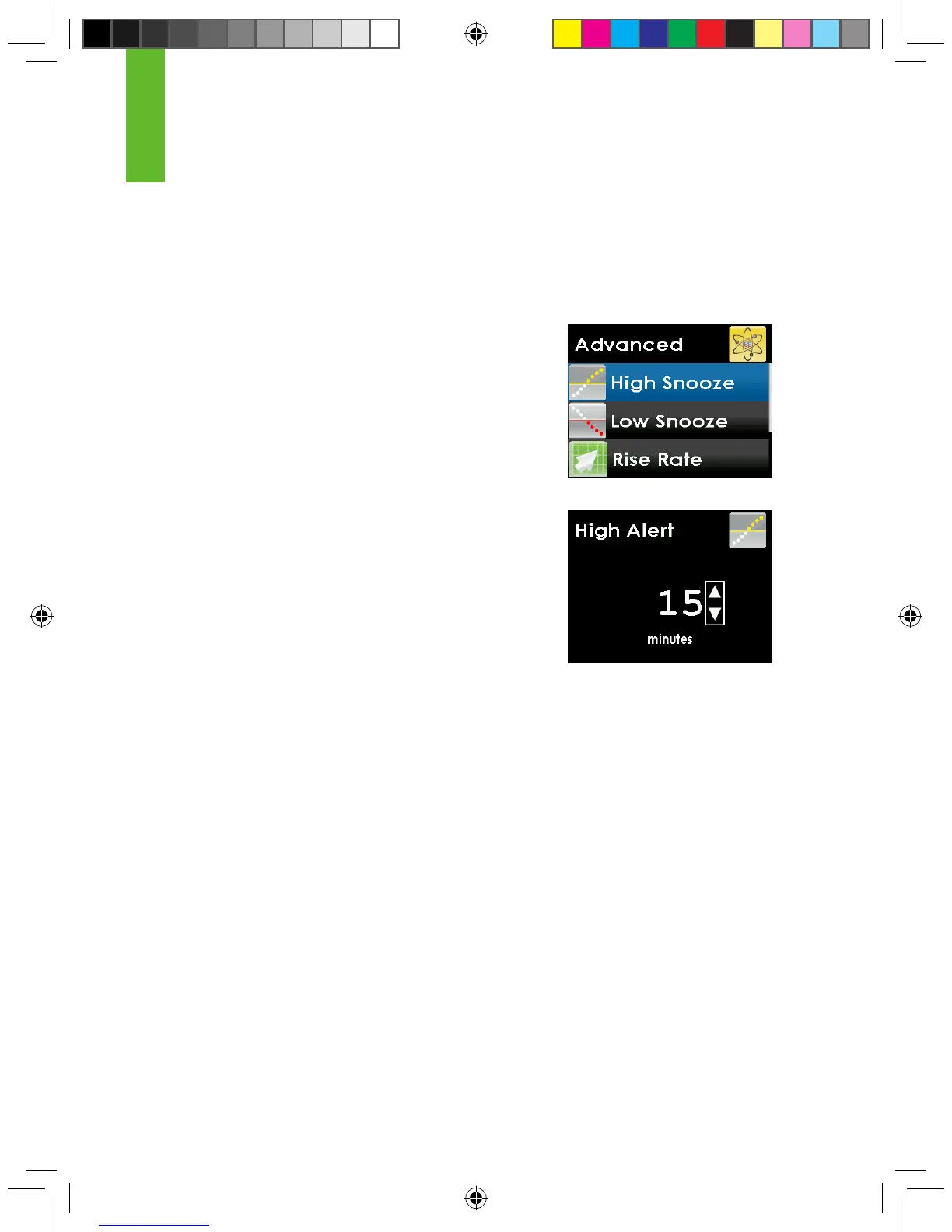
6.2.1 SETTING A SNOOZE TIME FOR YOUR HIGH AND LOW
GLUCOSE ALERTS
You have the option to set a snooze time, every 15 minutes for up to 5 hours, in
between your high and low glucose re-alerts.
1. Press the UP or DOWN button to choose “High
Snooze” or “Low Snooze” and press the SELECT
button.
2. Press the UP or DOWN button to select the
amount of time (in 15 minute increments) in
between the rst alert and re-alerts. Press the
SELECT button. If you set the amount of time to
zero there will be no re-alerts.
3. When nished, press the LEFT button to return to
the alerts menu.



 To Next Page