54 | Dexcom G4 Continuous Glucose Monitoring System
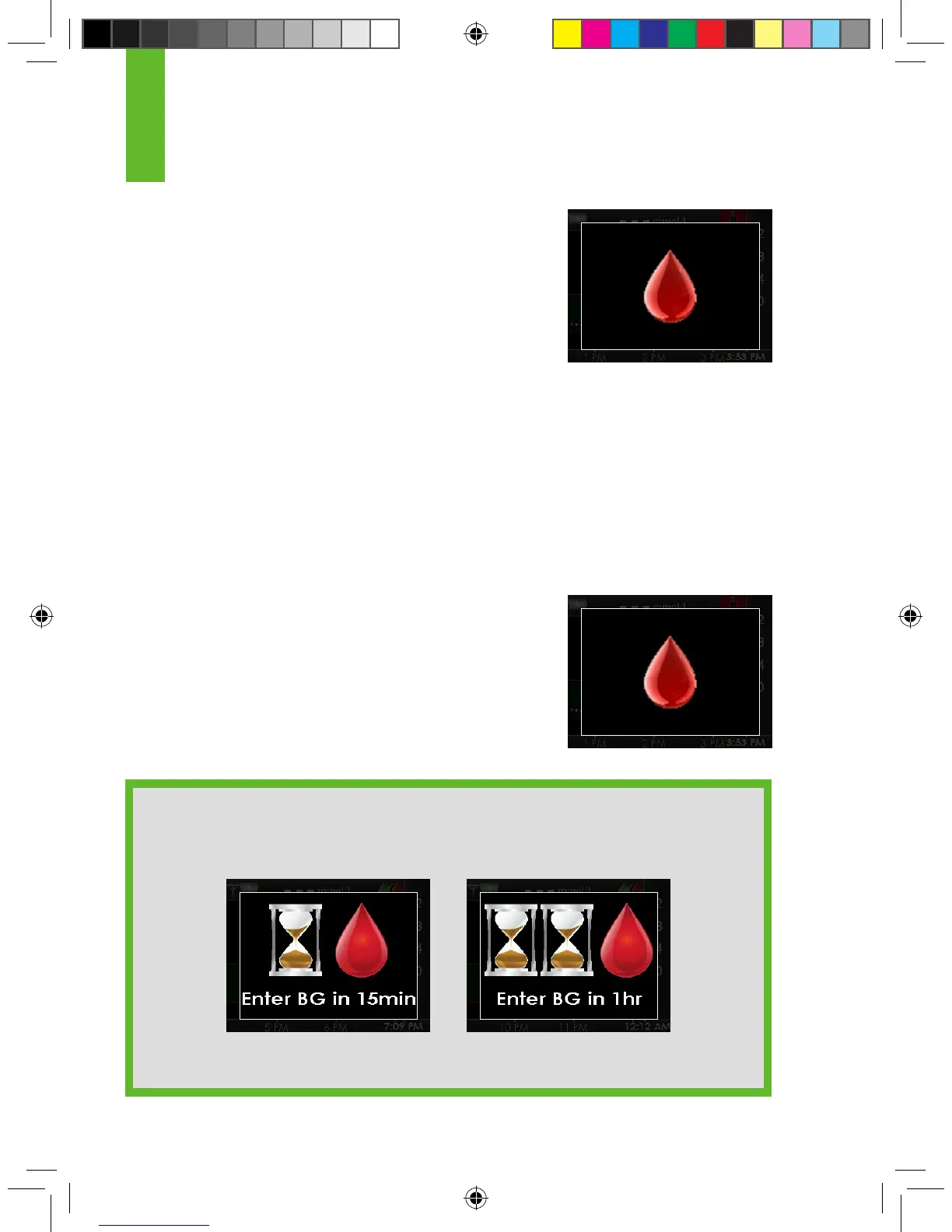
1. When you see this calibration prompt it means
it is time to calibrate with a single blood glucose
value. You can clear the prompt by pushing the
SELECT button. The system will re-alert you every
15 minutes until the receiver accepts the blood
glucose value.
2. Take 1 blood glucose measurement with your meter
and enter the blood glucose value into the receiver.
If this screen reappears shortly after you have entered a new blood glucose
value see Chapter 9, Section 9.2, Calibration Troubleshooting.
4
Calibration prompt
4.5 OTHER REASONS YOU MAY NEED TO CALIBRATE
• When your system did not accept the last calibration.
• When your blood glucose value is very different from the sensor glucose
reading.
1. When you see this calibration prompt it means it is
time to calibrate with a single blood glucose value.
2. Take 1 blood glucose measurement with your meter
and enter the blood glucose into the receiver. If this
screen reappears shortly after you have entered a
new blood glucose value see Chapter 9, Section
9.2.1, Types of Calibration Prompts.
HELPFUL HINT:
If you see these screens they are indicating calibration errors (see Chapter
9, Section 9.3, Calibration Error Troubleshooting).
15 minute calibration
error screen
1 hour calibration
error screen
Calibration prompt



 To Next Page