78 | Dexcom G4 Continuous Glucose Monitoring System
6
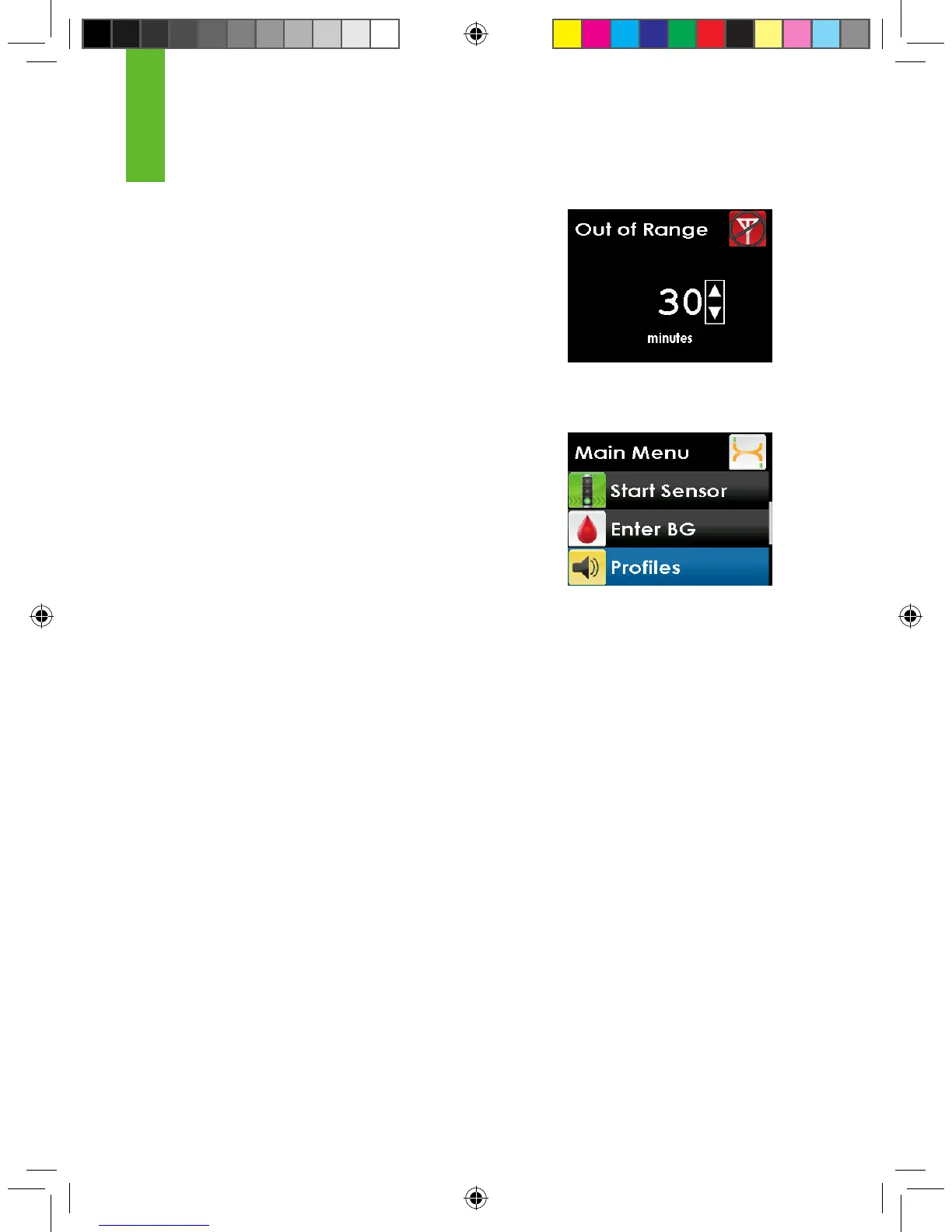
4. Press the UP or DOWN button to choose the
elapsed time, after which the receiver will alert you
and continue to re-alert you until you are back in
range. Press the SELECT button.
5. When nished, press the LEFT button to return to
the alerts menu.
6.3 ALERT PROFILES
The Dexcom G4 System allows you to set proles
to choose the way you want your alerts to behave.
This customizable feature is found under the Proles
option on the Main Menu shown to the right.
You can set your prole to the sound pattern and
the volume level that best ts your lifestyle needs.
Depending on your daily activities, you can quickly
and easily change the way your system alerts you by
changing your prole settings.
Your prole options are:
1. Vibrate
2. Soft
3. Normal
4. Attentive
5. HypoRepeat
For each prole option you will rst be alerted by a vibration.
When you choose your prole setting it is important to know this setting will
apply to all alerts, alarms and prompts. Within each prole setting each specic
alert will have its own unique sound pattern, tone and volume level. This allows
you to easily identify each alert and alarm and its meaning.



 To Next Page