Dexcom G4 User’s Guide | 27
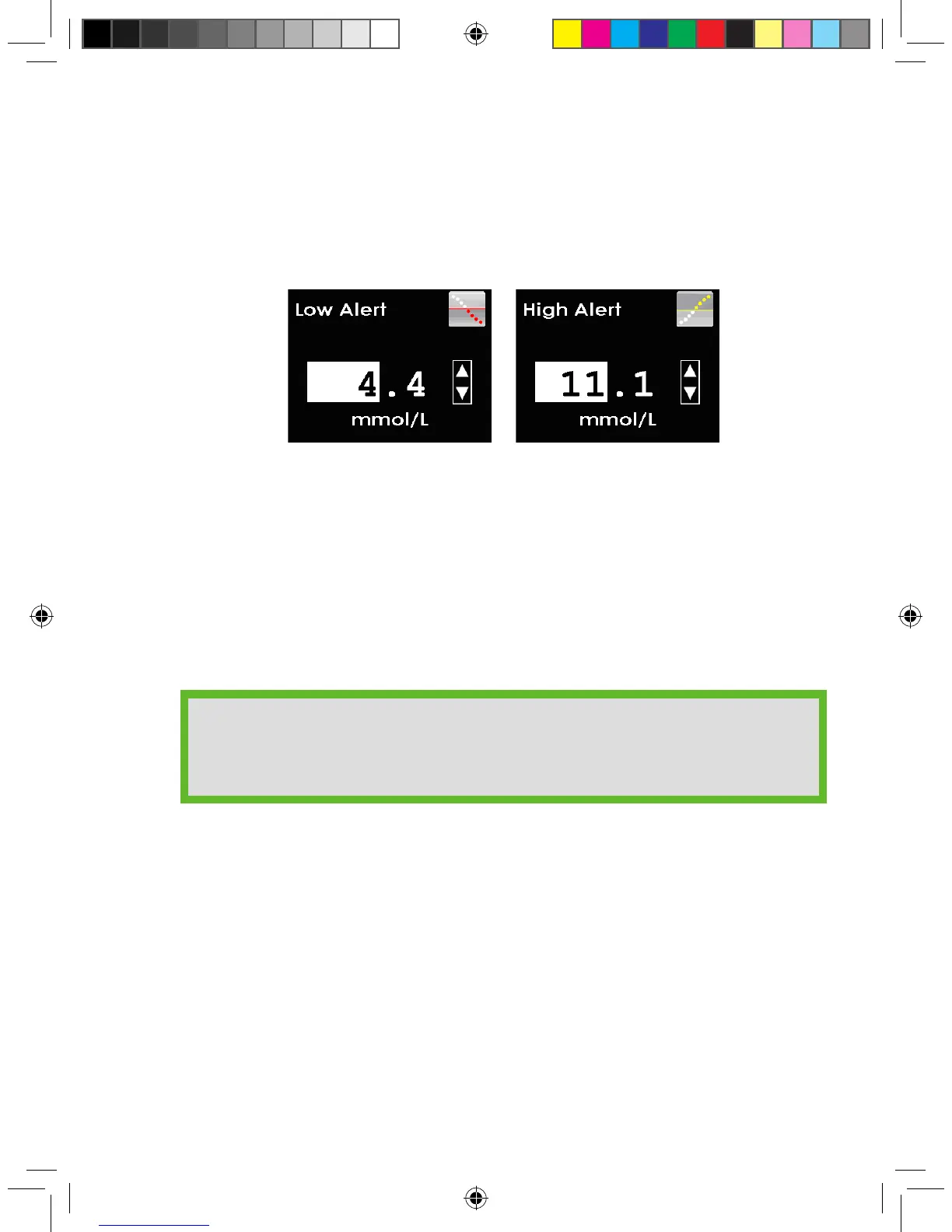
e. Set your low and high glucose alert values. Your low and high glucose
alerts are pre-set to 4.4 mmol/L and 11.1 mmol/L, but can be changed to
meet your needs.
• Press the UP or DOWN button to select your desired alert value. Changes
can be made in increments of 0.1 mmol/L.
• Press the SELECT button to conrm your preferred alert value.
The Setup Wizard is now complete. To begin using your Dexcom G4 CGM
System you will need to insert a sensor (see Chapter 3, Inserting a Sensor and
Starting a Sensor Session).
HELPFUL HINTS:
• You can also change your alert values in the alerts menu.
• The unit of measure (mmol/L) is not adjustable.



 To Next Page