Dexcom G4 User’s Guide | 41
3. With one hand, you may want to pinch up on your skin at the front edge of the
white adhesive.
a. Place one nger on the transmitter to keep it in place while securing the
transmitter into the sensor pod.
b. Pull the transmitter latch over the
transmitter to snap the transmitter into
place. The transmitter should lie at in the
sensor pod. You should hear 2 “clicks.” If
you do not hear 2 “clicks,” the transmitter
might not be fully snapped in. You can release your pinch on the adhesive
edge at this time.
c. Make sure the transmitter is secure by sliding your rst and second ngers
under the sensor pod wings and press down on the transmitter with your thumb.
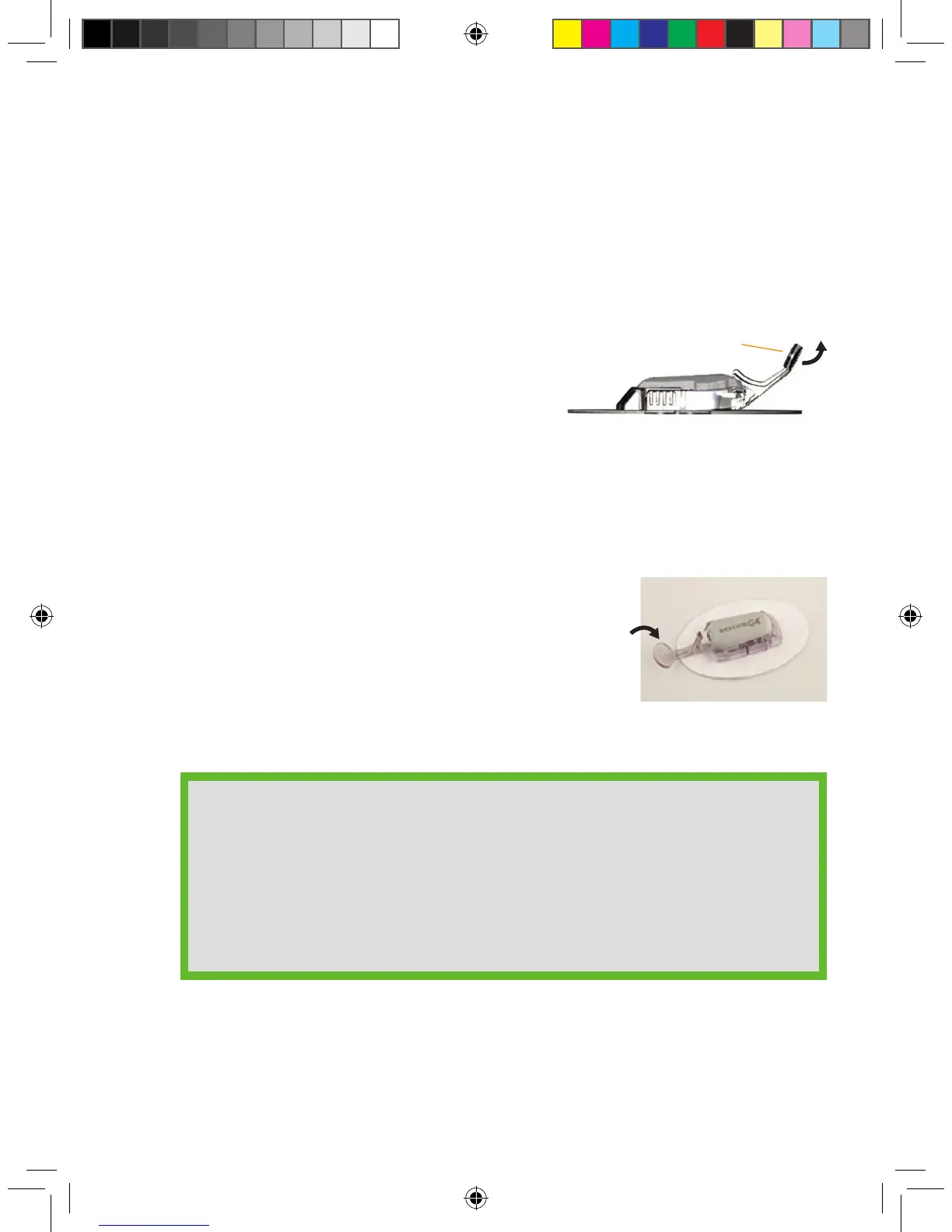
4. Hold the transmitter in place with one hand. Using
your other hand, remove the transmitter latch by
holding the end of the latch and quickly twisting off
the latch away from your body.
HELPFUL HINTS:
• Make sure you hear 2 clicks when you snap the transmitter in place (see
Step 3). Failing to seat the transmitter completely may lead to a poor
sensor connection and allow uids to get under the transmitter. This can
lead to inaccurate sensor glucose readings.
• Do not remove the transmitter from the sensor pod while the pod is
attached to your skin.
Remove transmitter
latch
Transmitter latch



 To Next Page