Dexcom ONE User Guide
26
Alerts
Receiver
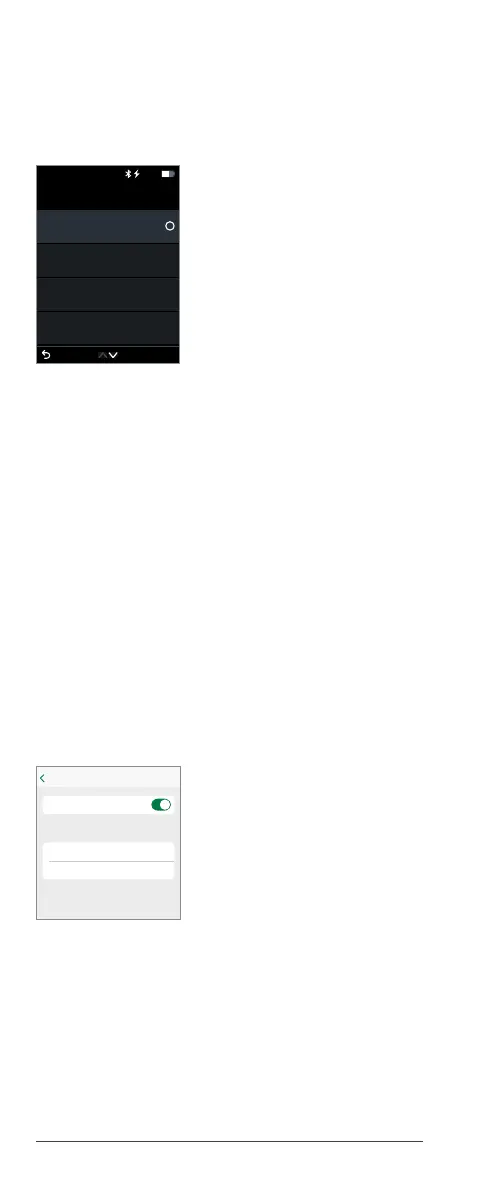
1. Go to Menu > Settings > Alerts.
2. Select the alert you want to set.
3. Follow the screen prompts.
Receiver alert settings
• Dexcom ONE alerts will NOT override your
receiver settings.
• If your receiver is set to vibrate, you will NOT
hear high or low glucose alerts.
• Check your receiver sound settings: Go to Menu
> Settings > Alert Sounds.
• Turn on receiver sound to hear alerts.
Customizing alert sounds
App
Tap Tone in an alert menu to choose a different
sound for that alert.
Back
Off
Low
Off
High
Off
Signal Loss
Off
Brief Sensor Issue
Alerts
Alerts you when your sensor reading is at or below
the set level. It's the red line on the glucose graph.
Level
3.9 mmol/L
Tone
Low (Default)
Low
Dexcom ONE alerts will not override your
phone settings.
You will NOT hear or feel alerts if your
phone is set to silent.
Low Alert
Alerts



 To Next Page