Dexcom ONE User Guide
79
Professional use instructions
c. Rinse and dry
• Rinse: Remove from soak and rinse
transmitter under flowing cold tap water for
10 seconds
• Dry: Wipe transmitter dry with cloth
H.3 Explain to patient what
Dexcom ONE is and how it
works
This table shows you what to explain to your
patients and lets you know where you can
find patient-centered information to help them
understand.
Explain Show
What CGM is
Go to Start Here guide’s How
It Works section
Dexcom ONE
Components
Go to Start Here guide’s
Overview section
H.4 Set up Dexcom ONE with
patient
Set up system with patients
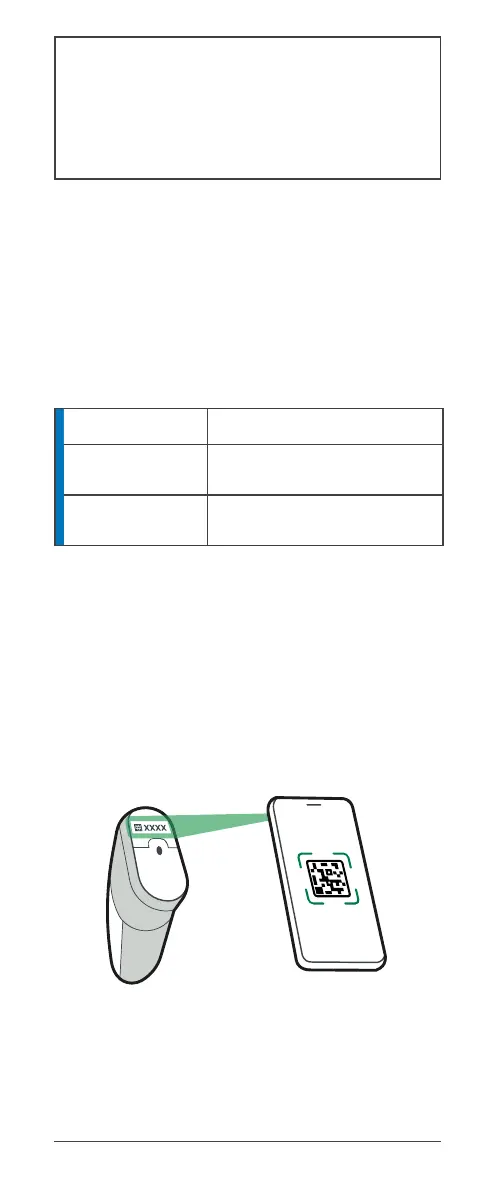
With your patient, follow the setup instructions in
Start Here to set up the app or receiver.
Be sure to enter the Sensor Code found on the
applicator adhesive backing.
The setup instructions include inserting the sensor
and attaching the transmitter.



 To Next Page