Dexcom ONE User Guide
25
Alerts
4.2 Turn on alerts
Dexcom ONE gives you the option of turning on
alerts when you set up your system. You just follow
the prompts on your screen. You can also turn on or
change your alerts after setup.
App
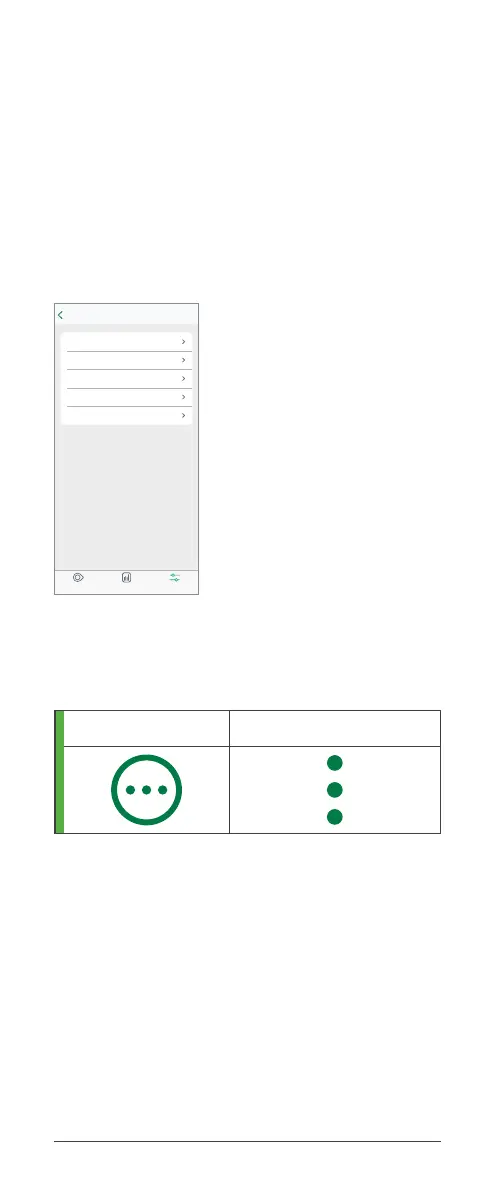
1. Go to Settings > Alerts.
2. Tap the alert you want to set.
3. Follow the screen prompts.
You can also turn on or adjust your Low Alert and
High Alert by tapping the More icon in the top-right
corner of your trend graph.
iOS Android
App alert settings
• Dexcom ONE alerts will NOT override your
smartphone’s settings. You will NOT hear high
or low glucose alerts if your smartphone is set
to silent (sound is off). Check your smartphone’s
settings, or you may miss an alert.
• Alert vibrations feel the same as notifications
you get from other apps on your smartphone.
The only way to know if it is from Dexcom ONE
is to look at your smartphone.
SettingsReportsGlucose
Low
Off
High
Off
Signal Loss
Off
Brief Sensor Issue
Off
Technical Alerts
On
Dexcom ONE alerts will not override your
phone settings.
You will NOT hear or feel alerts if your
phone is set to silent.
Alerts
Settings



 To Next Page