www.dfi .com
20
Chapter 2 Hardware Installation
Chapter 2
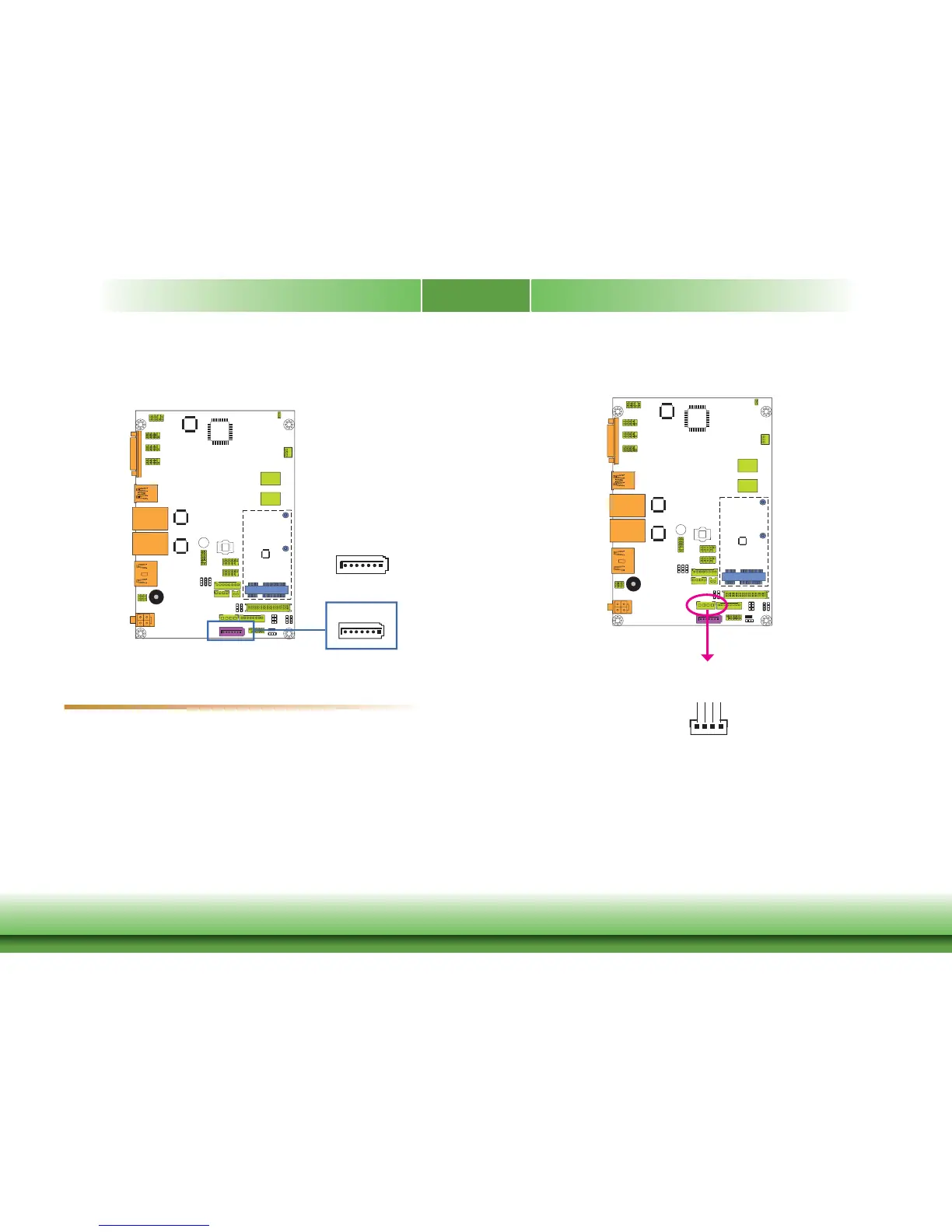
SATA (Serial ATA) Connector
• 1 Serial ATA 2.0 port with data transfer rate up to 3Gb/s
• Integrated Advanced Host Controller Interface (AHCI) controller
The Serial ATA connector is used to connect the Serial ATA device. Connect one end of the Se-
rial ATA data cable to a SATA connector and the other end to your Serial ATA device.
BIOS Setting
Configure the Serial ATA drive in the Advanced menu (“SATA Configuration” submenu) of the
BIOS. Refer to chapter 3 for more information.
Features
SATA (Serial ATA) Power Connector
The SATA power connector supplies power to the SATA drive. Connect one end of the provided
power cable to the SATA power connector and the other end to your storage device.
+12V
+5V
Ground
Ground
4
1
SATA 0
7
RXN
GND
TXP
TXN
GND
1
RXP
GND
SATA
Power
SATA 2.0 3Gb/s



 To Next Page