Chapter 7 - Install Windows 7 64-bit into SD and eMMC Storage Devices
Testing Environment
Platform: BT553 with 16G eMMC
BIOS: 5A.16A
Driver: BT-Series_1.0.2.0.0 (Demo)
OS: Windows 7 64bit SP1 Ultimate
Advanced Preparation
• Windows 7 64bit SP1 ISO image file
• Windows 7 IO Atom E3800 MR3 Driver
• Bay Trail Chipset Driver (It is included in Bay Trail Driver CD.)
• Windows6.1-KB2732471-v2-x64.msu (It is included in Bay Trail Driver CD.)
Obtain the Revised storport.sys and iaiosd Folder
1. Install Windows 7 64bit SP1 into the BT553 system board.
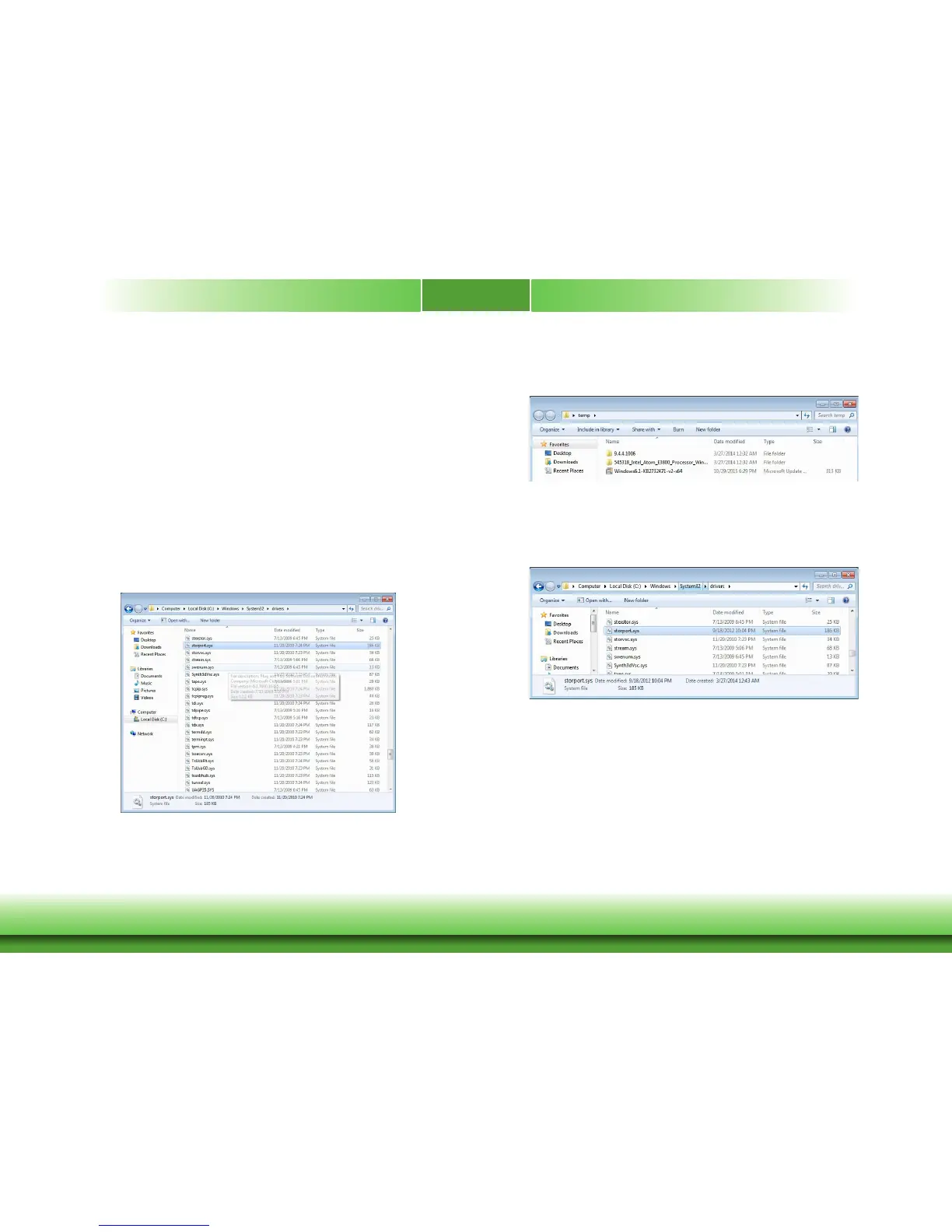
2. After Windows 7 64bit SP1 is installed, you need to check the original file date of storport.
sys in the file path: C->Windows->System32->driver.
3. Then, install Chipset Driver, IO Driver, and Windows6.1-KB2732471-v2-x64.msu into OS and
reboot your computer.
4. Check whether the file date of storport.sys is changed to 2012/9/18 10:04pm. If the date is
changed, you can copy this file from the folder.
5. When operating the BT553 system board, you can copy the iaiosd folder in the file path: C:\
Program Files (x86)\Intel\Intel Processor Win7 IO Drivers 64Bit\ or copy the whole folder of
Intel Processor Win7 IO Drivers 64Bit.



 To Next Page