www.dfi .com
51
Chapter 4 Supported Software
Chapter 4
Adobe Acrobat Reader 9.3
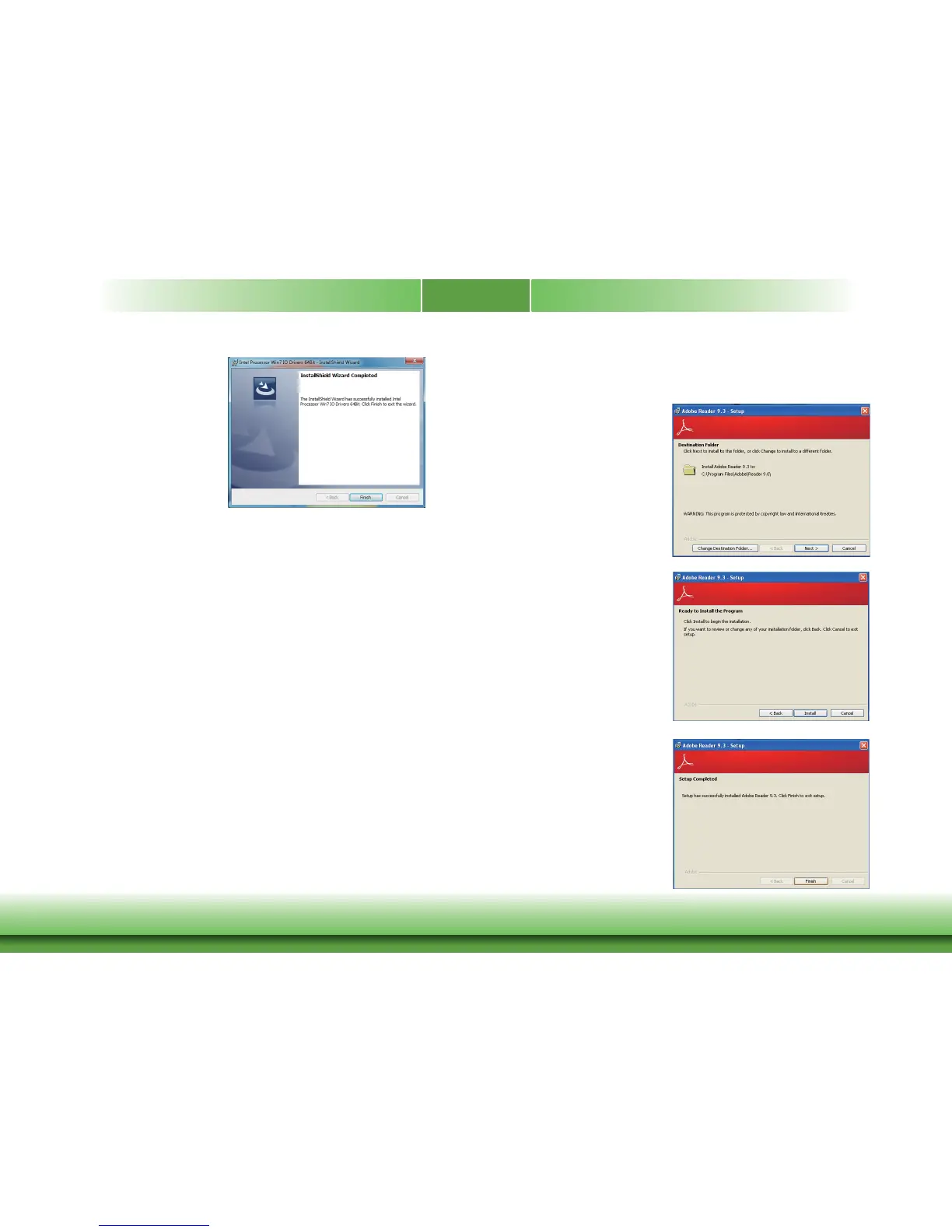
To install the reader, click “Adobe Acrobat Reader 9.3” on the main menu.
1. Click Next to install or click
Change Destination Folder to
select another folder.
2. Click Install to begin installation.
3. Click Finish to exit installation.
5. The installation has been com-
pleted successfully. Click “Finish“
to exit the wizard.



 To Next Page