Celeris User Manual
14770-A || ECN # 844 || ECN Date: 28 July 2017 Page 18 of 23
Creating and Modifying Protocols
Each Celeris comes with a pre-programmed list of protocols. When creating new protocols, Diagnosys strongly
recommends using an existing similar protocol as a template, making a Copy of the protocol using the Copy
button from the protocol selection page, and Modifying it to suit your needs.
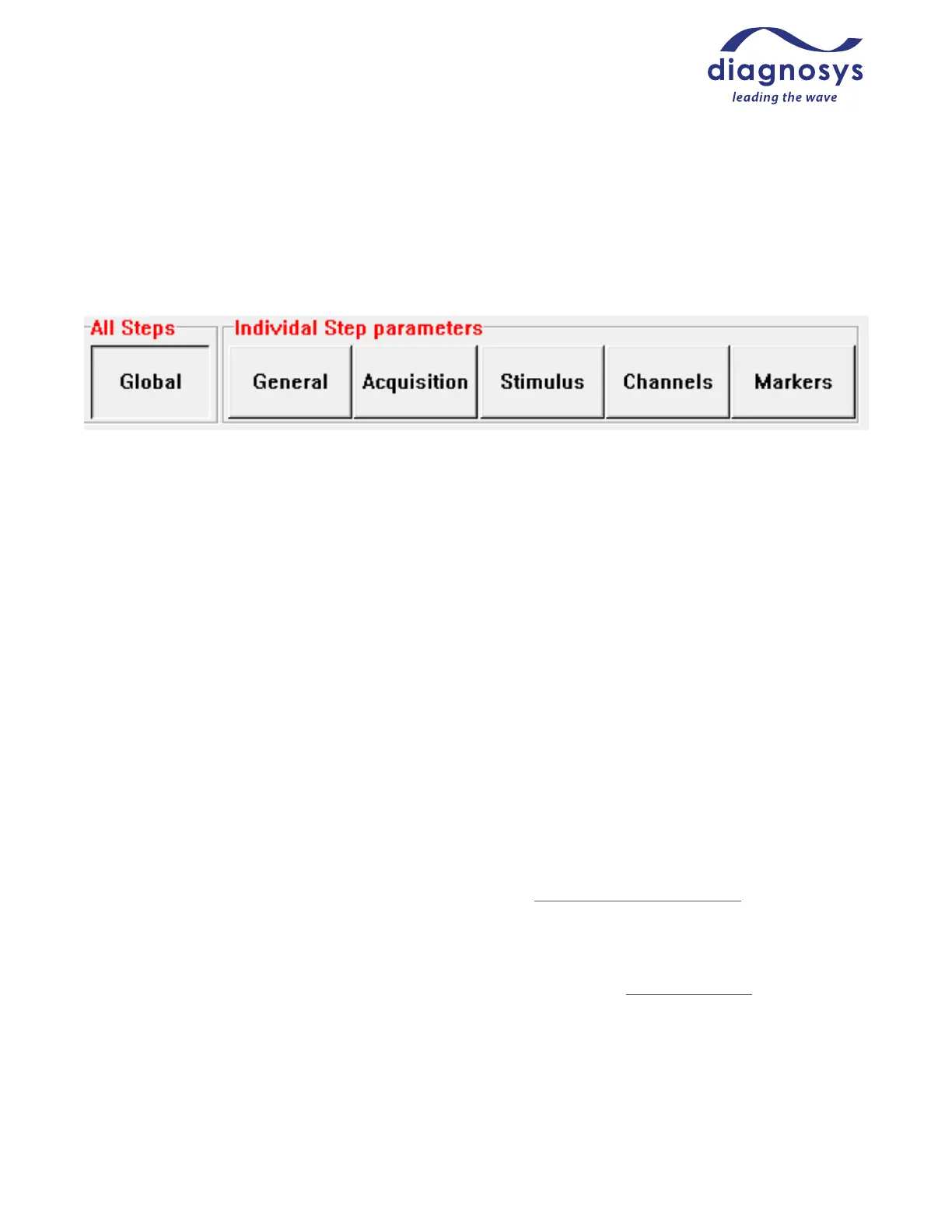
Figure 29 - Protocol parameter categories
Global parameters affect all steps. This includes whether a step is automatically sequenced or requires the
operator move from step to step manually; screen display options; default printer and export options. All other
parameters affect only the step currently selected at left.
General parameters include information such as the name of the step; how many results (averages) are taken
per step; whether there is an adaption timer associated with that step; and if the stimulation alternates eyes
between sweeps.
Acquisition parameters include how many data points are taken per second, and how long the system records
both before and after the flash.
Stimulus parameters include items such as flash color, flash intensity, background color and background
intensity. Waveform stimuli such as sawtooth stimuli, sine waves, or square waves are also available.
Channels allows you to set high and low bandpass filters, which eye is associated with each channel, and virtual
channels (digital copies of input channels that can be filtered in different ways).
Markers allow you to set up markers for each individual step, including the automatic placement algorithm and
whether the marker reports the absolute value or a value relative to the location of another marker.
Additional protocols, or help in customizing them, can be had by contacting Diagnosys support or found on the
Diagnosys webpage.
Calibration, Cleaning, Disinfection, and Storage
Calibration by end users is not possible. To calibrate your Celeris stimulators, contact Diagnosys. Diagnosys
recommends calibrating stimulators on an annual basis.
To clean the Celeris console, spray with isopropyl alcohol or other disinfection solution and wipe dry.
Alternatively, disinfectant wipes may be used.
Caution: improper cleaning may lead to damage of the electrode!



 To Next Page