Celeris User Manual
14770-A || ECN # 844 || ECN Date: 28 July 2017 Page 19 of 23
Cleaning Full-field Stimulator Electrodes
Place the tip of the stimulator under warm running water to loosen the hypromellose solution. An alcohol wipe,
Kimwipe, or moistened cotton-tipped applicator may be used with care to remove the solution from both the
cup and the rim of the electrode. Be careful not to apply too much pressure as this may lift or bend the silver,
rendering the stimulator inoperable and increasing the likelihood of inducing a corneal abrasion. See the
Diagnosys website for a video demonstration of best practices for cleaning this electrode.
Figure 30 - a clean stimulator Figure 31 - a stimulator crusted over with hypermellose solution
Cleaning Pattern Stimulator Electrodes
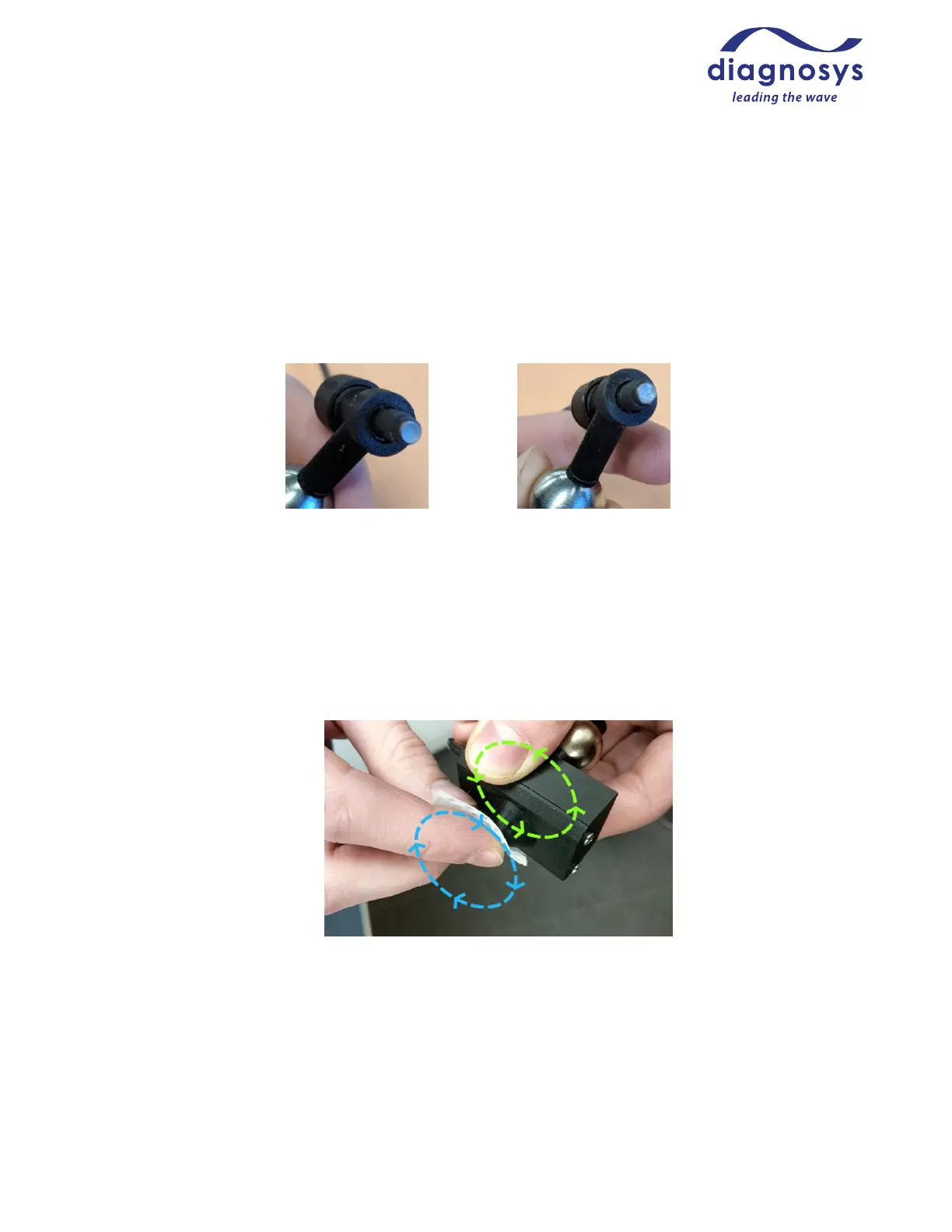
The cone of the pattern stimulator is very delicate and care must be taken when cleaning! Place the tip of the
stimulator under warm running water to loosen the hypromellose solution. An alcohol wipe, Kimwipe, or
moistened cotton-tipped applicator may be used with care to remove the solution from the cup of the electrode.
Use a twisting, not circular motion to remove solution from the tip of the stimulator. A video demonstrating
good cleaning practices can be found on the Diagnosys website.
Local Configuration Settings
Configure System, accessible from the launch page of the software, permits operators to customize the
configuration of their Celeris system. Most of the Configure System parameters are factory settings, and users
should not change settings they are unsure of. Local configuration settings are stored in the ESLOCAL.INI file in
the Celeris software directory, and Diagnosys recommends making a backup of this file before making any
changes to Configure System parameters.



 To Next Page